

Apple has released macOS 27 Golden Gate, its latest software update for Mac. The update is available from September 14 and brings Siri AI, Apple Intelligence features, design changes and improvements to everyday apps.
Before you install it, check whether your Mac is supported and make a backup. Here is what you need to know about the macOS 27 update.
What is new in macOS 27 Golden Gate?
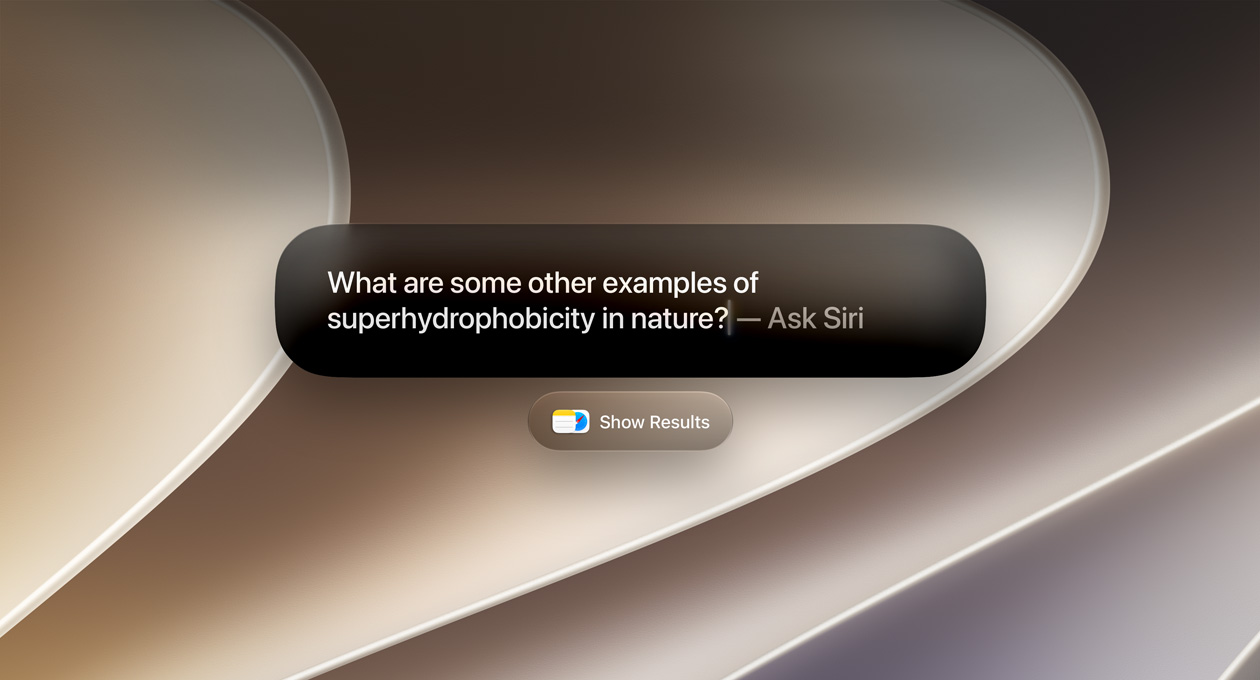
The biggest change is Siri AI. Apple says the new assistant can handle more natural conversations, understand personal context and take actions across supported apps. Siri AI is rolling out in English first, and some features may depend on language, device and region.
macOS 27 also adds Apple Intelligence features to Safari, Photos, Mail and Messages. You can use Visual Intelligence to learn more about items on your screen, create shortcuts with a description and use improved tools for editing photos.

macOS 27 compatible Macs
macOS 27 supports Macs with Apple silicon across these ranges:
- MacBook Neo from 2026
- MacBook Air with Apple silicon from 2020 onwards
- MacBook Pro with Apple silicon from 2020 onwards
- iMac with Apple silicon from 2021 onwards
- Mac mini with Apple silicon from 2020 onwards
- Mac Studio from 2022 onwards
- Mac Pro with Apple silicon from 2023
If you are unsure which Mac you have, click the Apple menu, choose About This Mac and check the model information.
How to install macOS 27 Golden Gate
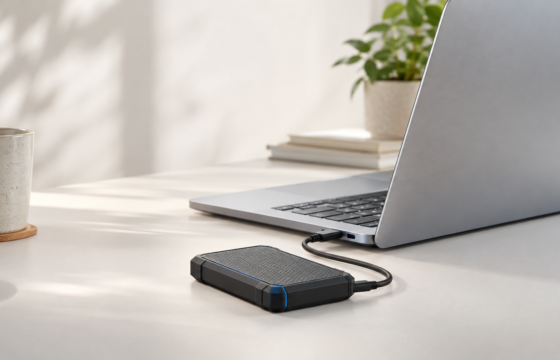
- Back up your Mac using Time Machine or another backup method.
- Connect your Mac to power and use a stable internet connection.
- Open System Settings.
- Click General, then Software Update.
- Choose Upgrade or Update beside macOS 27 Golden Gate.
- Follow the instructions and allow your Mac to restart.
The update may take some time, especially on older Apple silicon Macs. Keep enough free storage available and avoid closing the lid or disconnecting power during installation.
Should you install macOS 27 now?
If your Mac is supported and you need the latest security updates, installing macOS 27 makes sense. Users who rely on specialist work apps, audio tools or older accessories should check compatibility before updating.
My advice is to back up first, install the update when you have time to troubleshoot and wait a few days if your Mac is essential for work. The new Siri AI features are interesting, but the more useful improvements may be faster search, updated Safari tools, better Mail results and design refinements.

macOS 27 Golden Gate update: final word
macOS 27 Golden Gate is a worthwhile update for supported Macs, especially if you want Apple Intelligence and the new Siri AI experience. Check your model, create a backup and install it from Software Update when you are ready.
- SourceApple macOS 27 features





One response to “macOS 27 Golden Gate Update: Compatible Macs, New Features and How to Install”
[…] you are still getting used to the update, read our macOS 27 Golden Gate update guide for compatible Macs, the headline features and the safest way to install […]