

Google’s September 2026 Pixel Watch update adds more one-handed gestures and improves Raise to Talk on newer watches. The changes are useful, but the model split matters: the expanded gestures start with Pixel Watch 3, while the Raise to Talk update is for Pixel Watch 4.

Which Pixel Watch gets each feature?
- Pixel Watch 2, 3 and 4: eligible for the September software update, though features vary by generation.
- Pixel Watch 3 and newer: expanded one-handed gestures, including more double-pinch actions and wrist-turn Back.
- Pixel Watch 4: the September improvements to Raise to Talk.
Updates can arrive in stages, so the feature may not appear on every watch at once. Google’s support pages have the current device and software requirements.
Check for the update
- On the watch, open Settings.
- Tap System, then System updates.
- Install the update if it is available. Keep the watch charged during installation.
Afterward, check the feature’s own settings. Installing the update does not necessarily turn every gesture on automatically.
Set up Raise to Talk on Pixel Watch 4

Raise to Talk brings Gemini up when you lift the watch toward your mouth. To enable it, open Settings > Gestures and switch on Raise to talk. Raise the watch close to your mouth and wait for the listening cue before speaking. Google’s help page lists the compatible watch, phone and software requirements, so check it if the option is missing.


Use the new one-handed gestures

Double-pinch uses two taps of your thumb and index finger to control parts of the watch without touching the screen. Google lists support for actions such as opening At a Glance or notifications, scrolling a Gemini response, moving through Wallet cards and workout metrics, changing Maps views, and controlling Recorder.
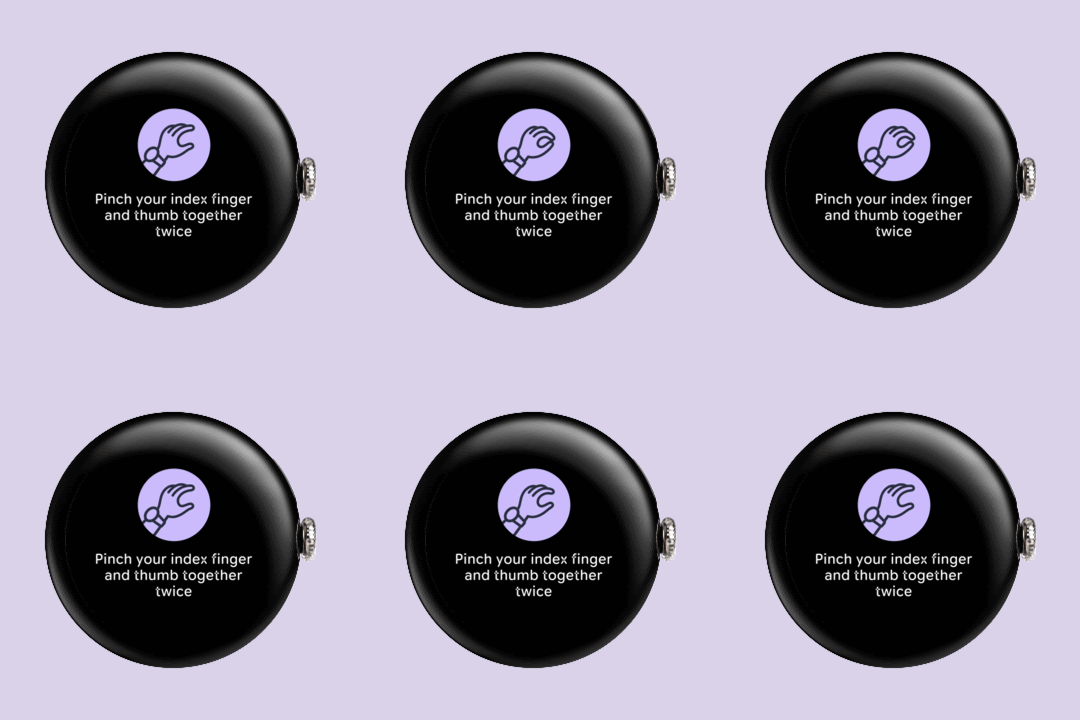
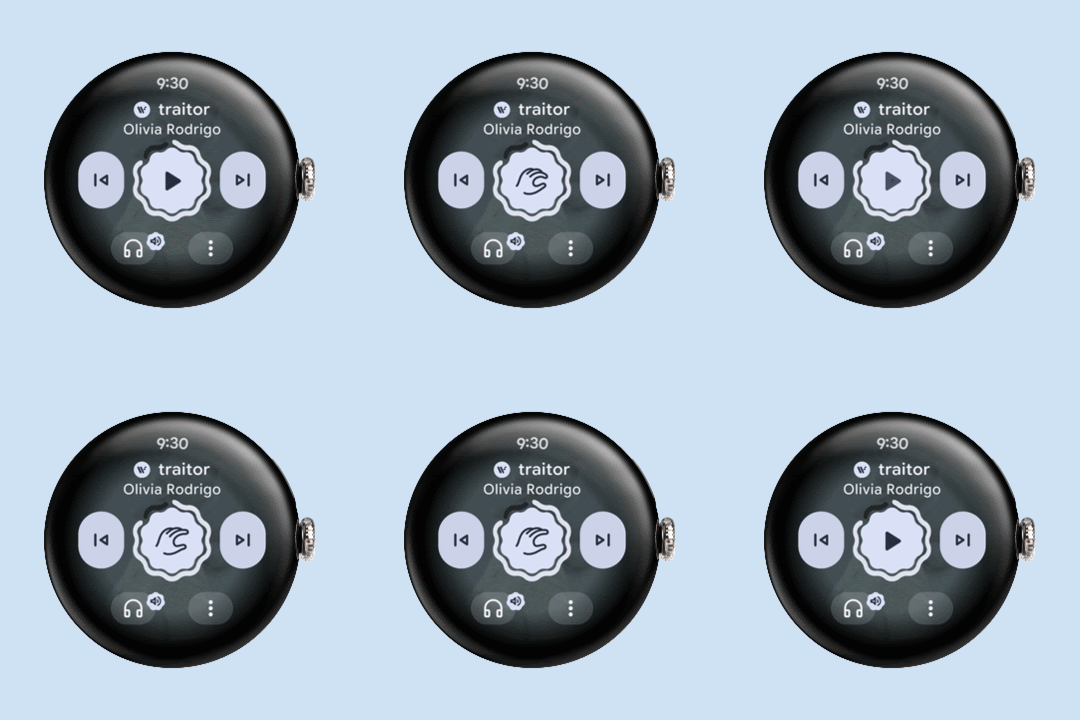
Wrist-turn works as a Back action in supported situations. It is worth practising from the watch face first, then trying it in notifications and apps.
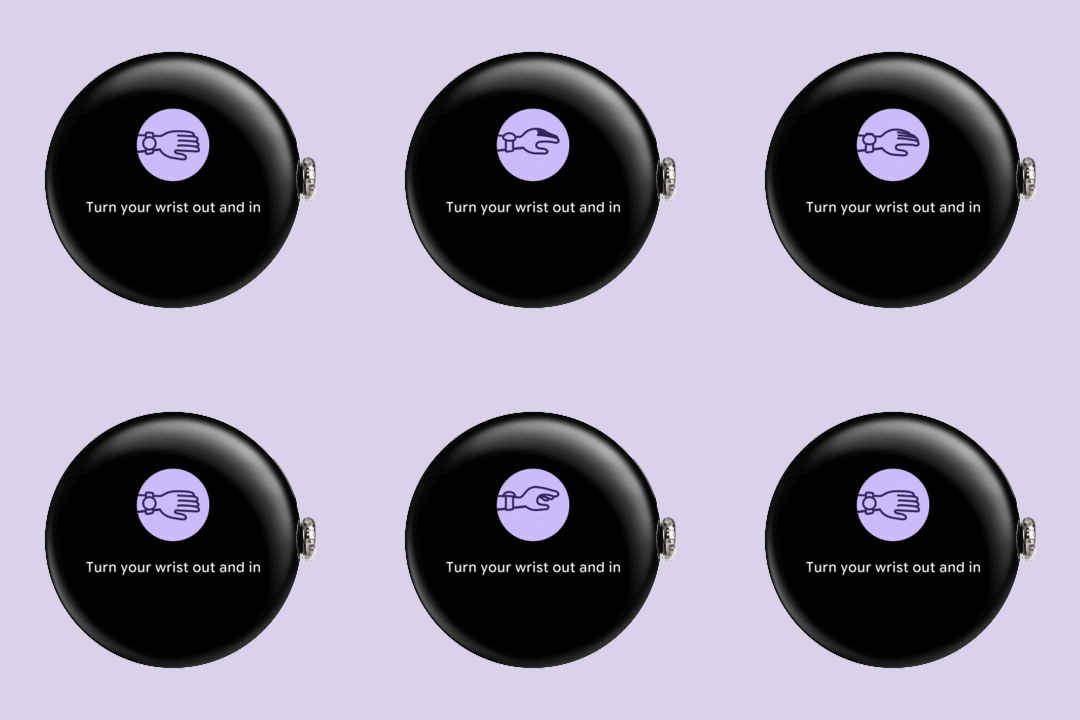

If a control is not available, check the watch generation and gesture toggle before troubleshooting the update. Google’s feature list is model-specific; a newer software version alone does not add every gesture to older hardware.


2 responses to “Pixel Watch Update: Raise to Talk and New Gestures”
[…] with Pixel Watch 3, while the Raise to Talk improvements are for Pixel Watch 4. We have a separate guide to the Pixel Watch gestures and Raise to Talk changes if you want the model-by-model […]
[…] FE and Google’s Pixel Watch are better smartwatches, but they cost well over ₹10,000; our Pixel Watch gestures explainer shows what that money buys. Pair your new watch with a decent set of buds from our best earbuds […]