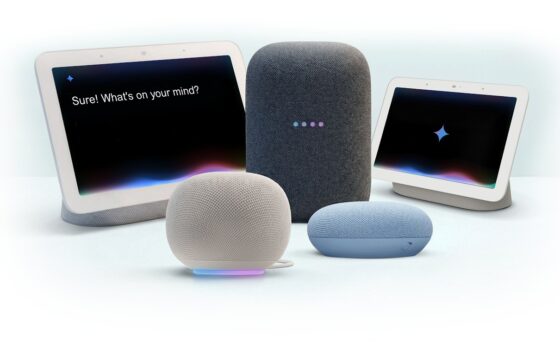
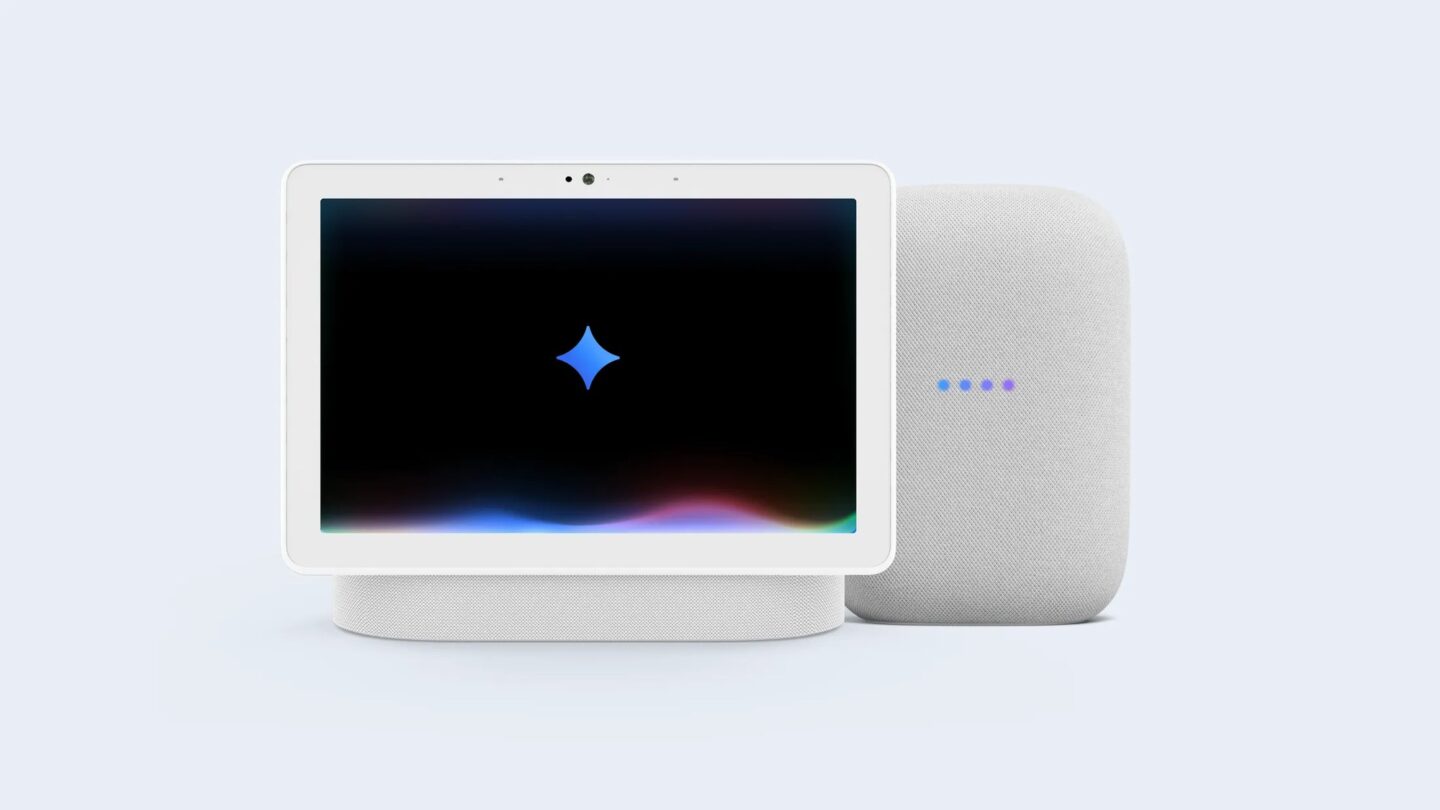
Google Assistant on Nest speakers and displays now has an end date. Google will begin retiring Assistant on smart speakers and displays on 2 August 2027, replacing it with Gemini for Home over the following weeks. Your Nest Mini or Nest Hub will not upgrade by itself. If nobody in the house accepts the switch in the Google Home app, the speaker simply stops responding.
Google lists India’s Gemini for Home early access as coming in December 2026. Availability will reach homes gradually, so wait for the invitation in Google Home rather than assuming every speaker can switch immediately.
What Google announced
The Google Home and Nest team posted two changes on its community forum this week. The first is that Google Assistant on speakers and displays will be retired on 2 August 2027, with Gemini for Home taking over. Google says the shutdown may take several weeks to reach everyone, and it will send reminders in the Google Home app and on the devices themselves as the date gets closer.
The second is that the separate Nest app is going away on 25 January 2027, on Android, iOS and the web. Both moves follow Google’s earlier switch from Assistant to Gemini on Android phones.
What happens to your speaker if you do nothing
This is the part worth sharing with family members who set up a speaker years ago and never open the Google Home app. Google’s help page is direct about it: if you do not upgrade, you will no longer be able to use your Google Home or Nest speakers and displays once Assistant is discontinued. Assistant stops responding, and the device prompts you to finish the free upgrade in the Google Home app.
Google says you can reactivate the device by completing the upgrade, including after Assistant has stopped responding. But a Nest Mini that goes silent in a parent’s bedroom is easier to prevent now than to fix over the phone later.
Google will not flip the switch for you because moving to Gemini for Home means accepting a new experience and new terms, so someone in the home has to agree to them.
Will your Nest speaker still be supported?
Yes. Google says it will keep supporting all existing Assistant-enabled speakers and smart displays on Gemini for Home. Speakers from other brands with Google Assistant built in are covered too, and Google warns that they may also stop working after the cutoff if they are not upgraded.
Support is not the same as every feature, though. Older devices such as the original Google Home and Google Home Max get most Gemini features but not Gemini Live. Our explainer on Gemini for Home in India has the full device table and the firmware versions to look for.
| Date | What changes | What you should do |
|---|---|---|
| December 2026 | Gemini for Home early access listed as coming to India | Watch for the “Introducing Gemini for Home” notification in the Google Home app |
| 25 January 2027 | Nest app stops working on Android, iOS and the web | Move to the Google Home app and download saved clips from home.nest.com |
| 2 August 2027 | Google Assistant retired on speakers and displays | Upgrade every home to Gemini for Home before then |
What Gemini for Home costs, and what India gets
The basic Gemini for Home voice assistant is free. Google lists smart home controls, answers to questions, media search and playback, alarms and timers, calendar events, notes, lists and reminders, plus Continued Conversation, so you can ask a follow-up without repeating “Hey Google”.
Gemini Live and searching your camera history need a Google Home Premium subscription. Google’s availability list for Home Premium covers countries such as the US, UK, Australia, Canada and Japan, but not India. So unless that changes, Indian homes should plan on the free version.
Language is the other thing to watch. Google’s supported language list for early access includes English but no Indian languages, and Hindi is not on it. If someone at home relies on Hindi, do not assume that support carries over. Check the supported languages before accepting the switch, because you cannot switch back to Assistant.
How to upgrade to Gemini for Home
When the upgrade is available in your home, the Google Home app shows a notification that says “Introducing Gemini for Home”. Tap it and follow the prompts. If you dismissed it:
- Open the Google Home app.
- Tap your profile picture or initial at the top right.
- Tap Home settings.
- On the banner that says “Set up Gemini for Home for more natural conversations”, tap Get started.
- Follow the prompts, acknowledge the disclosures and set up the voice assistant and response filtering.
You can also do it from a computer at home.google.com/gemini. The upgrade applies to every device in the home at once, and Google says a home that has switched cannot go back to Google Assistant. If your routines matter, check them soon after the switch.
The Nest app goes first, in January
If you only own speakers, the Nest app change probably does not affect you, since speakers are already managed in Google Home. It matters if you imported a Nest camera, doorbell, thermostat, Nest Protect or Nest x Yale lock and still use the Nest app. From 25 January 2027, you will need the Google Home app, which requires a Google Account.
Google says supported devices, video history, schedules and settings move across automatically once your Nest account is linked to a Google Account. Manually saved clips on home.nest.com do not transfer. Visit it before the deadline and use the Download All button. Nest Aware (1st Gen) coverage moves to Google Home Premium Advanced at no additional cost.
If you still sign in with a separate Nest account, migrate it to a Google Account before the January change to avoid losing app access. Google gives 25 March 2027 as the final deadline before it begins processing deletion of unmigrated accounts, data and subscriptions.

Should you upgrade now or wait?
There is no need to rush. When the prompt arrives, I would upgrade within a few weeks rather than wait for the deadline, so there is time to check the features your household actually uses before Assistant stops responding.
Before switching, note your routines and test them afterwards. If you are rethinking your setup, our Matter and Thread guide explains which devices work across platforms, and our look at SmartThings offline control covers what still works without internet.