

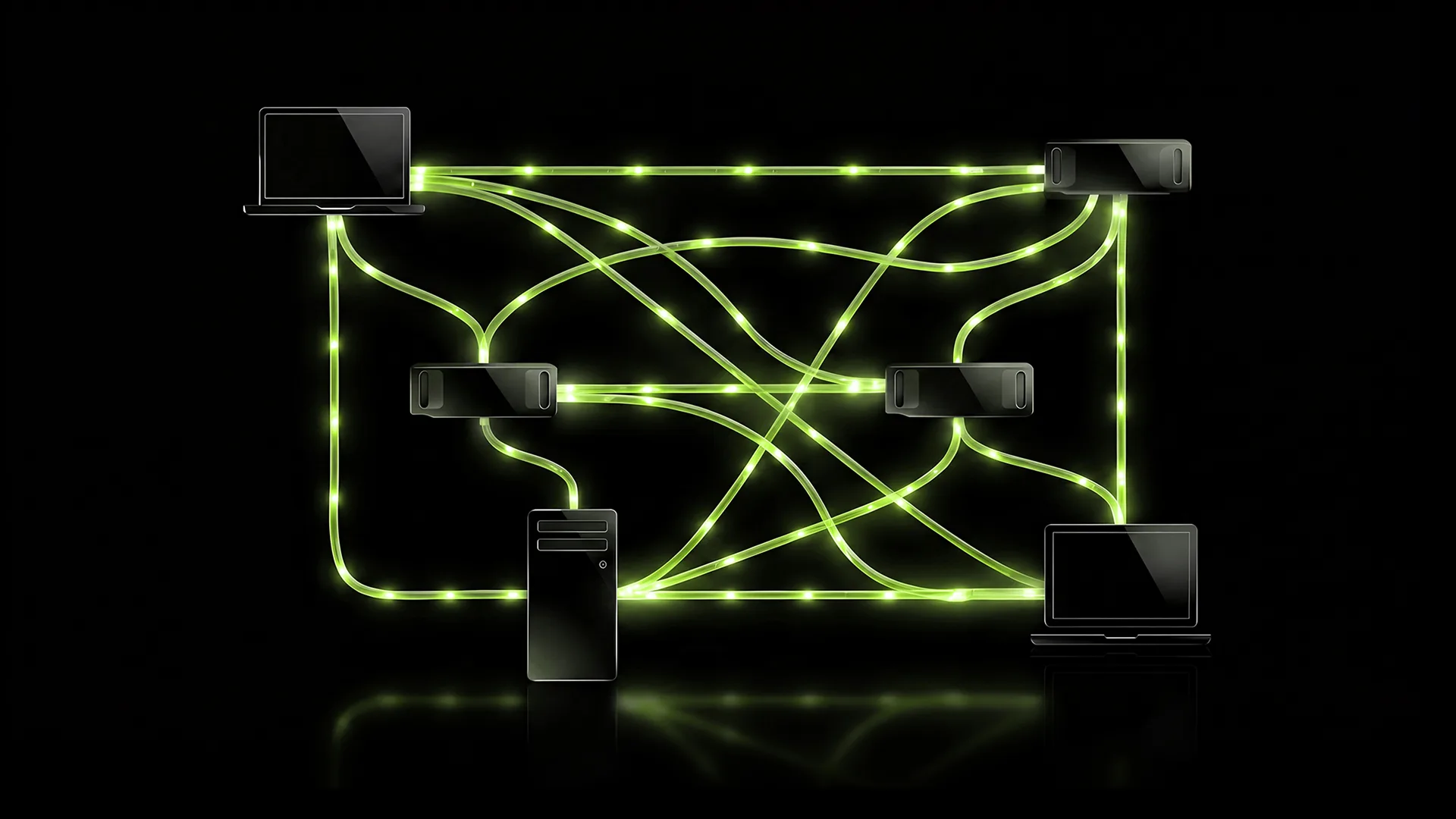
NVIDIA PAIR (Personal AI Router) is free beta software that turns the PCs you already own into a small home AI cluster. It does not merge GPUs into one giant card. It routes each local AI request to a machine that can handle it, while keeping prompts on your Wi‑Fi, not in the cloud.
If you already run Ollama or LM Studio, this is how to wire them together at home. Browse more setup guides in our How To section.
What you need before you start
- Two or more compatible machines on the same trusted home network (one machine still works; two or more unlock routing).
- Supported hardware per NVIDIA: GeForce RTX 20-series or newer, RTX PRO (Turing+), DGX Spark, or Apple M4 and newer.
- Roughly 8 GB RAM or more, and storage for models (NVIDIA suggests ~20 GB+ free).
- About 10–15 minutes, plus model download time.
Important limit: PAIR sends one full request to one node. It will not split a single model across two GPUs or pool VRAM.
How to set up NVIDIA PAIR at home
- Download PAIR for each PC or Mac from NVIDIA’s Personal AI Router page (Windows, macOS, or Linux packages).
- Install and open NVIDIA Personal AI Router. On first launch, let it install Ollama (default) or LM Studio, or skip if you already manage those yourself.
- Repeat install on every machine that should join the cluster.
- Pair the machines. On the first PC, click Add node (or Settings → Cluster). Pick a discovered device, or add it by IP if discovery fails. Enter the six-digit PIN on the invited machine. Confirm both show under Connected nodes.
- On each machine that should serve models: start the engine, Add model, download the same model name you will call from your apps (a node only gets work if it has that exact model).
- On the PC where you work, open Endpoints and copy the local URL (commonly the Ollama-compatible proxy on port 11434, or LM Studio / OpenAI-style on 1234; always copy from Endpoints rather than guessing).
- Point your local AI app or agent at that base URL and the model name you prepared. Send a test chat. In PAIR’s Overview / Jobs view, check which node actually ran it.
How to check it worked
- Settings → Service should look healthy.
curlto your endpoint’s/v1/models(or the Ollama tags API) should list models from the cluster.- After a few prompts, Jobs should show requests landing on more than one machine if those machines both have the model.
Should you bother?
Yes, if you run several agent jobs or chats at once and own a second RTX box, a Mac, or a DGX Spark sitting idle.
Skip it if your workload is one long sequential generation on a single model. PAIR will not make that one call use two GPUs.
A compatible GeForce gaming PC and MacBook can share requests over the same trusted Wi‑Fi network. Use a trusted network only; the PIN is a short setup code, not a password for the public internet.
A mini PC with two RTX workers
The setup uses a mini PC as the endpoint and two GeForce machines to run models.
- Mini PC (no GPU): always-on receptionist. PAIR lives here; apps point at this endpoint.
- RTX 3070 FE desktop: main worker for heavier models and longer jobs.
- RTX 3060 laptop: second worker for parallel chats and agent jobs (leave it awake on power when you want it in the pool).
Pointers that made it smooth
- Install PAIR on all three; put engines and models on the 3070 and 3060 only.
- Use the same model name on both GPUs so either can take a job.
- Copy the endpoint from the mini PC Endpoints panel. That’s the front door for Cursor, agents, or chat UIs.
- When gaming on the 3070, leave inference on the 3060 so the desktop stays smooth.
That mix shows PAIR spreading real local traffic: one stable desk machine, two GeForce workers, no racks or cloud APIs.
Local routing still needs access controls. Our Google Gemini hacking test explainer shows why an agent’s network access matters.
FAQ
Does NVIDIA PAIR replace Ollama or LM Studio?
No. PAIR sits in front of them. Ollama or LM Studio still run the model on a chosen PC; PAIR decides which paired machine gets each request.
Can one request use both my RTX 3070 and RTX 3060?
No. Each request runs on a single eligible node. PAIR helps when you have several independent chats or agent jobs at once, not when you want one model to pool two GPUs.


3 responses to “How to Set Up NVIDIA PAIR at Home: Local AI Cluster Guide”
[…] Spark also works with NVIDIA PAIR. One of these laptops can serve AI requests to other Windows, Linux and macOS machines on your home […]
[…] need a fast link between them, and both Macs have Thunderbolt 5 ports rated at up to 120Gb/s. Our NVIDIA PAIR home AI cluster guide covers another route to running large models locally, but neither setup is a casual desktop […]
[…] account and your prompts leave your computer. If you want more local computing power instead, our NVIDIA PAIR local AI cluster guide explains how to combine machines at […]