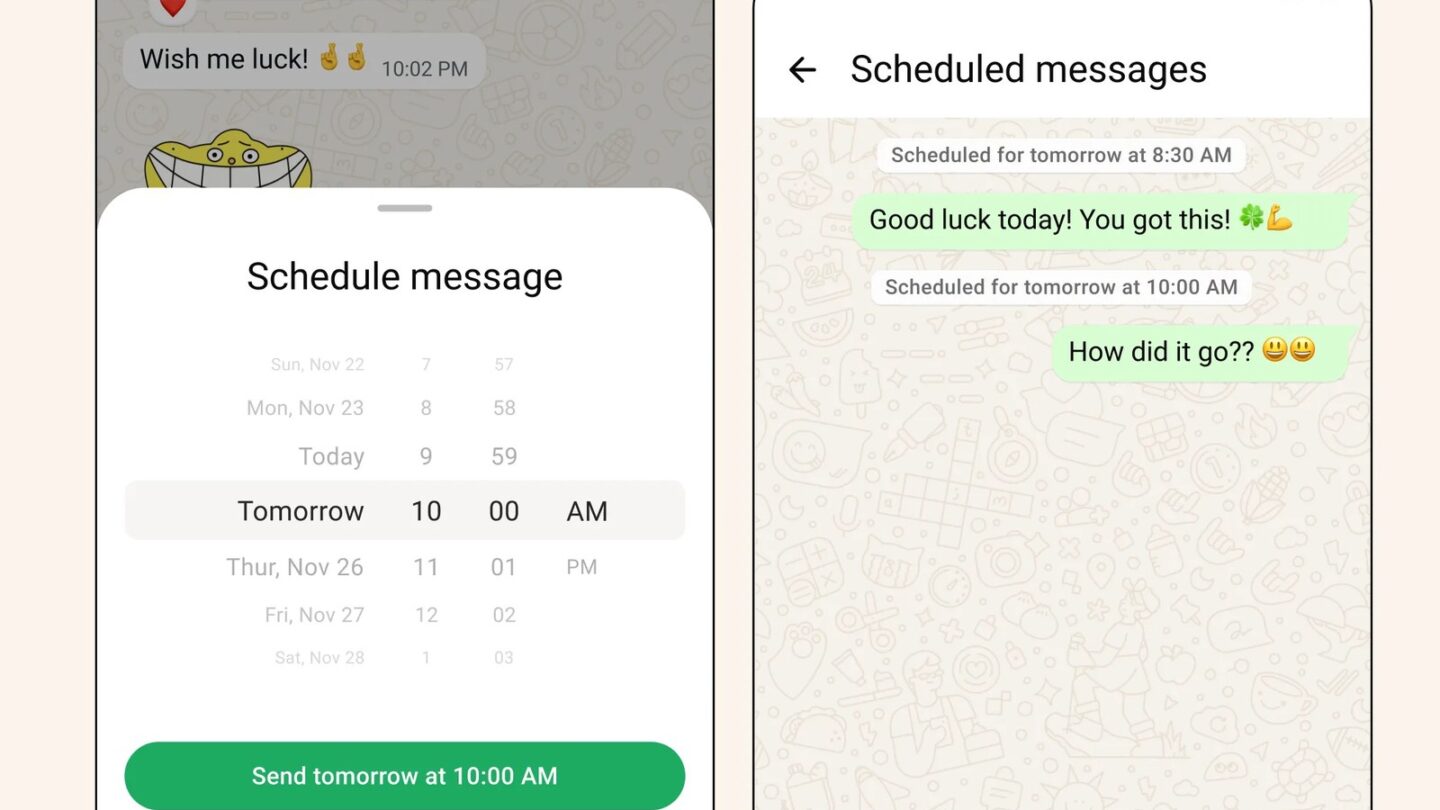
WhatsApp lets you schedule a message from 10 minutes to 14 days ahead. Press and hold Send, pick a time, and WhatsApp will send it even if your phone is off. The feature works with text, photos and videos in individual and group chats.
WhatsApp announced the feature on 25 November and says it will roll out globally over the coming weeks. It may take a while to show up in India, even if your app is up to date.
How to schedule a message on WhatsApp
Once scheduling reaches your account, start in the chat where the message should go.
- Open the individual or group chat and type your message, or attach a photo or video.
- Press and hold the Send button instead of tapping it.
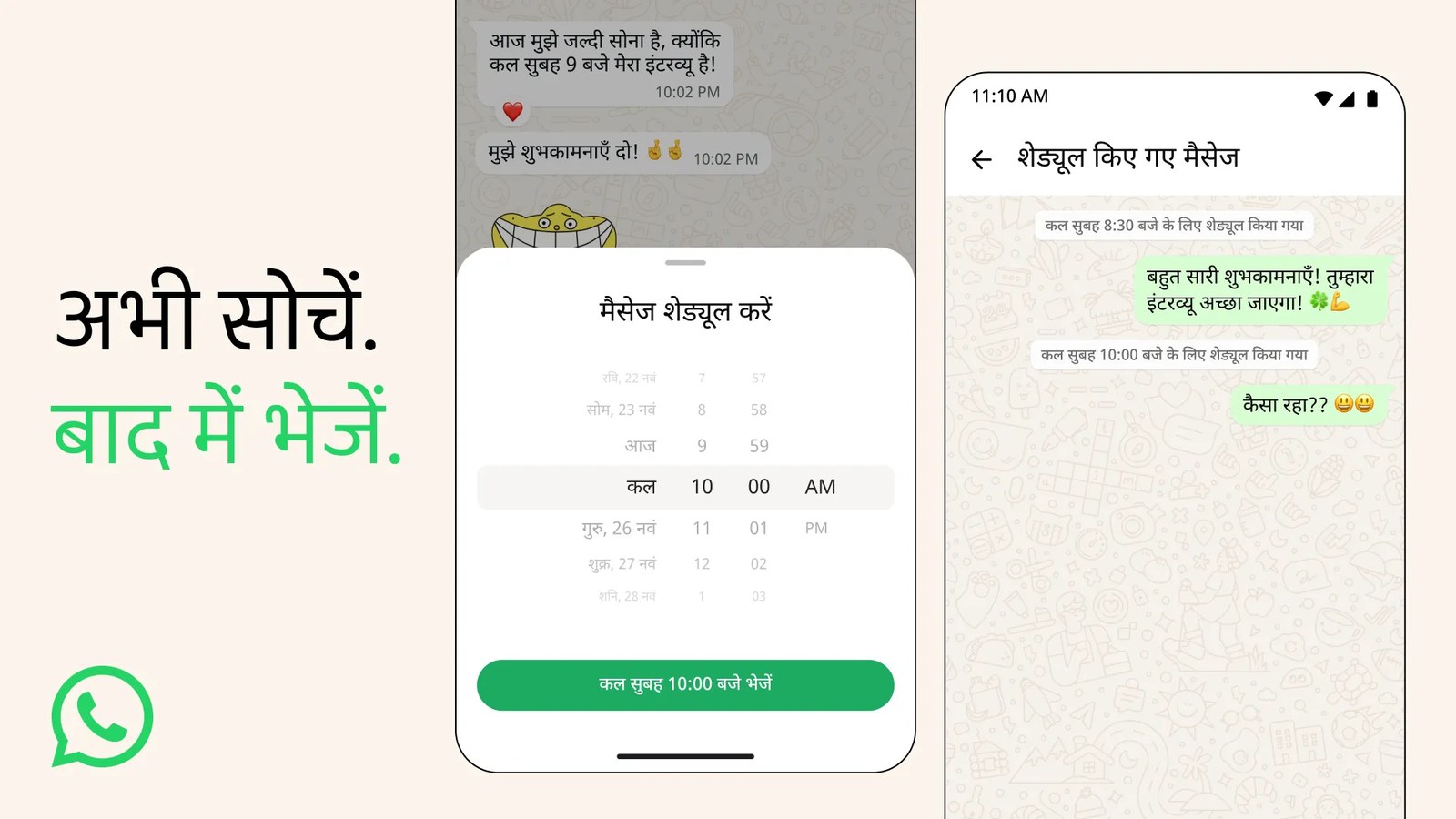
- Pick the date and time in the Schedule message sheet. The wheel lists days by name, so you can choose Today, Tomorrow or a specific date.
- Confirm with the green button, which spells out the slot, such as “Send tomorrow at 10:00 AM”.
What you can and can’t schedule
| Question | Answer |
|---|---|
| How far ahead? | 10 minutes to 14 days |
| Which chats? | Individual and group chats |
| What content? | Text, photos and videos |
| What does the recipient see? | A normal message, with no scheduled label |
| Phone off or out of battery? | It is still delivered at the chosen time |
| Encryption? | End-to-end encrypted, like other personal messages |
| Can you cancel? | Yes, delete it from your list of scheduled messages before it goes out |
WhatsApp only lists text, photos and videos. Voice notes, documents, polls and stickers are not mentioned, so do not count on them until WhatsApp says otherwise. The 10-minute minimum also means this is not for “send in two minutes” jobs; for anything that short, just set a phone reminder.
How to cancel a scheduled WhatsApp message
WhatsApp says you can see every message you have lined up and delete any of them before it is sent. Its official screenshots show a Scheduled messages view with each message under a label such as “Scheduled for tomorrow at 8:30 AM”.
If you need to change the wording or timing, delete the queued message and schedule a new one. WhatsApp’s announcement confirms deletion and gives no editing steps.
It works even when your phone is off
You can schedule a message before a flight and switch your phone off before boarding. WhatsApp says it will still send at the time you picked.
WhatsApp says scheduled messages stay end-to-end encrypted, just like other personal messages.
Why scheduled messages are useful in India
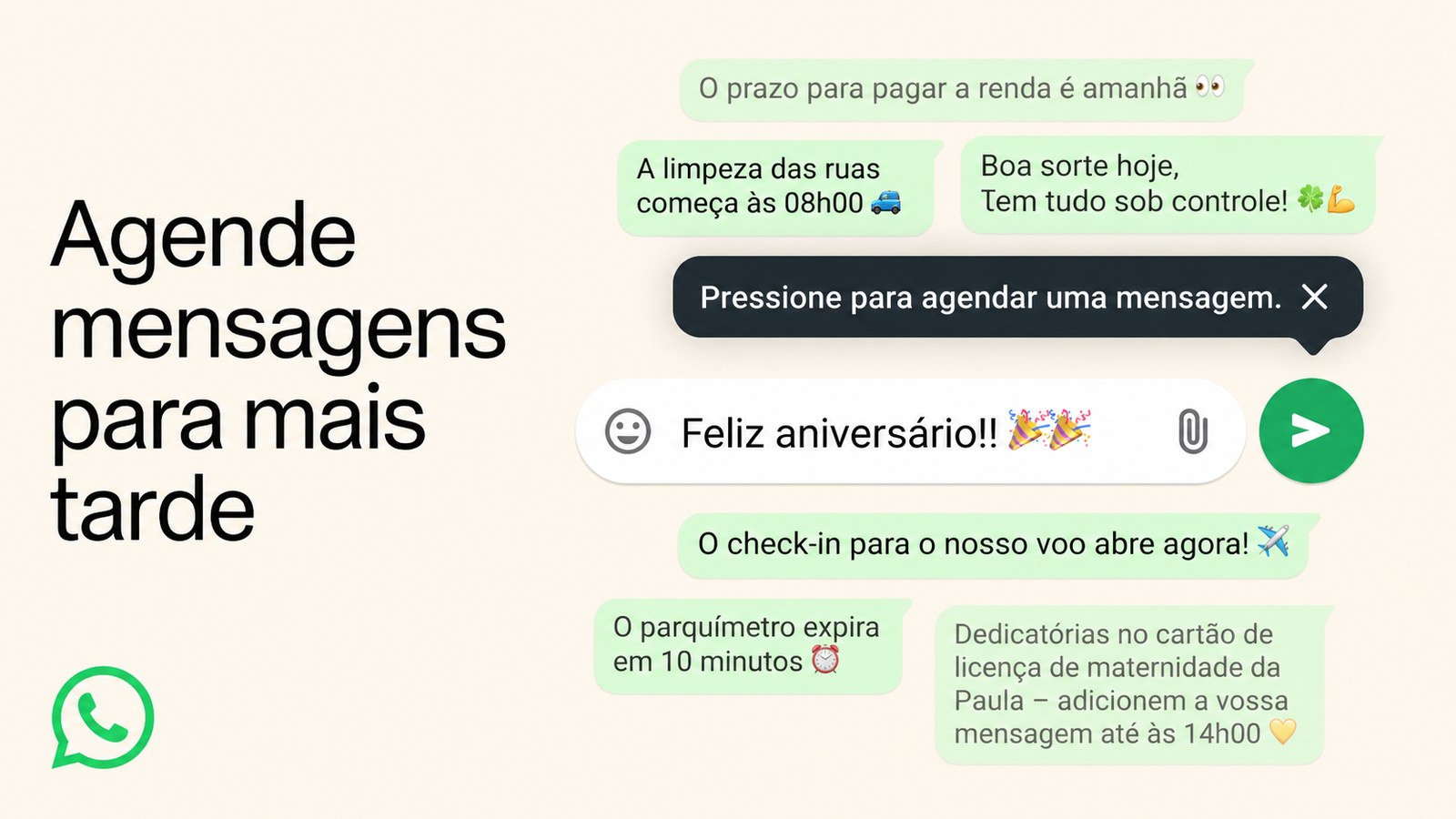
The obvious use is the midnight birthday wish without staying up for it. WhatsApp’s own examples include a good-luck message before an exam or interview, which fits board-exam season and campus placements well.
Time zones are where it gets really handy. The picker works in your phone’s time, so do the maths before you schedule. Midnight in Dubai is 1:30 AM in India, and midnight in London during winter is 5:30 AM in India. Queue the message for that Indian time and it lands at midnight for your family abroad. With the 14-day window, you can line up New Year wishes from 18 December.
Groups benefit too. A reminder to the housing society group about the water tank cleaning, a school group note the evening before a field trip, or a family group message on the morning of a puja can all be written when you remember them. If you run a busy family or community group, our guide to WhatsApp group chat features covers permanent pins, which pair well with a scheduled announcement.
When will you get WhatsApp scheduled messages?
Update WhatsApp from Google Play or the App Store and try holding Send. If the schedule picker is missing, check again as the rollout reaches more accounts.
The announcement covers personal chats and does not say whether the WhatsApp Business app gets the same option. For personal planning, WhatsApp Events is another recent addition that helps with planning, especially for invites to people who are not on WhatsApp.
FAQ
Will the other person know my message was scheduled?
No. WhatsApp says a scheduled message looks like any other message to the person receiving it.
How far in advance can I schedule a WhatsApp message?
Up to 14 days, and no sooner than 10 minutes from now.
Can I edit a scheduled WhatsApp message?
WhatsApp only mentions deleting scheduled messages. To change the text or time, delete it and schedule it again.
Does it work in group chats?
Yes. Scheduled messages work in both individual and group chats.