From December, ChatGPT Plus, Pro and Business will use one token allowance for ChatGPT and Codex. Reasoning chats, longer jobs in Work and coding tasks can all draw from the same allowance. Instant chats stay outside it.
OpenAI expects most people to wait for resets about as often as they do now. If you spend the morning on a long Codex refactor, you may have less of your allowance left for a reasoning chat in the afternoon.
What is changing in ChatGPT
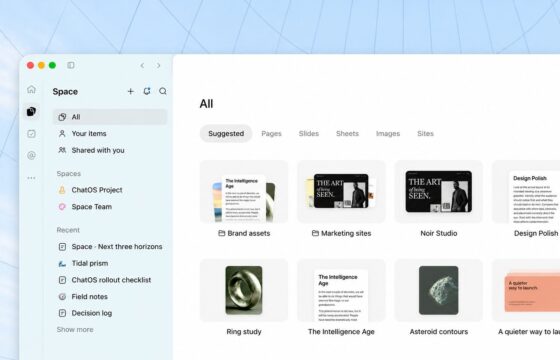
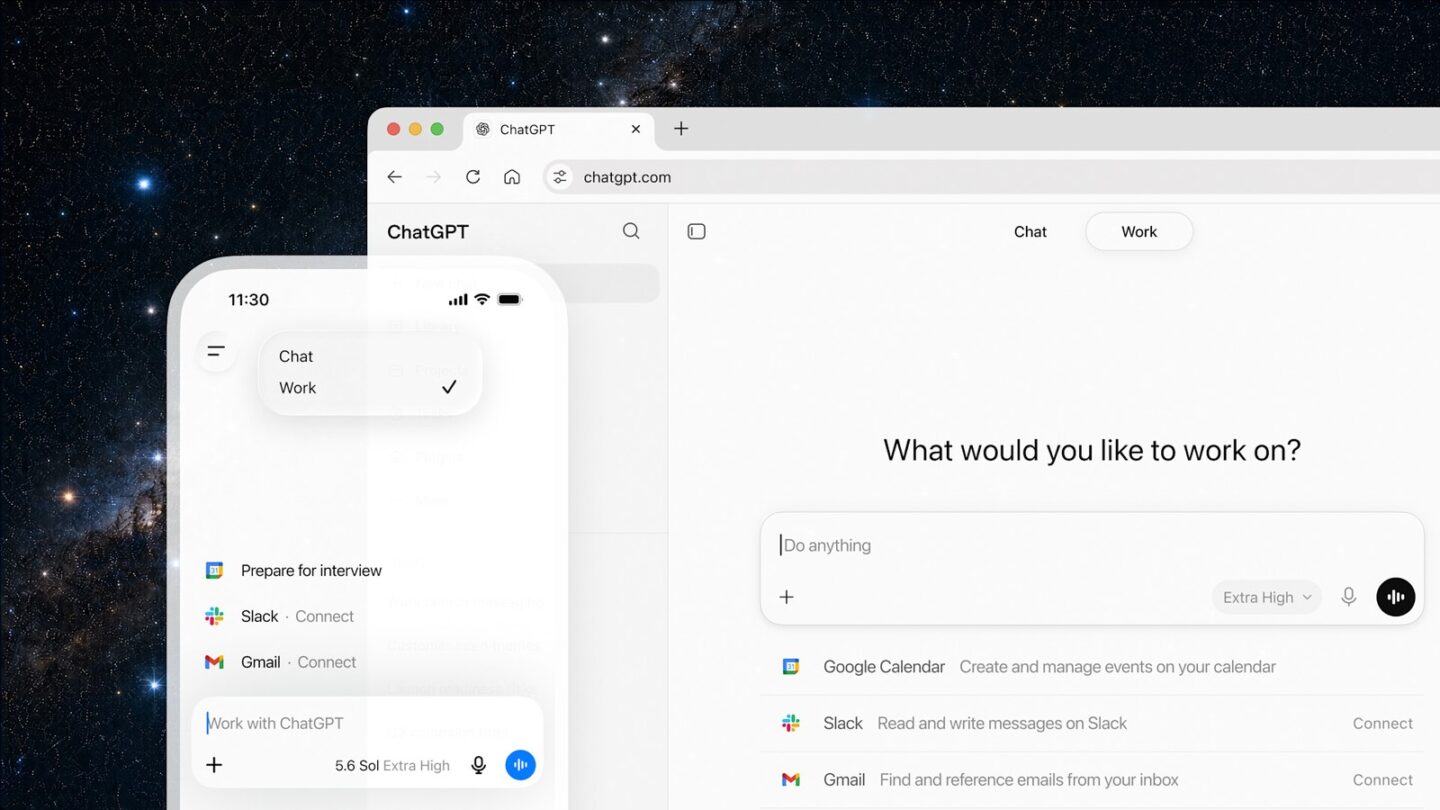
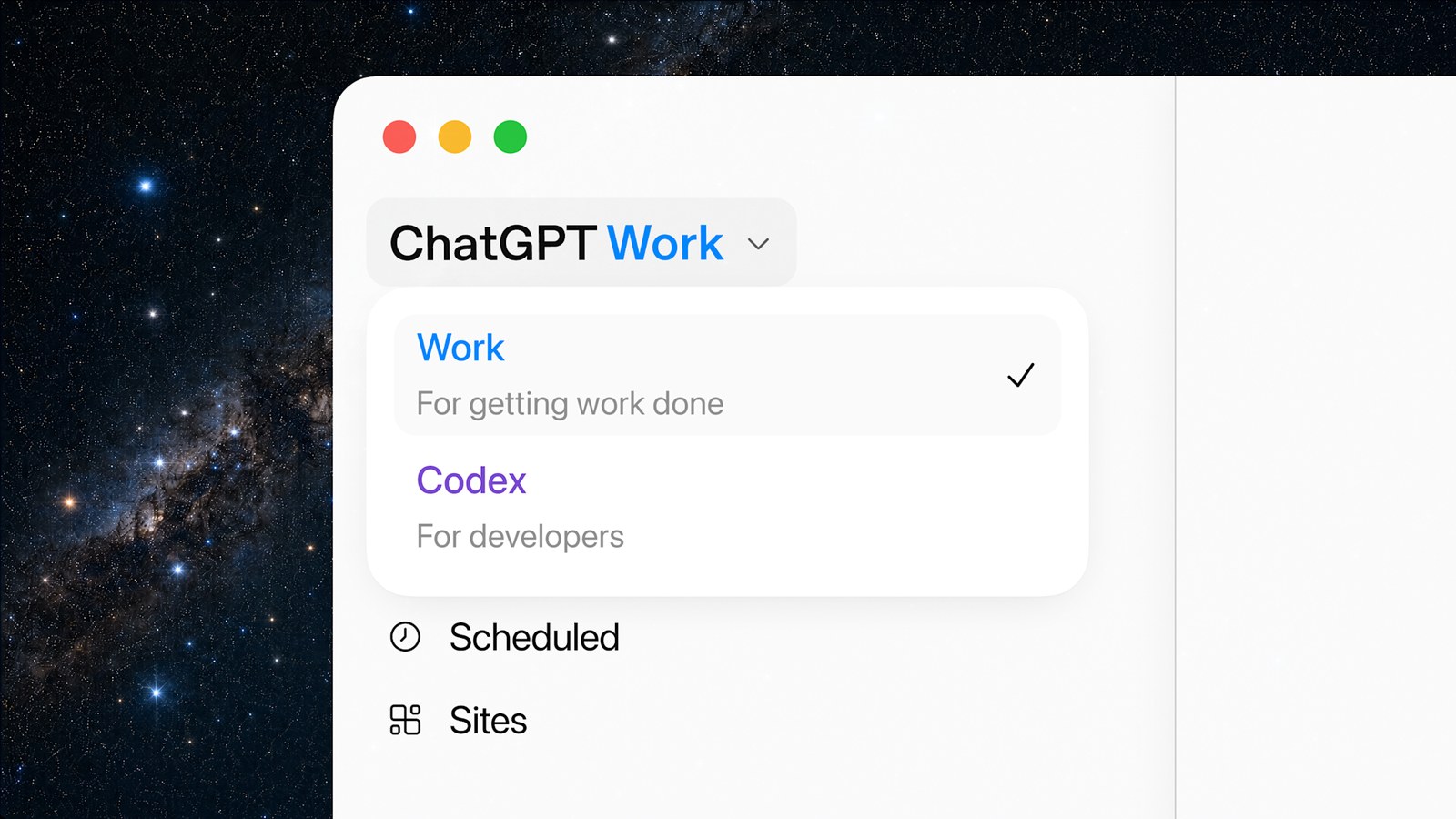
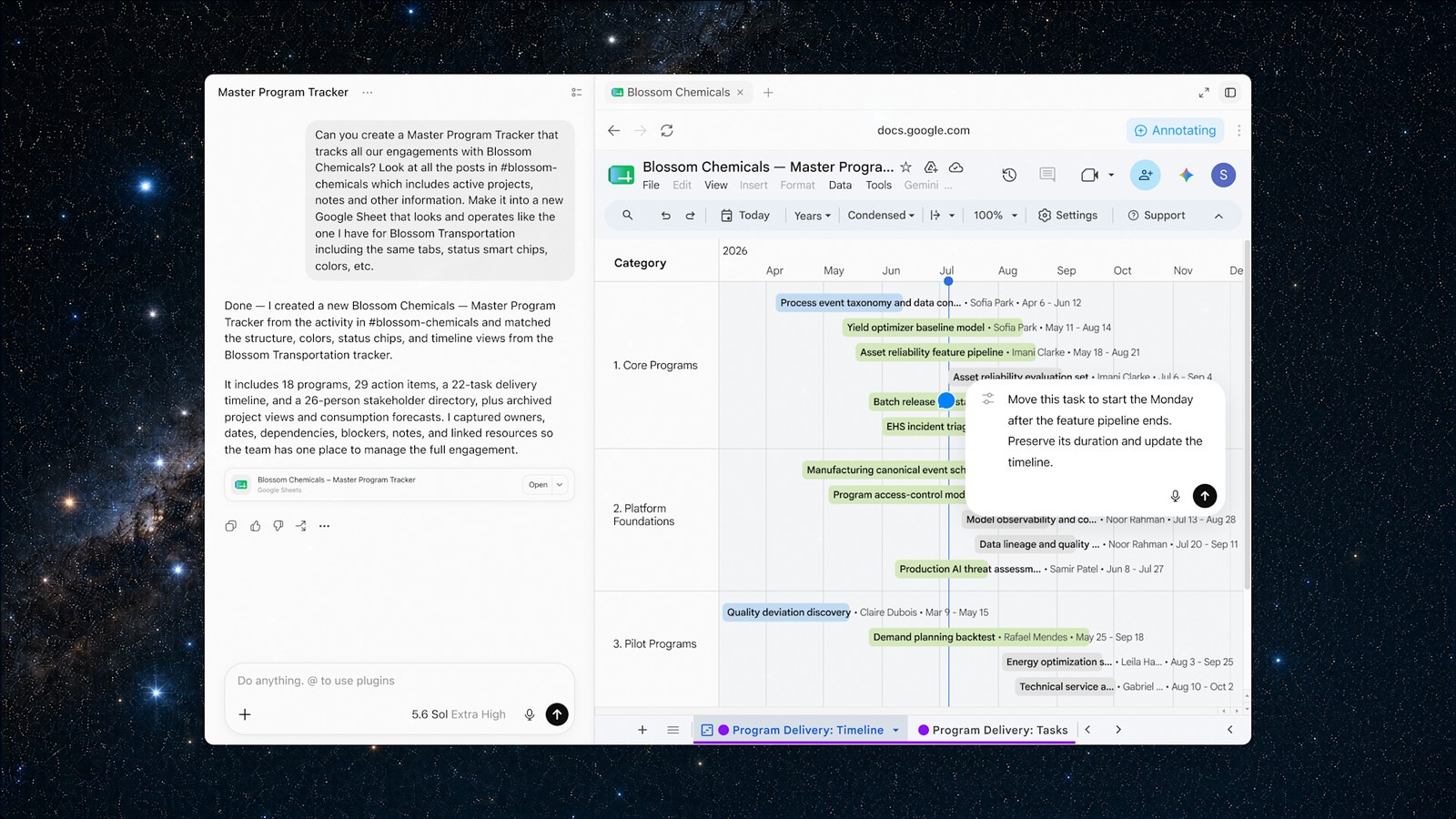
Today the ChatGPT app has three separate places to work. Chat is the familiar assistant for quick questions. Work is the agent that runs longer, multi-step jobs such as building a slide deck or researching across your files and connected apps. Codex is the coding agent in the desktop app and in Codex Cloud. Work already follows the same usage structure as Codex.
OpenAI is bringing Work’s longer tasks into ChatGPT. The shared allowance is due in December, although a small group may see the new limits earlier.
What counts toward your ChatGPT usage limit
The allowance is measured in tokens, the units of text a model reads and writes. Your choice of model and the size of the job decide how fast it drains.
| What you do | Does it use the shared allowance? |
|---|---|
| Chat with Instant | No. Unlimited, and still available after you hit your limit |
| Chat with more advanced models or higher reasoning | Yes, more for more advanced models |
| Work tasks, including scheduled tasks | Yes, often more for long, multi-step jobs |
| Codex, local or in the cloud | Yes |
| ChatGPT in Word, Excel and PowerPoint (Plus and Pro) | Yes, these share the same agentic allowance |
On eligible Pro plans, GPT-6.2 in Ultrafast mode can use the included allowance six times as quickly as Standard. On Pro $200, this applies to GPT-6.2 Sol in Codex.
Who should pay attention
The December announcement covers Plus, Pro and Business. OpenAI has given no dates for Free or Go.
On Plus, the people most likely to notice are those who split their day between coding and research. Say you run Codex through a long refactor in the morning and then switch to GPT-6.2 at a high thinking level for a report in the afternoon. Until now those came out of separate buckets. From December they come out of one, so a heavy Codex session can leave less room for reasoning in Chat later that day. If you picked up Plus for the GPT-6.2 upgrade in ChatGPT, keep in mind that its Medium and High levels are exactly the kind of use that counts.
In a Business workspace, check your own Usage page for the remaining allowance and reset time.
How to check your usage and make it last
Your combined remaining usage and reset times will be in Settings, then Usage, in ChatGPT. Inside a Codex CLI session, the /status command shows what is left.
- Default to Instant for quick questions. Rewording an email, checking a fact or translating a line does not need a reasoning model, and Instant costs nothing from your allowance.
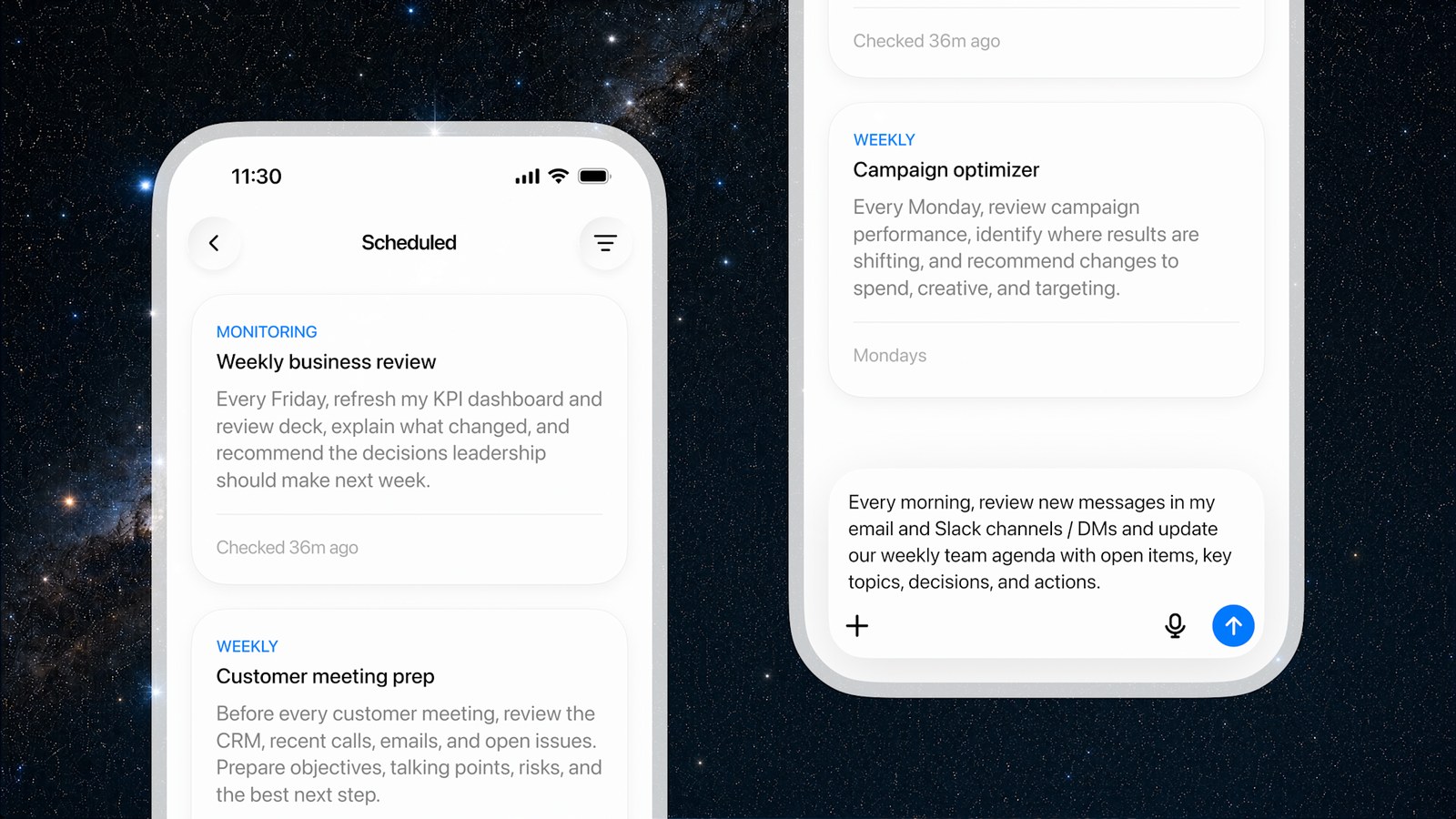
- Review scheduled Work tasks. A daily briefing you no longer read still uses tokens every time it runs.
- Use lighter models for routine coding. OpenAI’s own advice is to switch to a lower-cost model for routine tasks so the allowance lasts longer.
- Move simple coding work to a local model. If your PC has a decent GPU, our guide to Codex CLI with Ollama shows how to run smaller jobs on your own machine, which does not touch your ChatGPT plan at all.
What happens if you run out
You can wait for the reset, upgrade your plan, or buy credits. Credits kick in only after your included usage is gone and work across Codex, Work and the Office add-ins. You buy them from Settings, then Usage, in ChatGPT or from Usage and Billing in the Codex app.
For personal plans in India, credits usually expire 12 months after purchase. OpenAI allows refunds in limited cases such as a verified billing error. OpenAI also warns that a saved instruction like “ask me before using credits” does not add an approval step. Once your allowance runs out, Work or Codex can draw on available credits automatically. If you turn on automatic reload, set a sensible monthly limit.
My take
After the change reaches your account, check Settings → Usage before and after a typical workday. OpenAI’s announcement does not give a token total for each plan, so your own usage will tell you whether a long Codex job leaves enough room for the rest of your day.
FAQ
When do ChatGPT and Codex start sharing usage limits?
In December for Plus, Pro and Business plans. A small group of users may see the change earlier.
Do Instant chats count toward the limit?
No. Instant chats do not draw from the shared allowance, and you can keep using Instant after you reach your limit.
Does this affect ChatGPT Free or Go?
OpenAI’s help page only names Plus, Pro and Business.