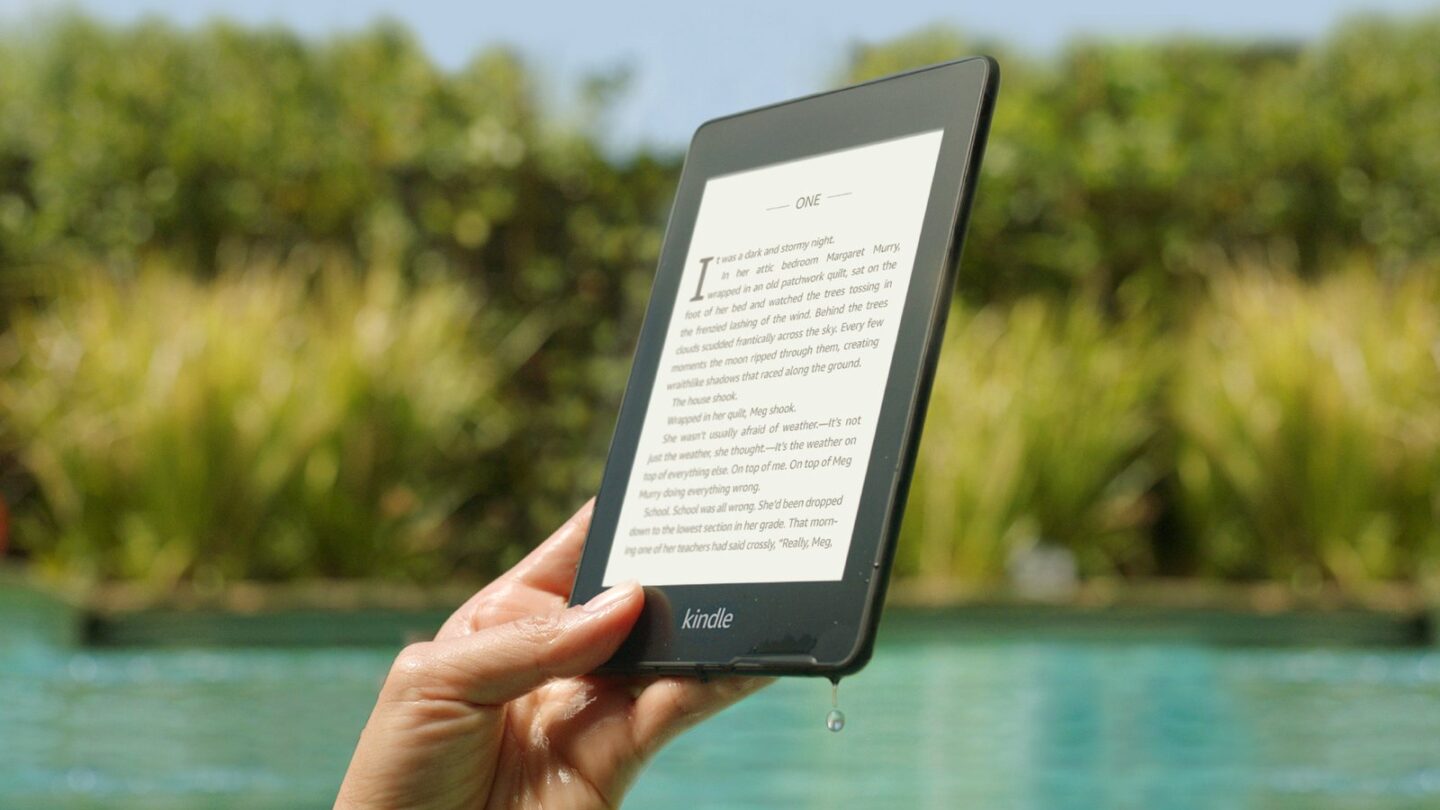
If your Kindle Paperwhite is waterproof but still charges over micro-USB, its software support is about to run out. Amazon’s security update table says the 10th generation Kindle Paperwhite from 2018 and the 10th generation basic Kindle from 2019 are guaranteed security updates only until 31 December 2026.
Your Kindle will not stop working on 1 January 2027. Books already on it stay readable, and nothing so far says the Kindle Store will disappear from these models. What ends is Amazon’s promise of security fixes, which turns these two popular e-readers into devices on borrowed time.
Which Kindles lose support on 31 December 2026
Amazon.in lists the following update dates for its recent e-readers. The two 10th generation models in bold are the ones affected this year:
| Kindle model | Released | Security updates at least through |
|---|---|---|
| Kindle Paperwhite (10th generation) | 2018 | 31 December 2026 |
| Kindle (10th generation) | 2019 | 31 December 2026 |
| Kindle Oasis (10th generation) | 2019 | 31 December 2028 |
| Kindle Paperwhite (11th generation) and Signature Edition | 2021 | 31 December 2028 |
| Kindle (11th generation) | 2022 | 31 December 2028 |
The Oasis is the odd one out. It is also a 10th generation device, but Amazon keeps it covered for two more years, until the same date as the 11th generation models.
There is a useful India-specific catch in the fine print. Amazon promises updates for at least four years from the date you bought the device new from Amazon as the seller on Amazon.in, or until the date in the table, whichever is later. So a 10th generation Paperwhite bought new from Amazon less than four years ago is covered beyond 2026. Units bought from other sellers and refurbished ones fall back to the table date. Manage Your Devices on Amazon.in shows the details for your own Kindle.
How to tell if you have a 10th generation Kindle
Swipe down from the top of the screen, tap All Settings, go to Device Options and open Device Info. Select models show the device name there.
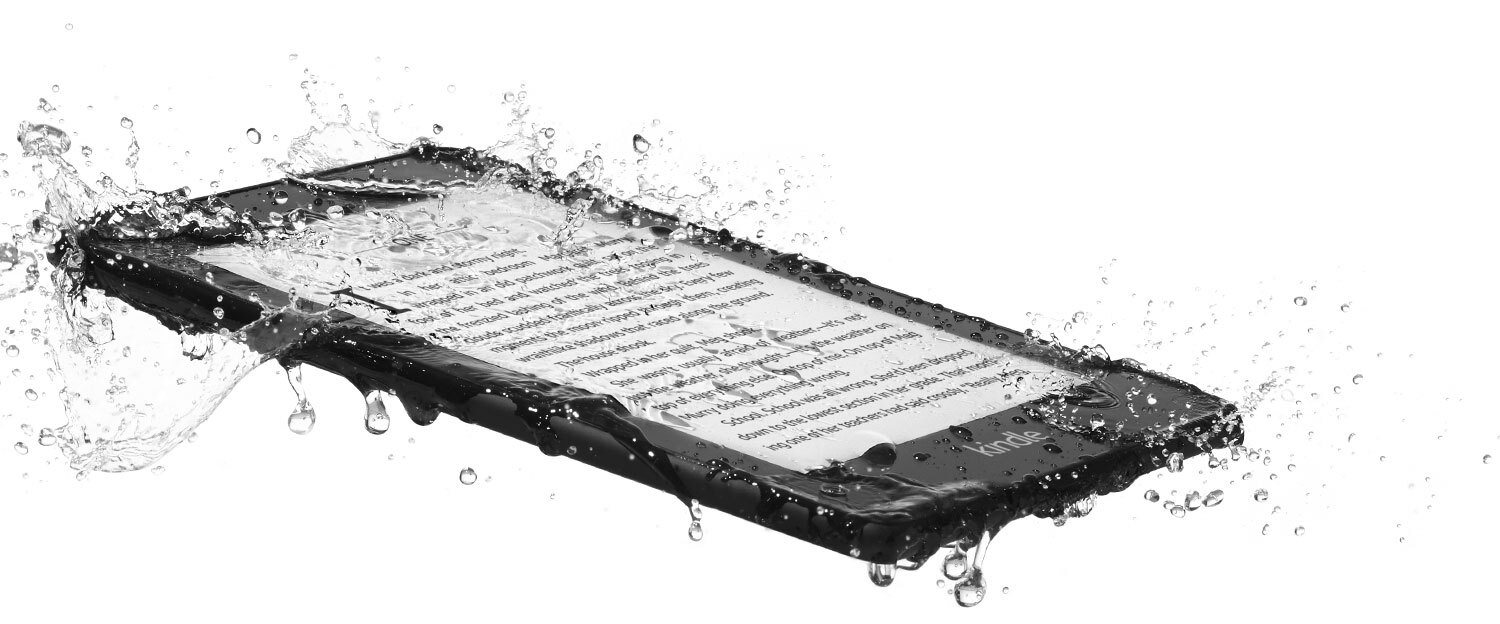
If yours does not, the physical clues are simple. The 10th generation Paperwhite has a flush front, a 6-inch 300 ppi screen, 8GB or 32GB of storage, IPX8 water resistance and a micro-USB port. The 2019 basic Kindle was the first entry-level model with a front light, comes with 4GB or 8GB and also charges over micro-USB. If your Paperwhite charges over USB-C, it is a newer model and is not affected.
What still works after support ends
Security updates stopping is not the same as the device being cut off. Nothing Amazon has published so far changes these basics:
- Reading every book already downloaded on the device.
- Buying, borrowing and downloading books, since Amazon has not announced any store cutoff for these models. Android Police also expects store access to continue.
- Sideloading your own documents over USB.
The bigger question is what happens a few years down the line. Amazon cut off Kindles released in 2012 or earlier on 20 May 2026. Those devices can no longer buy, borrow or download books, cannot be registered to an account and become unusable if you deregister or factory reset them. Books already on them stay readable, and personal documents can still be copied over USB.
Nothing like that has been announced for the 10th generation models. But the end of security updates is often the first step, so it is worth knowing how the last cutoff worked.
What to do before 31 December
- Install the last update. Amazon.in lists version 5.18.1.1.1 as the latest software for both the 10th generation Kindle and Paperwhite. If it has not arrived over Wi-Fi, download the file from Amazon’s Kindle software update page, copy it to the Kindle over USB, then go to Settings, open the menu and tap Update Your Kindle.
- Download the books you care about. If store access ever ends, only what is already on the device stays readable.
- Do not deregister or factory reset it casually. On the 2012-era models, a reset after the cutoff made the device unusable. The same rule may never apply here, but there is no reason to take the risk on an older Kindle.
- Use it mostly for reading. The experimental browser is the part of a Kindle most exposed to the open web, and an unpatched device is a poor place to sign in to other accounts.
Charging also gets more awkward with time. Micro-USB cables are fading from Indian homes as phones and accessories move to USB-C, a shift we explained in our guide to USB-C charging. Keep one cable aside for your old Kindle.
Should you upgrade, and to what?
If your Paperwhite still holds a charge and you mostly read downloaded books, there is no rush. A dedicated reader with no apps or social feeds is about as low-risk as connected gadgets get, and this is a slower decline than the one we described for phones that lose updates.
Upgrading makes more sense if the battery is fading, the screen has marks or you want USB-C and adjustable warm light. Here India buyers have a timing problem. Amazon announced a redesigned 2026 Kindle, Kindle Paperwhite and Kindle Colorsoft lineup with flush-front screens and edge-to-edge colour, but its launch list covers markets such as the US, the UK, Japan, the UAE and Saudi Arabia, not India.
On Amazon.in right now, the newest Paperwhite listed is the 2024 model with a 7-inch screen and 16GB of storage, at ₹20,999 against an MRP of ₹21,999 when we checked on 24 November. If you would rather wait to see whether the 2026 models come to India, set a price alert. Our guide to Alexa price history and deal alerts shows how to track Kindle prices on Amazon.in.
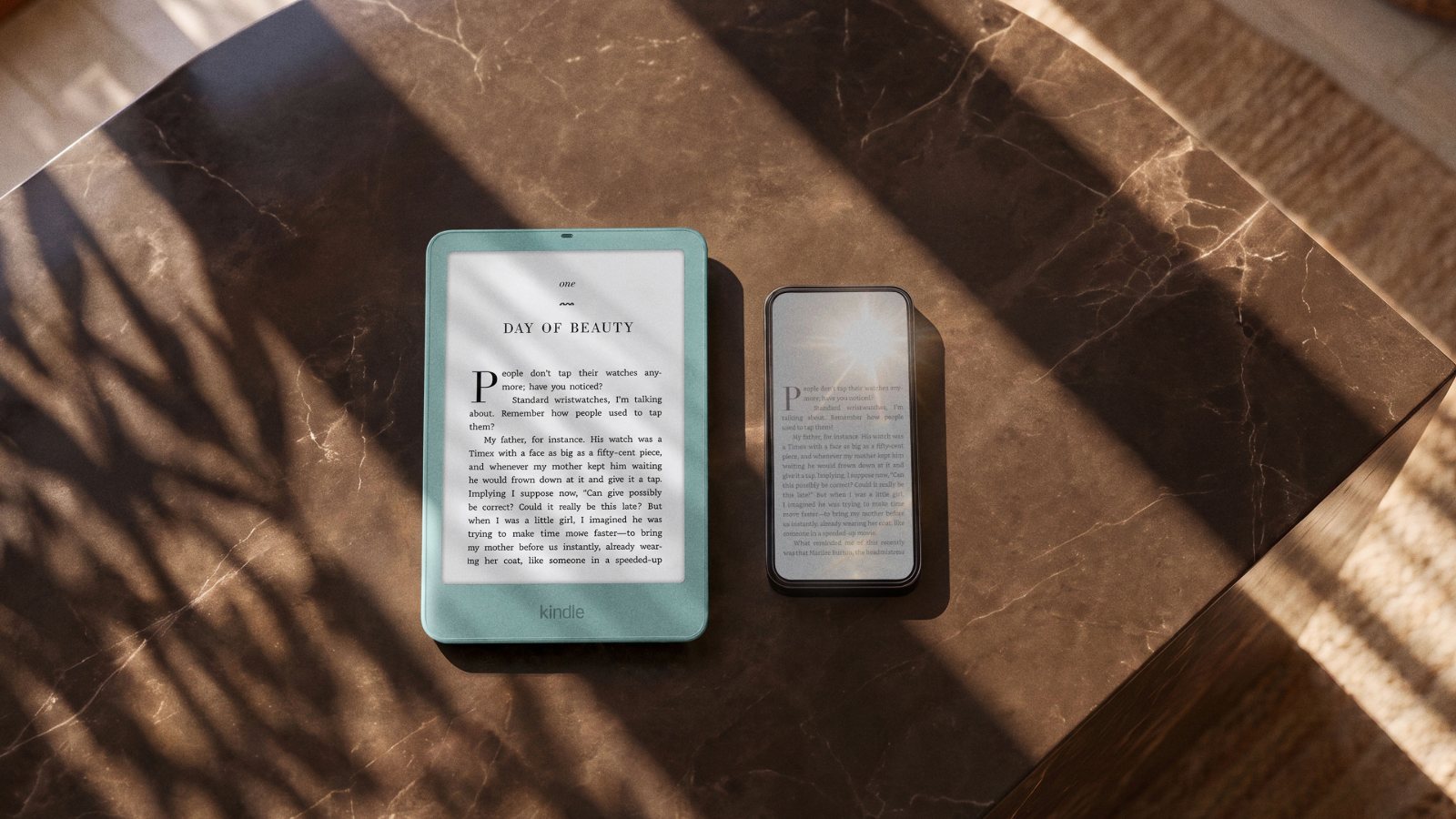
My take: keep using the 10th generation Paperwhite if it still works well, install the final update and stop worrying. Buy a newer Kindle when the hardware tells you to, not because of a date on a support page.
FAQ
Will my 10th generation Kindle stop working in 2027?
No. It will keep working and reading downloaded books. It simply stops getting guaranteed security updates.
Can I still buy Kindle books on it?
Amazon has not announced any store cutoff for the 10th generation Kindle or Paperwhite, so buying and downloading should keep working for now.
Is the Kindle Oasis affected?
Not yet. The 10th generation Oasis gets security updates until at least 31 December 2028.