
Archive
Home Server
-
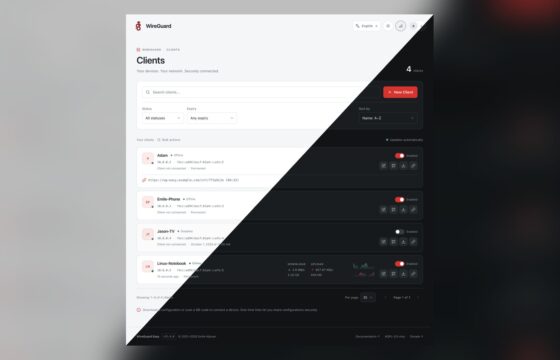
WireGuard VPN at Home: Set Up wg-easy With Docker
Set up wg-easy on a home Linux server, configure WireGuard clients and test remote access after checking public IP, DDNS and port forwarding.
-
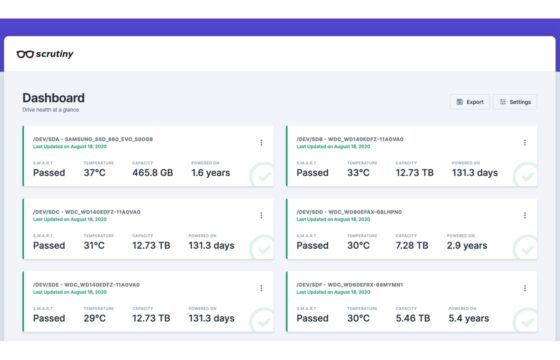
How to Set Up Scrutiny With Docker for Drive Health Monitoring
Set up Scrutiny with Docker to track SMART history for every drive, spot failing disks early with Backblaze-based thresholds, add collectors on Proxmox and other hosts, and get ntfy or email alerts.
-
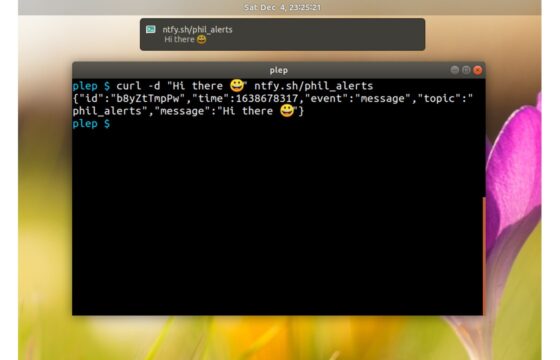
How to Self-Host ntfy With Docker for Home Server Alerts
Run a private ntfy push server with Docker: lock topics with users and access tokens, add HTTPS, get instant iPhone alerts via upstream, and send Proxmox VE, Uptime Kuma, NUT and restic alerts to your phone.
-
ZFS Snapshots With Sanoid: Scrubs and Syncoid Setup
Automate ZFS snapshots with sanoid, replicate them to a second pool or backup box with syncoid, and check what your monthly scrub is doing. Includes sanoid.conf templates, non-root syncoid with zfs allow, zpool status and file restores.
-
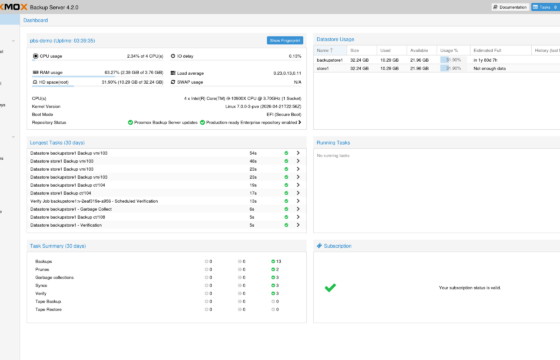
Proxmox Backup Server at Home: Install, Datastore, Backup Jobs and Off-Site Sync
Set up Proxmox Backup Server 4.2 at home: install it, create a datastore, add it to Proxmox VE with a backup-only token, schedule backups, configure pruning, garbage collection and verify jobs, and keep an off-site copy with sync jobs or S3.
-

How to Set Up Network UPS Tools on a Home Server
Set up Network UPS Tools on a Debian or Proxmox VE server, share UPS status with Linux and TrueNAS clients, tune shutdown timing and test the power failure sequence.
-
How to Set Up SMART Monitoring on a Home Server With smartctl and smartd
Set up SMART monitoring with smartctl and smartd: schedule nightly short and weekly long self-tests, read SATA attributes and the NVMe health log, learn which numbers actually predict drive failure, and get alerts by email or ntfy.
-
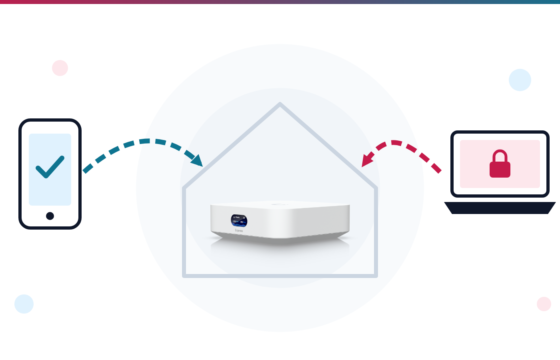
UniFi VPN at Home: Teleport, WireGuard, Site Magic or Tailscale?
UniFi gateways like the UniFi Express have four ways to reach home remotely. Here is how to set up Teleport, the WireGuard VPN Server and Site Magic, what to do behind CGNAT, and when Tailscale on a small home box is the better choice.
-
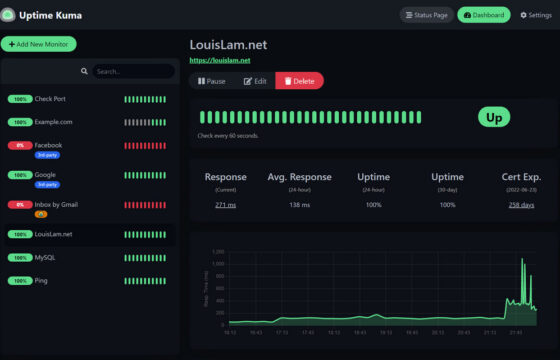
Uptime Kuma Setup: Monitor Home Servers and Backups
Uptime Kuma is a free self-hosted monitor that alerts your phone when a home server app, backup job or certificate fails. Here is how to install it with Docker, set up Telegram or ntfy alerts, use Push monitors for backups and access it safely.
-
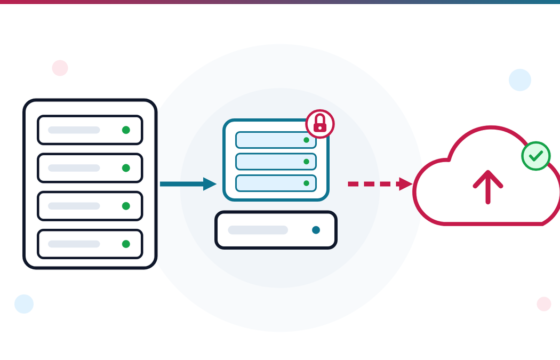
How to Set Up a 3-2-1 Restic Backup for Your Home Server
A step-by-step 3-2-1 restic backup for a Linux home server: a local repository, an encrypted off-site copy on Backblaze B2, forget –prune retention, a systemd timer and restore tests.
-
Home Server Behind CGNAT: Tailscale or Cloudflare Tunnel?
A home server behind CGNAT needs more than a router port forward. Check your connection, use Tailscale for private access, or protect a web app behind Cloudflare Tunnel.
-

Pi-hole v6 With Unbound: Set Up Ad Blocking and Private DNS
Set up Pi-hole v6 with Unbound on a Raspberry Pi or Debian computer. Install both, test DNSSEC, connect them on port 5335 and point your home network to Pi-hole.
-
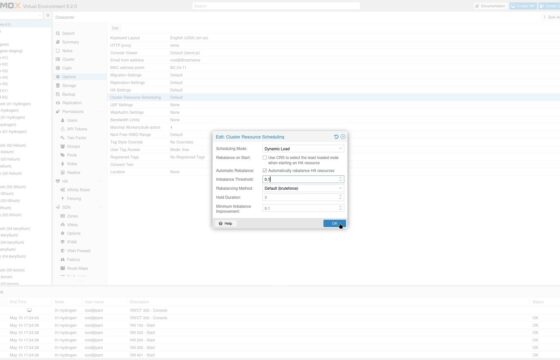
How to Install Proxmox VE 9.2: Your First VM and Container
Install Proxmox VE 9.2 from a USB stick, switch to the no-subscription repository, install updates, then create your first VM and LXC container and set up backups.