
Archive
Computing
PC components, gaming hardware, upgrades and practical buying guidance for desktops, laptops and home setups.
-
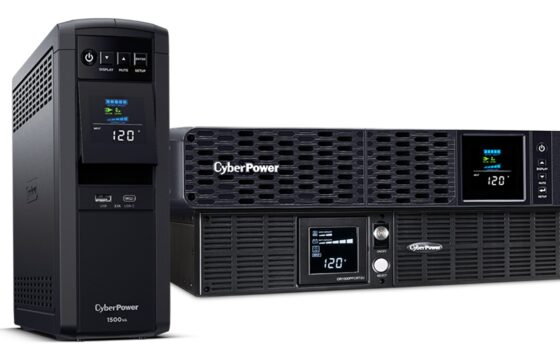
How to Set Up Network UPS Tools on a Home Server
Set up Network UPS Tools on a Debian or Proxmox VE server, share UPS status with Linux and TrueNAS clients, tune shutdown timing and test the power failure sequence.
-
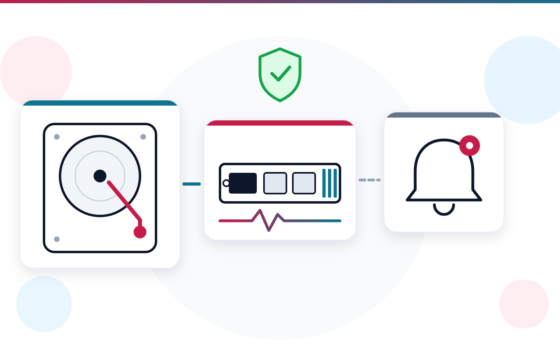
How to Set Up SMART Monitoring on a Home Server With smartctl and smartd
Set up SMART monitoring with smartctl and smartd: schedule nightly short and weekly long self-tests, read SATA attributes and the NVMe health log, learn which numbers actually predict drive failure, and get alerts by email or ntfy.
-
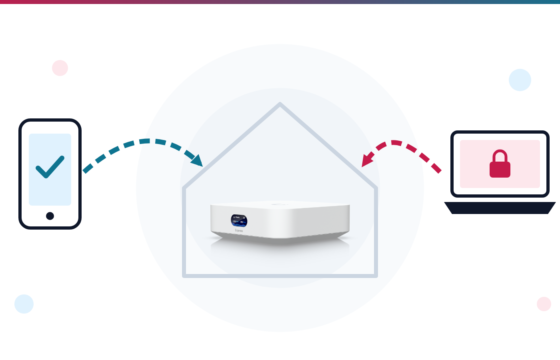
UniFi VPN at Home: Teleport, WireGuard, Site Magic or Tailscale?
UniFi gateways like the UniFi Express have four ways to reach home remotely. Here is how to set up Teleport, the WireGuard VPN Server and Site Magic, what to do behind CGNAT, and when Tailscale on a small home box is the better choice.
-
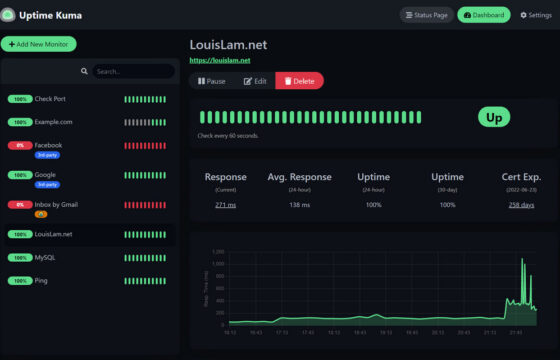
Uptime Kuma Setup: Monitor Home Servers and Backups
Uptime Kuma is a free self-hosted monitor that alerts your phone when a home server app, backup job or certificate fails. Here is how to install it with Docker, set up Telegram or ntfy alerts, use Push monitors for backups and access it safely.
-
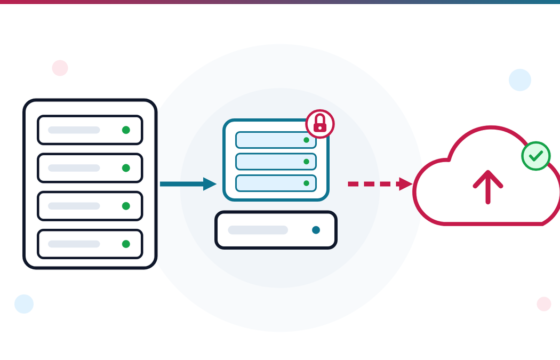
How to Set Up a 3-2-1 Restic Backup for Your Home Server
A step-by-step 3-2-1 restic backup for a Linux home server: a local repository, an encrypted off-site copy on Backblaze B2, forget –prune retention, a systemd timer and restore tests.
-
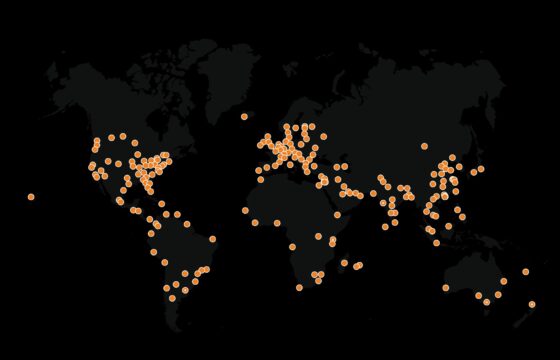
Home Server Behind CGNAT: Tailscale or Cloudflare Tunnel?
A home server behind CGNAT needs more than a router port forward. Check your connection, use Tailscale for private access, or protect a web app behind Cloudflare Tunnel.
-
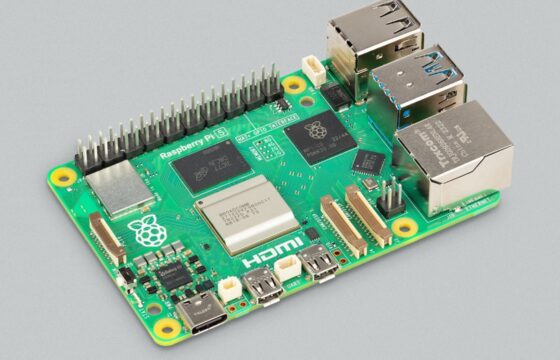
Pi-hole v6 With Unbound: Set Up Ad Blocking and Private DNS
Set up Pi-hole v6 with Unbound on a Raspberry Pi or Debian computer. Install both, test DNSSEC, connect them on port 5335 and point your home network to Pi-hole.
-
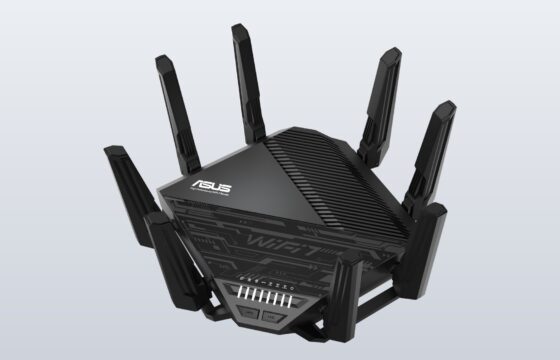
Wi-Fi Bands and Channels Explained: 2.4 GHz, 5 GHz and 6 GHz
Wi-Fi bands and channels explained: how 2.4 GHz, 5 GHz and 6 GHz differ, why 1, 6 and 11 matter, what DFS, PSC, AFC and 320 MHz mean, how 6 GHz rules vary by country, and how to pick the best channel on Windows, Mac, Android, iPhone and your router.
-

Windows 11 26H2 for Windows 10 PCs: How to Check and Install
Windows 11 26H2 is available for eligible PCs. Check Windows 10 compatibility, install the update safely, see what is new and fix common upgrade problems.
-

Claude Code Extension Backdoor in Cursor: Check Your Mac or PC
Two tampered Claude Code extension versions in Cursor tried to plant an SSH backdoor. Check affected macOS and Windows machines, then use Cursor’s official cleanup scripts if needed.
-
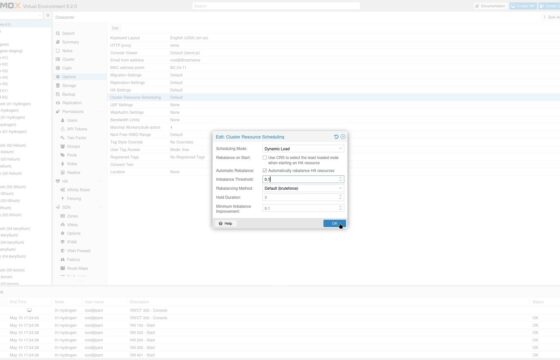
How to Install Proxmox VE 9.2: Your First VM and Container
Install Proxmox VE 9.2 from a USB stick, switch to the no-subscription repository, install updates, then create your first VM and LXC container and set up backups.
-
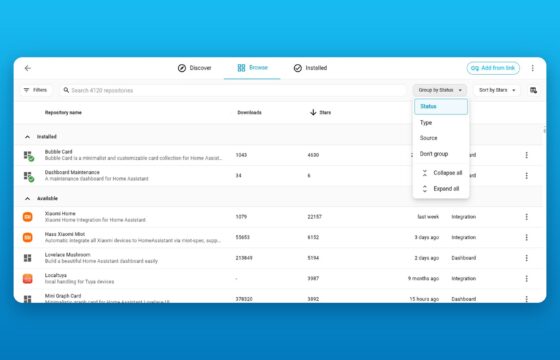
HACS Moves to Marketplace in Home Assistant 2026.11: What to Check
Home Assistant 2026.11 moves HACS into Settings as Marketplace. See what migrates, what stops receiving updates and how to prepare before the stable release.
-
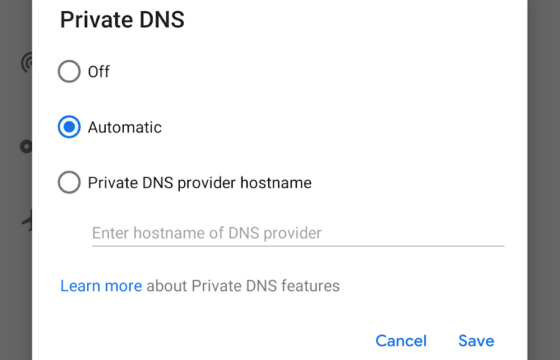
Encrypted DNS: DoH, DoT and DoQ Explained, With Setup Steps
How DNS over TLS, DNS over HTTPS and DNS over QUIC work, which resolver to pick, and how to turn on encrypted DNS on Android, iPhone, Windows 11, Mac, browsers, UniFi routers and Pi-hole.
-
Windows 11 KB5127936: New Right-Click Menu, Cloud Rebuild and How to Get Them
Windows 11’s October optional update, KB5127936, adds a faster right-click menu you can customize and Cloud rebuild, a way to reinstall Windows from Windows Update without a USB drive. Here is how both work and whether to install it now.
-

Touchscreen MacBook Pro: Is PROLED XDR Worth ₹50,000 More?
Apple’s first touchscreen MacBook Pro starts at ₹3,49,900 in India. Its PROLED XDR display adds touch controls and a Dynamic Island, while the new body is lighter than the regular model.