Independent technology journalism

,

How To Watch WWDC 2013 Live Stream On Windows

Updated

1 min read

How To Watch WWDC 2013 Live Stream On Windows

useragents-swticher-wwdc2013-techzei


This method requires Firefox Browser.

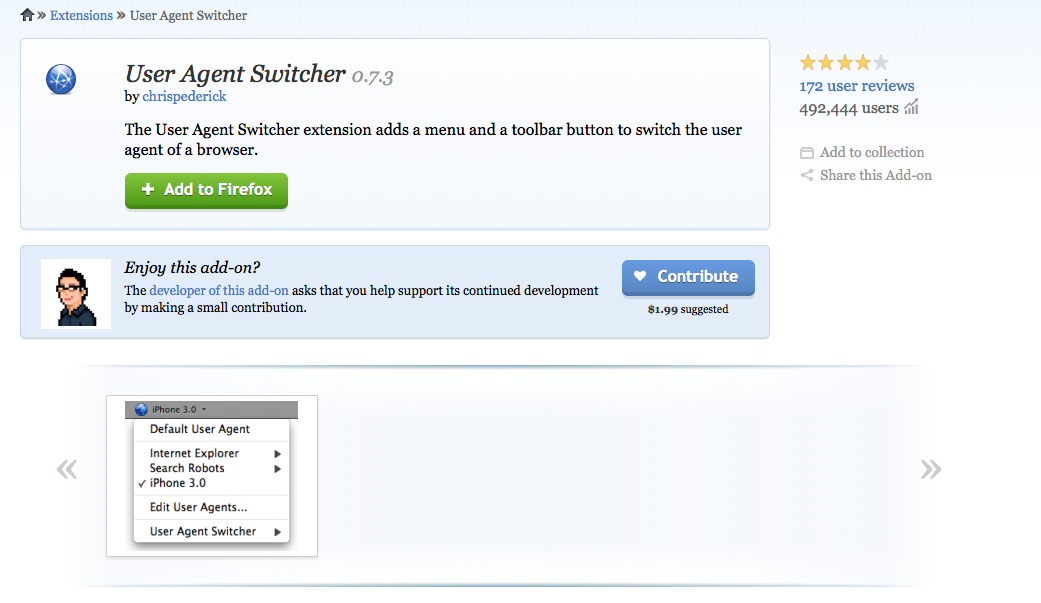
  • Download the UserAgent Firefox Plugin
  • Once the Install is done , Restart Firefox.
  • Download the list of user agents from here – [Download]
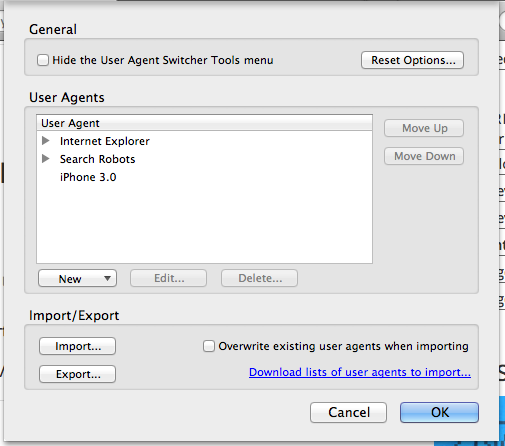
  • Import the “useragentsswitcher.xml” file into the Extension Tabimport-useragents-techzei
  • Open the extension , there should be updated list of user agents.
  • Change your user agent to “ Safari 536.26.17″
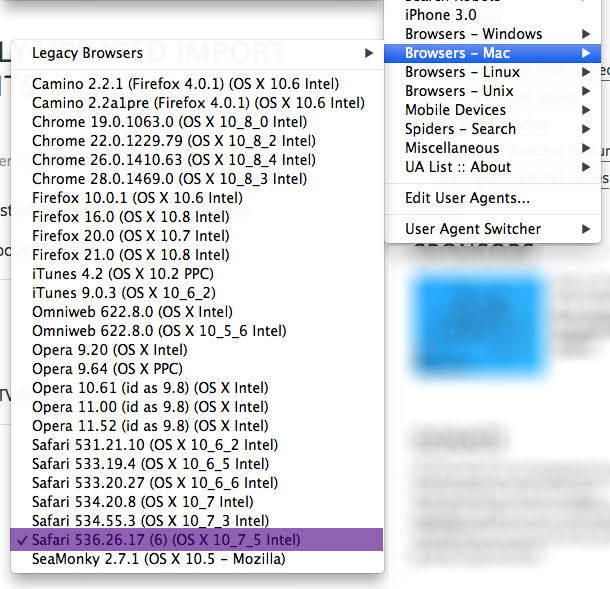

select this-useragent


Check for your updated UserAgent details after a refresh of this page ! 

Comments

2 responses to “How To Watch WWDC 2013 Live Stream On Windows”

  1. Riccardo Canola Avatar
    Riccardo Canola

    Does it work?

    1. Jash Jacob Avatar

      Yes! It should work flawless.
      Updating the post now on how to check if the user agent is updated on not

Leave a Reply

Your email address will not be published. Required fields are marked *

About the author

Share this story