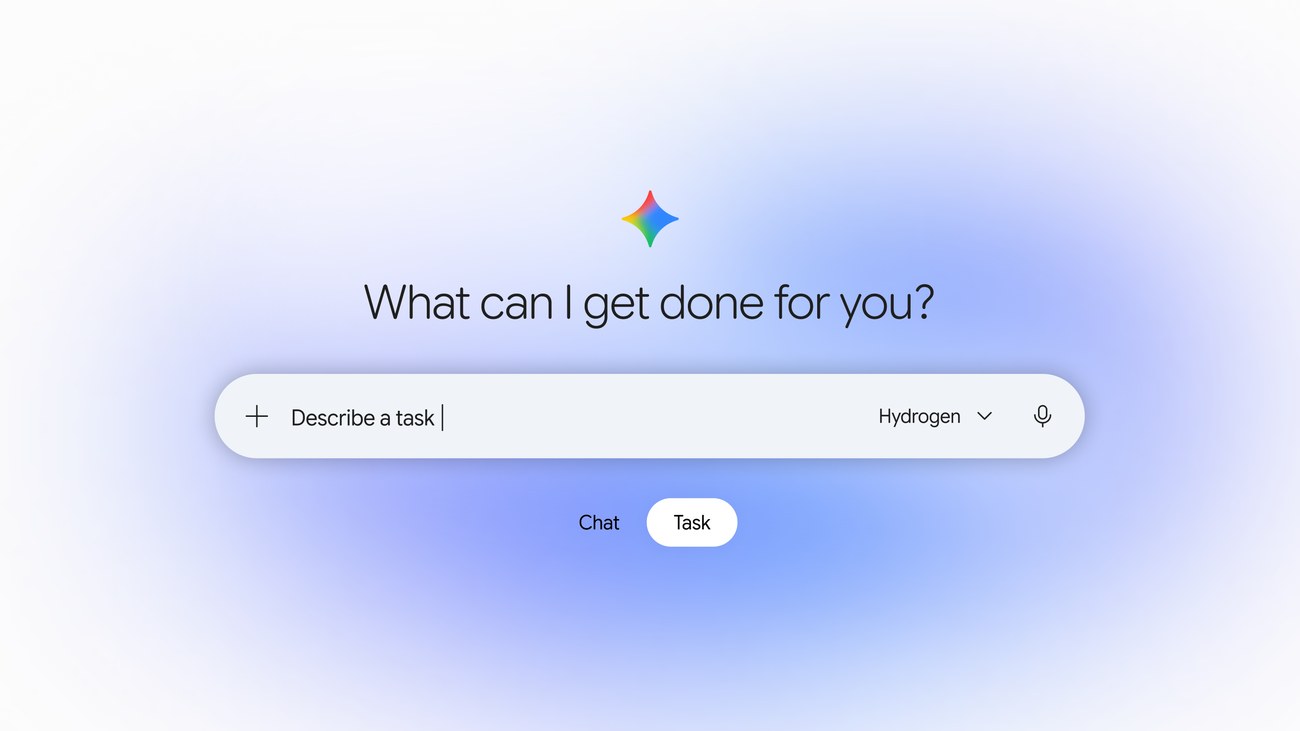
Gemini Tasks is rolling out to free users in India. You can give it a job, let it work in the background and check back when it needs your input or has a result. Google says the free rollout covers hundreds of millions of people in India, the US, Japan, South Korea, Canada and Australia, running on its new Gemini 4 Hydrogen model.
Google first tested the feature with paid subscribers under the name Spark. The free rollout includes tasks such as sorting newsletters, watching travel prices and compiling research. The flashier demos in Google’s announcement need a closer look: calling a business is restricted to eligible US users, and Google has not confirmed that in-task checkout works in India.
What Gemini Tasks actually does
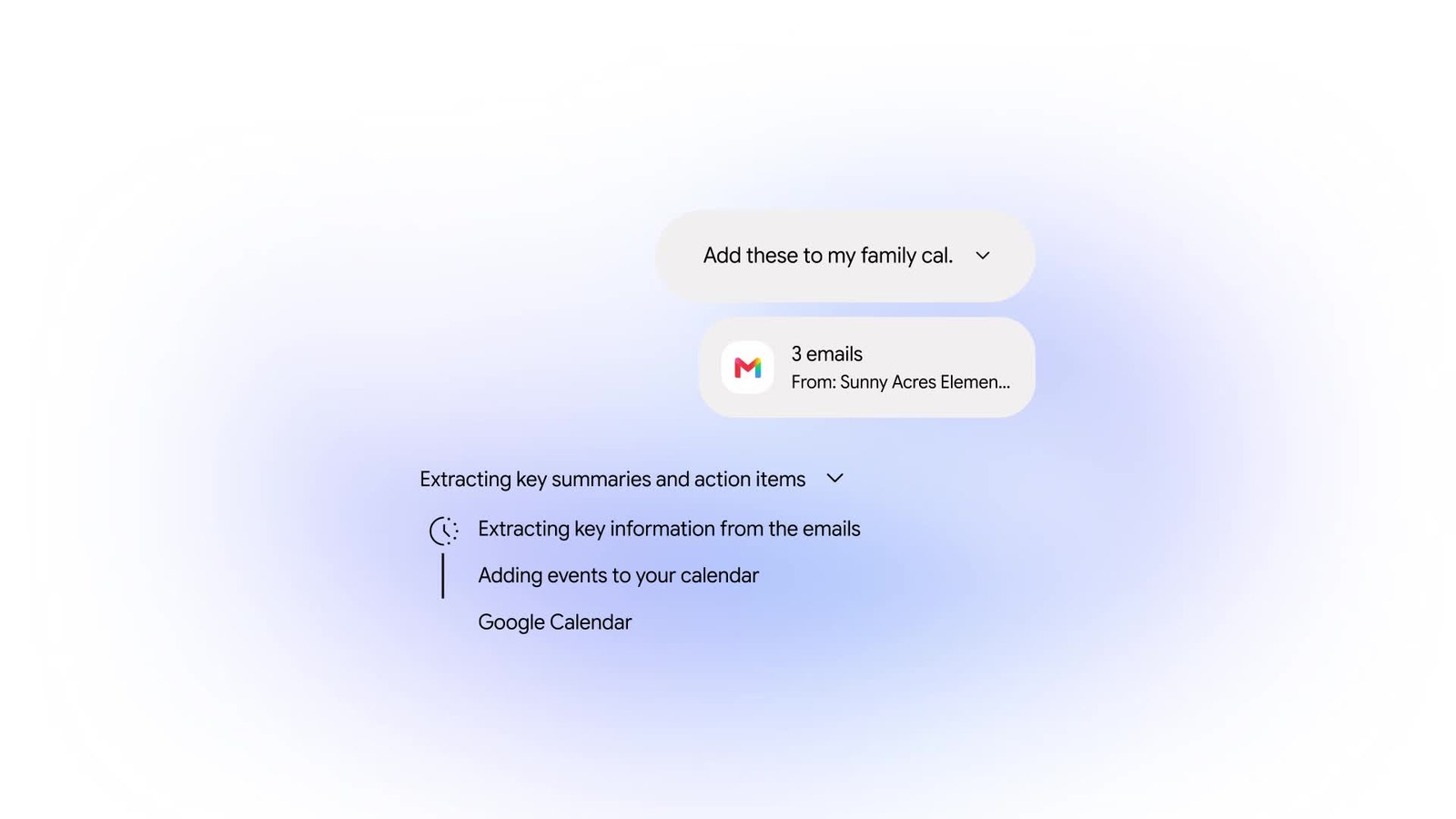
A normal Gemini chat answers and stops. A task keeps going. You describe a goal, Gemini shows its plan, then works through it using whatever it has access to: Gmail, Calendar, Drive, Docs, Sheets, Keep, Google Tasks, Maps, Flights, Hotels, YouTube, Google Photos and Gemini Notebook, plus your saved skills and the websites you are signed into. If you have turned on Personal Intelligence, it can use that context too.
Google’s help page gives three broad uses that apply anywhere tasks are available:
- Save time. Summarise or archive newsletters, unsubscribe from mailing lists or build an urgent to-do list after a holiday.
- Save money. Watch flight and hotel prices and alert you when they drop within your budget.
- Research and make files. Pull cited research together and package it as a PDF, document, spreadsheet or presentation.
Tasks can also run on a schedule, at a set time or after an event, and you can point one at an existing skill with @. If you already built a writing or study routine as a skill, our guide to sharing Gemini skills explains how to attach the Drive files it should read.
What works in India and what is US-only
Google is rolling out the free task mode in India. Some new ways to use it are starting in the US.
| Feature | India | US |
|---|---|---|
| Chat to Task toggle in the Gemini app | Rolling out, free | Rolling out, free |
| Workspace actions (Gmail, Calendar, Drive, Docs, Sheets, Keep) | Rolling out | Rolling out |
| Scheduled tasks and skills | Yes | Yes |
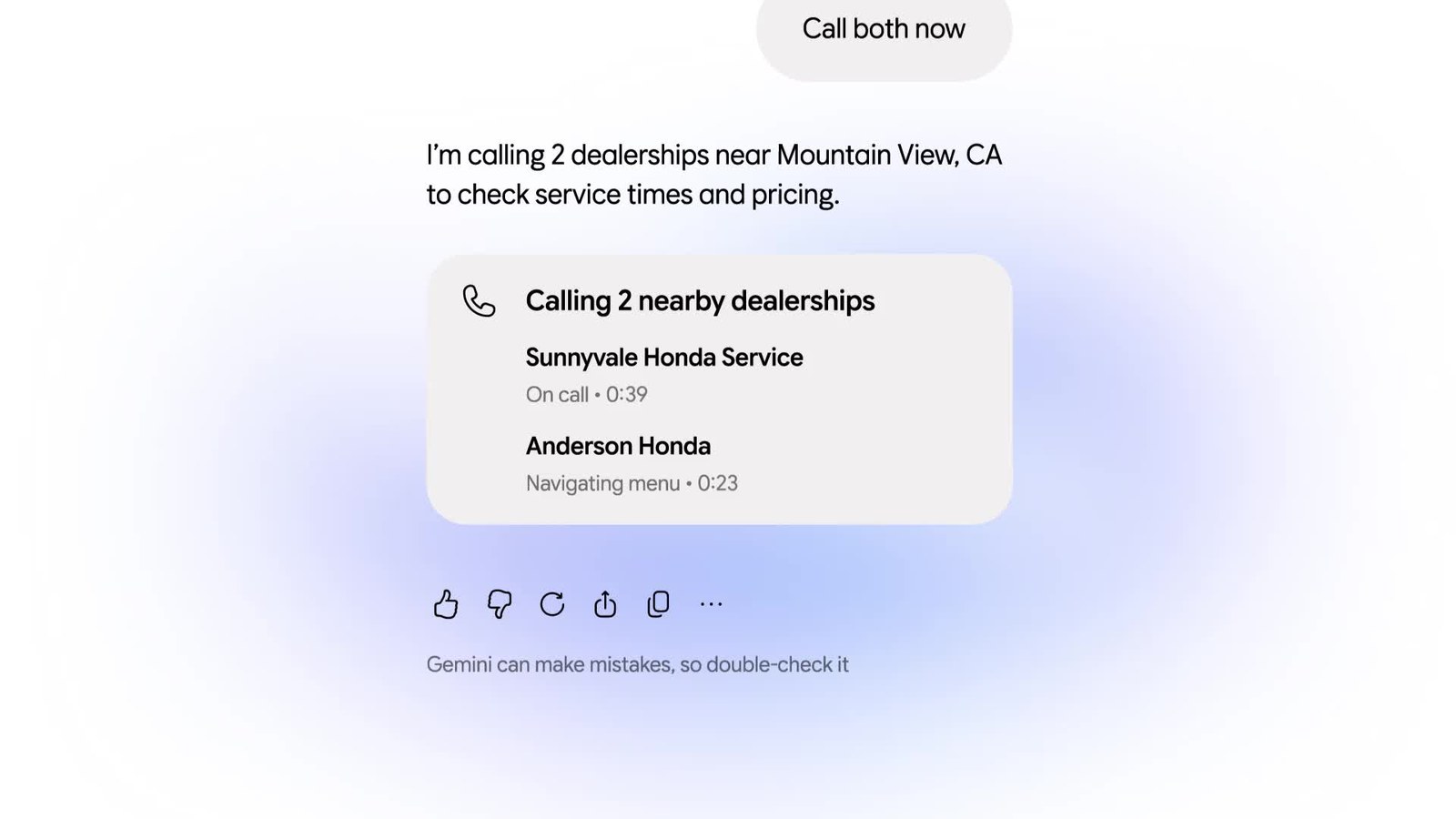
| Gemini calling businesses for you | No | Pixel 10 and 11 with a US SIM |
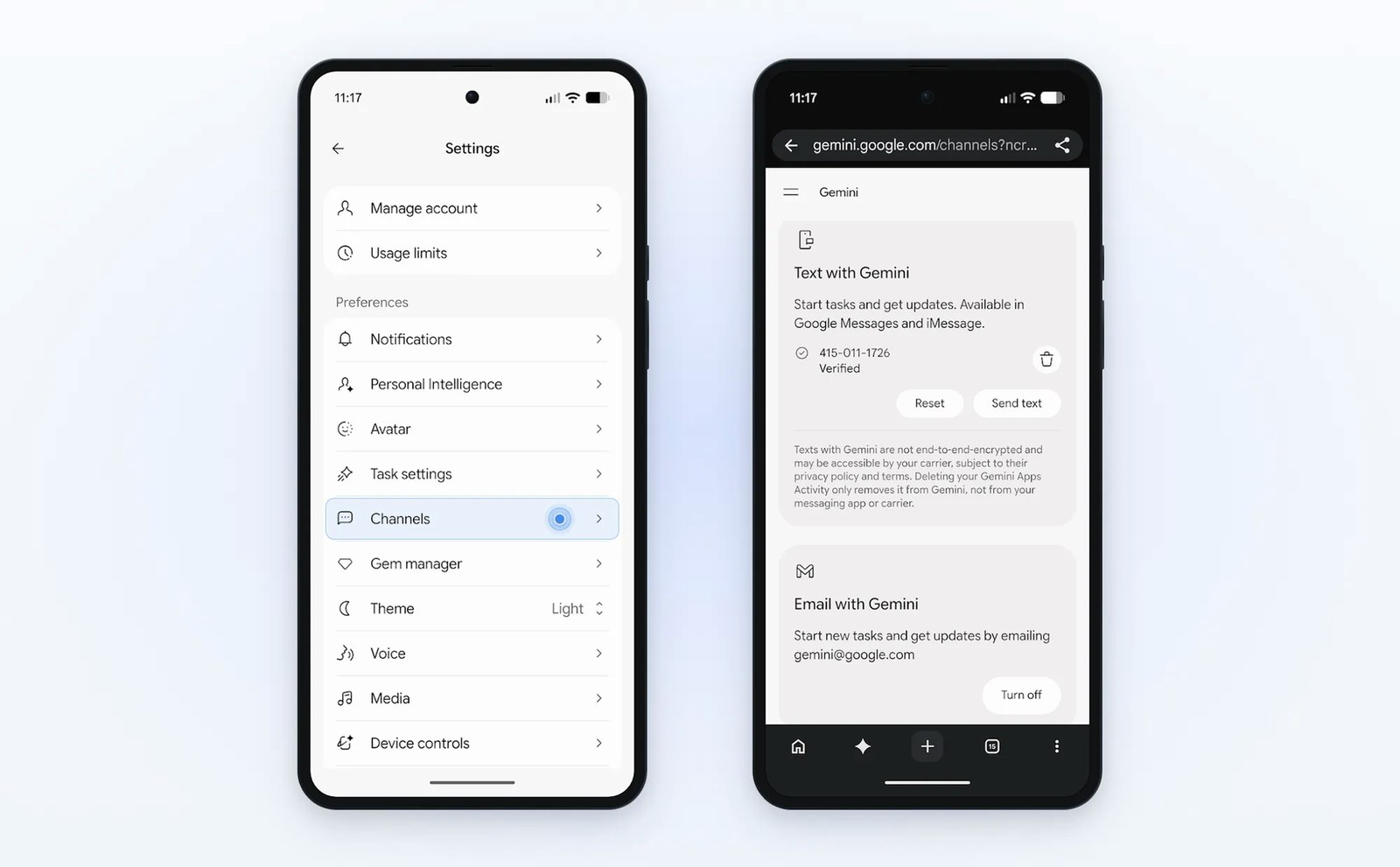
| Texting Gemini or forwarding email to gemini@google.com | No | Rolling out |
Calling is the most restricted feature. Google’s help page says you must be 18 or over and in the US, use a Pixel 10 or Pixel 11 with a US SIM, and Gemini can only call US numbers. Text and email channels are also starting in the US. Google has not given a date for any of these in India, so do not expect Gemini to ring your local clinic just yet.
Shopping sits in a grey area. Google says Gemini now uses the Agent Payments Protocol with Mastercard and Visa tokens, and that receipts land in Google Wallet, but it did not say whether checkout inside a task works in India. Indian cards and UPI were not mentioned, so treat buying through Gemini as unconfirmed here.
How to start a task
You need to be 18 or older, signed in with a personal Google account and have Gemini history turned on. Work and school accounts cannot use tasks yet. Tasks work in the Gemini mobile app, the Gemini app on Mac and the web app at gemini.google.com.
- Open the Gemini app or go to gemini.google.com.
- Below the text box, switch the toggle from Chat to Task.
- Describe the job and, if it matters, when it should run. Type @ to pick a skill.
- Add files with Upload, Add from Drive or Add Notebook if the task needs them.
- Submit, then check the task thread for questions or confirmation requests.
Not sure where to begin? Type “set up” or “interview me” in a task and Gemini walks you through your first skills and tasks. You can add instructions while a task is running without losing its progress.
Limits worth knowing
Free does not mean unlimited. Gemini uses compute-based usage limits, and a task counts against them depending on how complex it is and how many you run in a day. Paid Google AI plans get more headroom, and Gemini warns you when you are close. You can run up to 15 tasks at once, and a schedule will not fire if 15 are already running.
Browsing also depends on where you start. On a computer, Gemini can drive your local Chrome, which means it sees the same sites you are signed into, and Chrome must stay awake until it finishes. On a phone, it uses a remote browser in the cloud that keeps working after you close the app. Local browsing relies on Gemini auto browse in Chrome, and Chrome asks for permission the first time Gemini connects to it.
Privacy and safety: what to watch
Google says each task runs in a hardware-isolated virtual machine dedicated to your account, with prompt-injection filters and Safe Browsing limiting which links Gemini opens. Google says Gemini may ask for confirmation before critical actions, such as a purchase or signing in with a saved password. Its safeguards do not remove the need to watch what it does.
Those guardrails help, but Google’s own help page is blunt: your supervision is the most important protection. Gemini can share your name, contact details and files with websites while it works. Do not type passwords or card numbers into a task thread; take control of the browser and enter them on the site instead. Avoid scheduling anything sensitive that could run while you are offline. After a sensitive session, delete saved browser data from Task settings.
Is it worth turning on?
For free users in India, yes, with sensible expectations. A weekly newsletter clean-up or a flight price watch makes a good, low-risk first task, and it costs nothing beyond your usage allowance. Calling is not available here, and Google has not confirmed India availability for in-task checkout. If you were weighing a paid plan just for agent features, our look at Gemini’s free plan in India covers what the free tier already includes, and Tasks just made that tier more capable.
FAQ
Is Gemini Tasks free in India?
Yes. Google’s help page lists India among the countries where tasks work without a Google AI subscription. Usage limits still apply, and they are higher on paid plans.
Can Gemini make phone calls for me in India?
No. Calling businesses currently needs a Pixel 10 or Pixel 11 with a US SIM, and Gemini can only call US numbers.
What happened to Gemini Spark?
Spark was renamed Task. Existing tasks and schedules stay in the sidebar, and the Chat and Task toggle sits next to the prompt box.