Archive
How To
Step-by-step technology guides for phones, computers, apps and online services, written to help readers solve real problems.
-
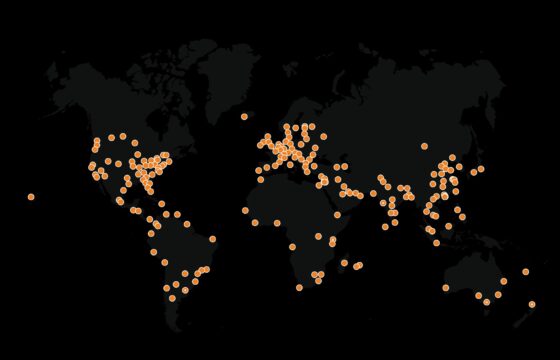
Home Server Behind CGNAT: Tailscale or Cloudflare Tunnel?
A home server behind CGNAT needs more than a router port forward. Check your connection, use Tailscale for private access, or protect a web app behind Cloudflare Tunnel.
-
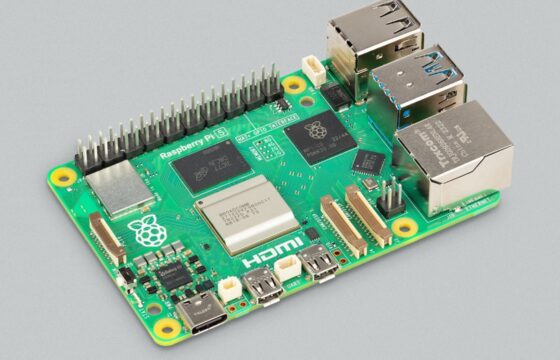
Pi-hole v6 With Unbound: Set Up Ad Blocking and Private DNS
Set up Pi-hole v6 with Unbound on a Raspberry Pi or Debian computer. Install both, test DNSSEC, connect them on port 5335 and point your home network to Pi-hole.
-
How to Build an MCP Server in Python With the Official SDK
Build a working MCP server in Python with the official v2 SDK, test it in the MCP Inspector and pytest, and connect it to Claude Desktop, Claude Code, Cursor or VS Code.
-
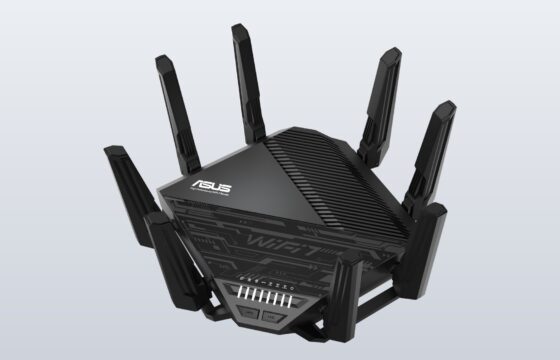
Wi-Fi Bands and Channels Explained: 2.4 GHz, 5 GHz and 6 GHz
Wi-Fi bands and channels explained: how 2.4 GHz, 5 GHz and 6 GHz differ, why 1, 6 and 11 matter, what DFS, PSC, AFC and 320 MHz mean, how 6 GHz rules vary by country, and how to pick the best channel on Windows, Mac, Android, iPhone and your router.
-
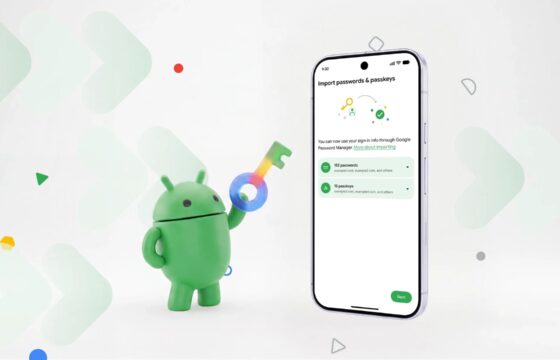
How to Move Passkeys Between Password Managers Safely
Move passkeys between Apple Passwords, Google Password Manager, 1Password, Bitwarden and Dashlane with Credential Exchange, or recreate them safely.
-

Windows 11 26H2 for Windows 10 PCs: How to Check and Install
Windows 11 26H2 is available for eligible PCs. Check Windows 10 compatibility, install the update safely, see what is new and fix common upgrade problems.
-
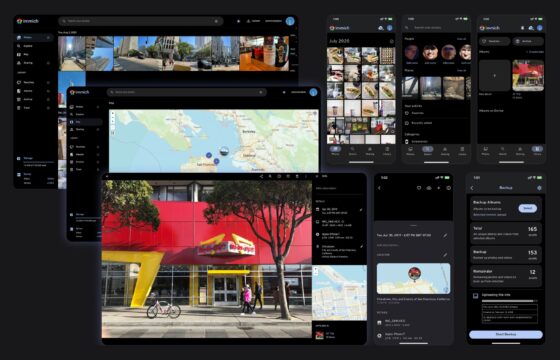
Move Google Photos to Immich: Keep Dates, Locations and Albums
Export Google Photos with Takeout and import to Immich with immich-go. Follow the steps, check dates and albums, and keep a backup before deleting your Google copy.
-

Claude Code Extension Backdoor in Cursor: Check Your Mac or PC
Two tampered Claude Code extension versions in Cursor tried to plant an SSH backdoor. Check affected macOS and Windows machines, then use Cursor’s official cleanup scripts if needed.
-
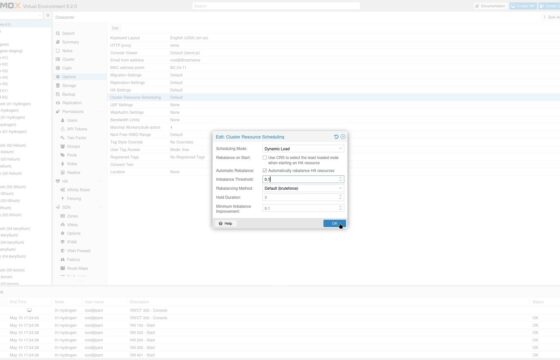
How to Install Proxmox VE 9.2: Your First VM and Container
Install Proxmox VE 9.2 from a USB stick, switch to the no-subscription repository, install updates, then create your first VM and LXC container and set up backups.
-

GTA 6 Preload: Date, IST Time, Size and How to Pre-load on PS5 and Xbox
GTA 6 preload opens November 10, and the game unlocks at 12:00 am IST on November 19. Here are the IST times, 212 GB size, India prices and quick PS5 and Xbox steps.
-
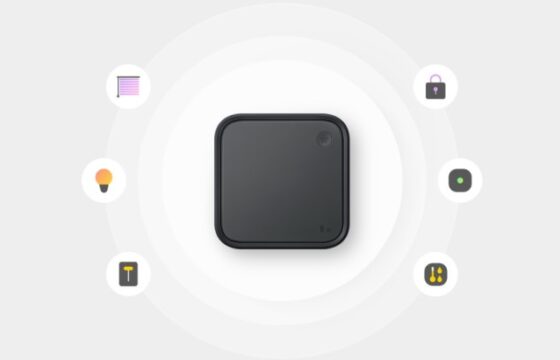
Matter and Thread Explained: Hubs, Compatibility and Setup
What Matter and Thread are, which Apple, Google, Amazon and SmartThings devices act as hubs and Thread border routers, how to pair and share Matter devices across apps, and how to fix common setup problems.
-
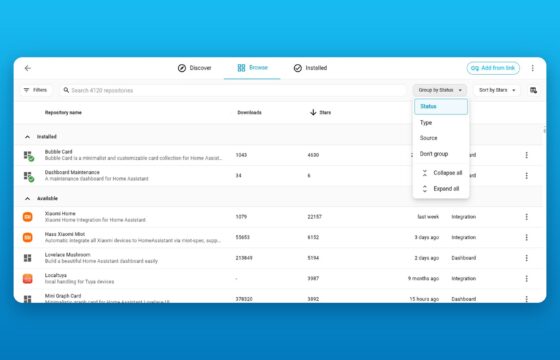
HACS Moves to Marketplace in Home Assistant 2026.11: What to Check
Home Assistant 2026.11 moves HACS into Settings as Marketplace. See what migrates, what stops receiving updates and how to prepare before the stable release.
-
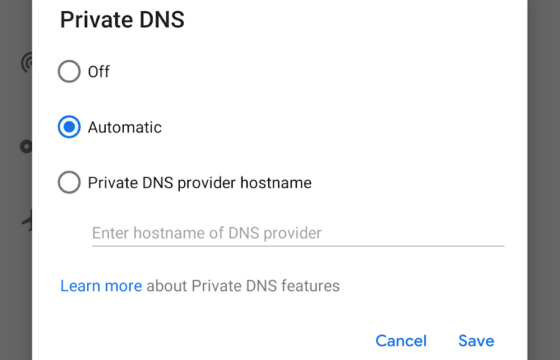
Encrypted DNS: DoH, DoT and DoQ Explained, With Setup Steps
How DNS over TLS, DNS over HTTPS and DNS over QUIC work, which resolver to pick, and how to turn on encrypted DNS on Android, iPhone, Windows 11, Mac, browsers, UniFi routers and Pi-hole.
-
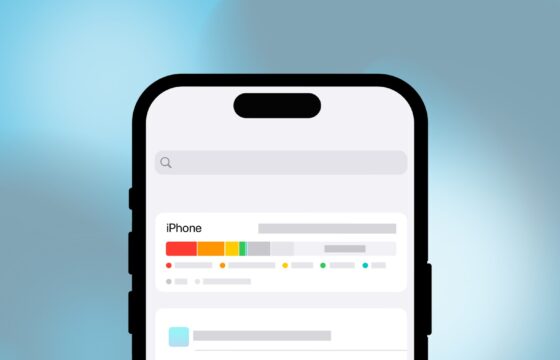
Apple Intelligence Storage: How Much Space It Needs and What You Can Clear
Apple Intelligence needs up to 14 GB on some newer devices and up to 8 GB on other supported models. Check your free space and see what you can safely clear before an update.