
Archive
Proxmox
-
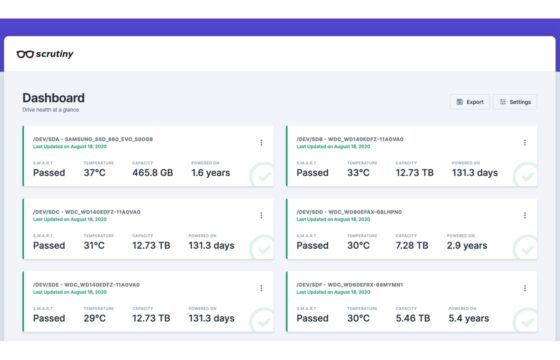
How to Set Up Scrutiny With Docker for Drive Health Monitoring
Set up Scrutiny with Docker to track SMART history for every drive, spot failing disks early with Backblaze-based thresholds, add collectors on Proxmox and other hosts, and get ntfy or email alerts.
-
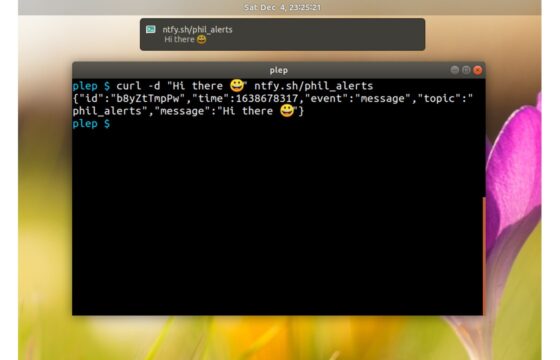
How to Self-Host ntfy With Docker for Home Server Alerts
Run a private ntfy push server with Docker: lock topics with users and access tokens, add HTTPS, get instant iPhone alerts via upstream, and send Proxmox VE, Uptime Kuma, NUT and restic alerts to your phone.
-
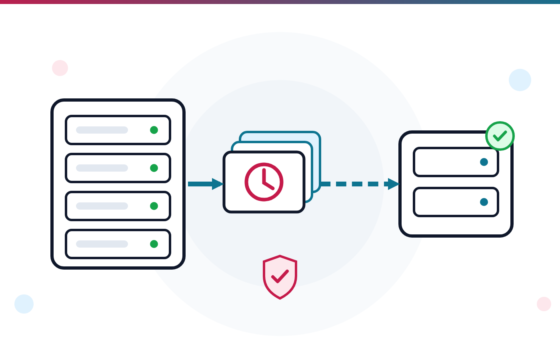
ZFS Snapshots With Sanoid: Scrubs and Syncoid Setup
Automate ZFS snapshots with sanoid, replicate them to a second pool or backup box with syncoid, and check what your monthly scrub is doing. Includes sanoid.conf templates, non-root syncoid with zfs allow, zpool status and file restores.
-
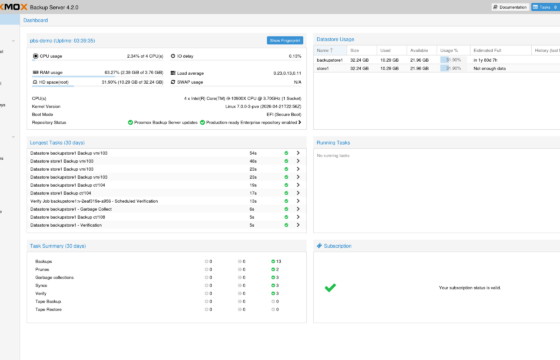
Proxmox Backup Server at Home: Install, Datastore, Backup Jobs and Off-Site Sync
Set up Proxmox Backup Server 4.2 at home: install it, create a datastore, add it to Proxmox VE with a backup-only token, schedule backups, configure pruning, garbage collection and verify jobs, and keep an off-site copy with sync jobs or S3.
-
How to Set Up Network UPS Tools on a Home Server
Set up Network UPS Tools on a Debian or Proxmox VE server, share UPS status with Linux and TrueNAS clients, tune shutdown timing and test the power failure sequence.
-
How to Set Up SMART Monitoring on a Home Server With smartctl and smartd
Set up SMART monitoring with smartctl and smartd: schedule nightly short and weekly long self-tests, read SATA attributes and the NVMe health log, learn which numbers actually predict drive failure, and get alerts by email or ntfy.
-
How to Install Proxmox VE 9.2: Your First VM and Container
Install Proxmox VE 9.2 from a USB stick, switch to the no-subscription repository, install updates, then create your first VM and LXC container and set up backups.