
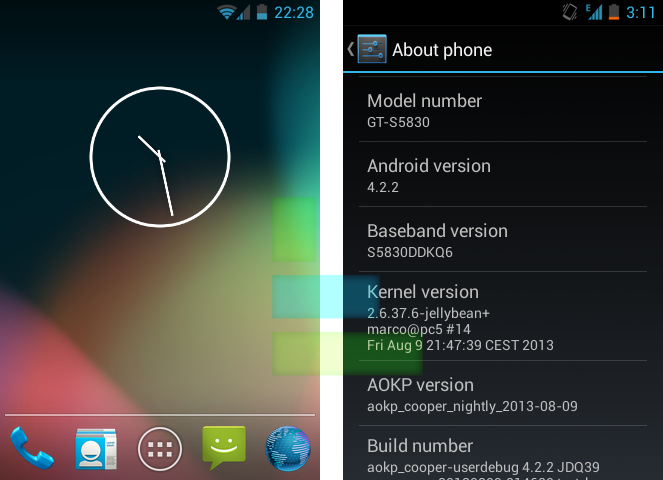
Over a month ago on Techzei’s Youtube Channel a video of Samung Galaxy Ace running Jellybean 4.2.2 Custom ROM (AOKP cooper build) was posted and lot of viewers request for the tutorial, So here is how to get Jellybean 4.2.2 running on your Galaxy Ace GT-S5830.
I’ve been using this ROM even before it’s nightly release and it worked just fine.The ROM does not have any major bugs and the nightly release is just as good as final release. The ROM has a decent Overclock kernel and the phone stable even when overclocked to about 979Mhz. The battery drain when set at a stock Cpu speed is very minimal. To finish it short, this certainly is the smoothest Jellybean ROM.
> Download
Instructions :
- Download the ROM and copy it to the SDcard
- Boot to recovery mode
- Wipe data
- Wipe cache
- Wipe dalvik
- Install zip from SDcard(the one that was downloaded and copied)
- Reboot your device
- After the setup wizard press home key



Leave a Reply