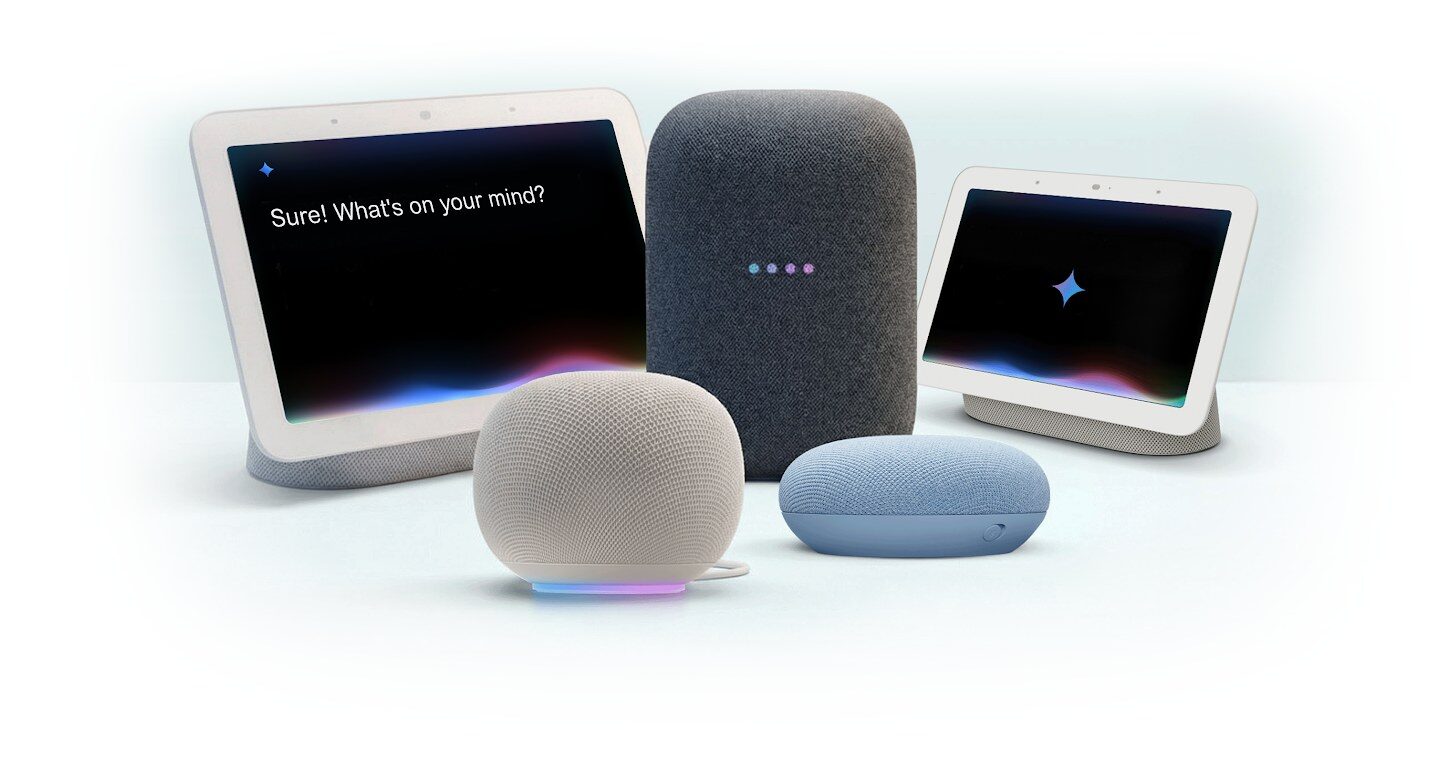
If you have a Nest Mini, Nest Audio or Nest Hub at home, the voice inside it is about to change. Google says Gemini for Home, the assistant replacing Google Assistant on its speakers and displays, is expanding to India, along with five other countries. Google has not announced an India rollout date. That means more natural conversations, follow-up questions without repeating “Hey Google”, and smarter music search on hardware many Indian homes bought years ago.
There are two things to know before the upgrade prompt appears. The switch back to Google Assistant is not available, and Gemini Live requires Google Home Premium, which Google does not currently list for India. Google has not confirmed which Indian languages will be supported.
What Google announced
In its 17 November Google Home update, Google said Gemini for Home now handles everyday requests up to 20% faster and is expanding to six new countries, including India. Google has not given an India launch date. Its help page says the rollout is gradual, and the Google Home app will notify you when the upgrade is available for your home.
Will your Nest speaker get Gemini?
Almost certainly. Google says Gemini for Home works with all Google Home and Nest speakers and displays released since 2016, and the help centre splits them into two groups.
| Device | Gemini for Home | Gemini Live |
|---|---|---|
| Nest Mini (2nd gen) | Yes | Yes |
| Nest Audio | Yes | Yes |
| Nest Hub (2nd gen) and Nest Hub Max | Yes | Yes |
| Nest Hub (1st gen) and Google Home Mini (1st gen) | Yes | Yes |
| Google Home Speaker (2026) | Yes | Yes |
| Original Google Home, Google Home Max, Nest Wifi point | Most features | No |
| Third-party speakers with Google built in | Most features | No |
Firmware matters too: speakers need Cast firmware 3.76 or later and displays need Fuchsia firmware 28 or later. Devices update themselves, so keeping them plugged in and online should cover it.

What you get for free
The basic Gemini for Home voice assistant costs nothing. Google lists smart home controls, media search and playback, alarms and timers, calendar events, notes, lists and reminders, plus answers to questions on a wide range of topics.
The everyday difference is in how you talk to it. You can ask follow-ups, and Continued Conversation, which Google says works on all its speakers and displays, keeps the speaker listening for about 10 seconds after it answers so you do not have to say “Hey Google” again. Music search gets looser as well: you can describe a song by its lyrics or the movie scene it played in instead of remembering the title. Personal results such as your Calendar, notes and lists still need Voice Match, so set that up for each family member.
Gemini Live needs a subscription India does not have
The headline feature, Gemini Live, lets you say “Hey Google, let’s chat” and hold a free-flowing back-and-forth conversation on your speaker. Google says it requires a Standard or Advanced plan of Google Home Premium. Google is also moving Gemini Live to a faster speech-to-speech system for Premium subscribers.
The problem for Indian homes is that Google’s own list of regions for Google Home Premium does not include India. Unless that changes by the time the upgrade reaches India, Indian users should expect the free voice assistant without Gemini Live. Google has not announced Indian pricing for Premium.
How the switch works, and why it is one-way
When Gemini for Home reaches your home, the Google Home app shows a notification saying “Introducing Gemini for Home”. Tap it, choose Get started and follow the prompts. If you dismiss it, you can find it again:
- Open the Google Home app.
- Tap your profile picture at the top right.
- Tap Home settings.
- Look for the banner that says “Set up Gemini for Home for more natural conversations”, tap Get started and follow the prompts.
On Android, update the Speech Recognition and Synthesis app first, as Google recommends.
Read the prompts carefully, because this is not a per-person setting. Once you switch, Gemini for Home becomes the assistant for everyone in the home, every compatible device uses it, and devices you add later will too. Google says a home that has switched cannot go back to Google Assistant. If someone in the family depends on a routine that works perfectly today, test it soon after the switch.
What about new hardware and languages?
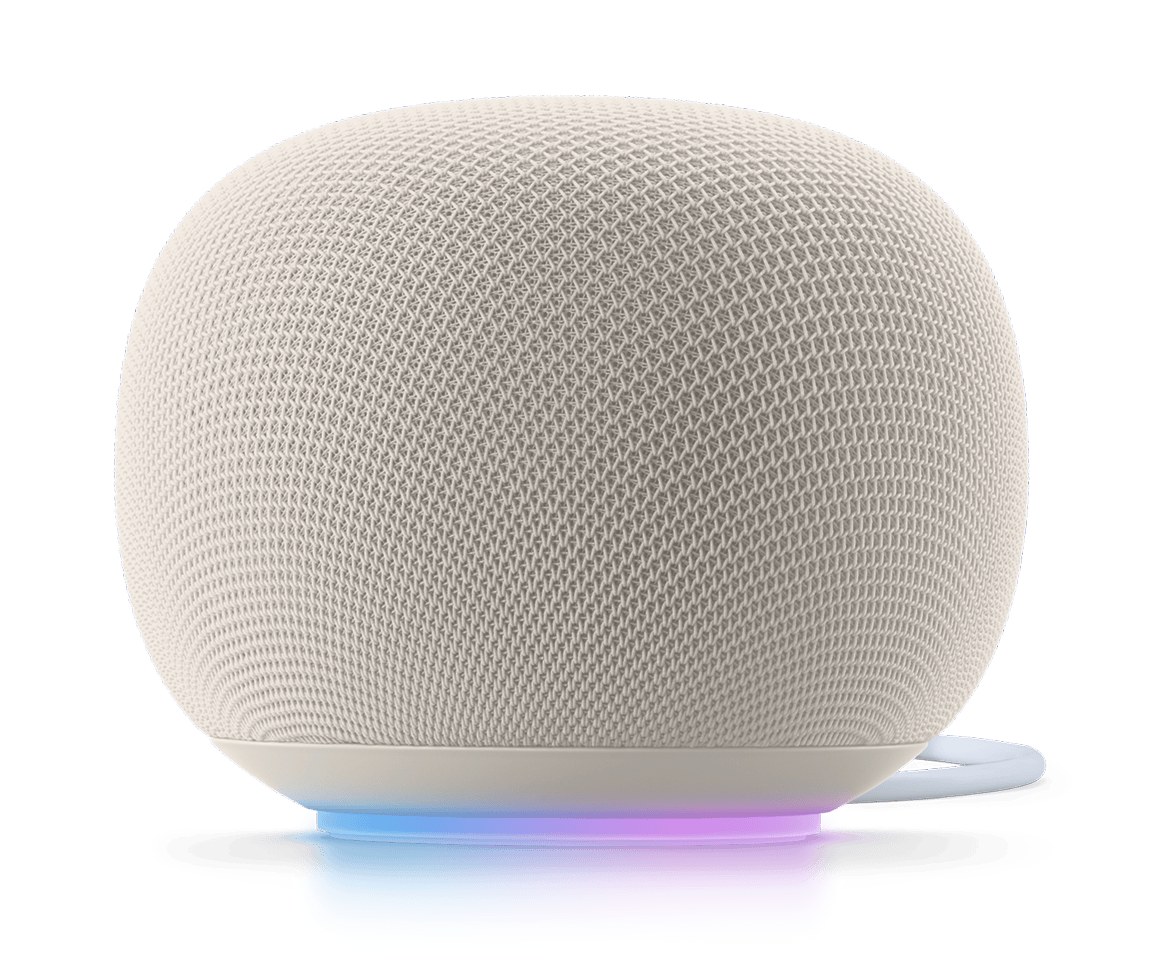
Google’s new Google Home Speaker is designed around Gemini, but Google’s store availability list does not include India, and the same list does not show the Nest Mini, Nest Audio or Nest Hub as sold in India either. In practice, this update matters most for people who already own a Nest device. If you are building a smart home from scratch, our guide to Matter and Thread explains which hubs and devices work across ecosystems.
Language is the big unknown. Gemini for Home currently supports Danish, Dutch, English, French, German, Italian, Japanese, Norwegian, Spanish and Swedish in its existing countries. Google has not said whether Hindi or other Indian languages will be ready when the upgrade reaches India, so English may be the starting point.
Should you switch?
For most Nest owners in India, yes, once the prompt arrives. Better follow-up handling and more forgiving music search are real improvements on hardware that has not changed much in years, and the basic tier is free. Hold off for a few days if your home relies heavily on Hindi voice commands or long-standing routines, since the switch cannot be undone. Amazon is moving in a similar direction with Alexa; our look at Alexa for Shopping in India shows how its AI features are landing here. Remember that voice assistants still lean on the cloud, so it is worth knowing what works without internet in your setup.
FAQ
When will Gemini for Home come to India?
Google says it is expanding to India but has not announced a date. The rollout is gradual, and the Google Home app tells you when your home can upgrade.
Can I go back to Google Assistant after switching?
No. Google’s help page says a home that switches to Gemini for Home cannot switch back to Google Assistant.