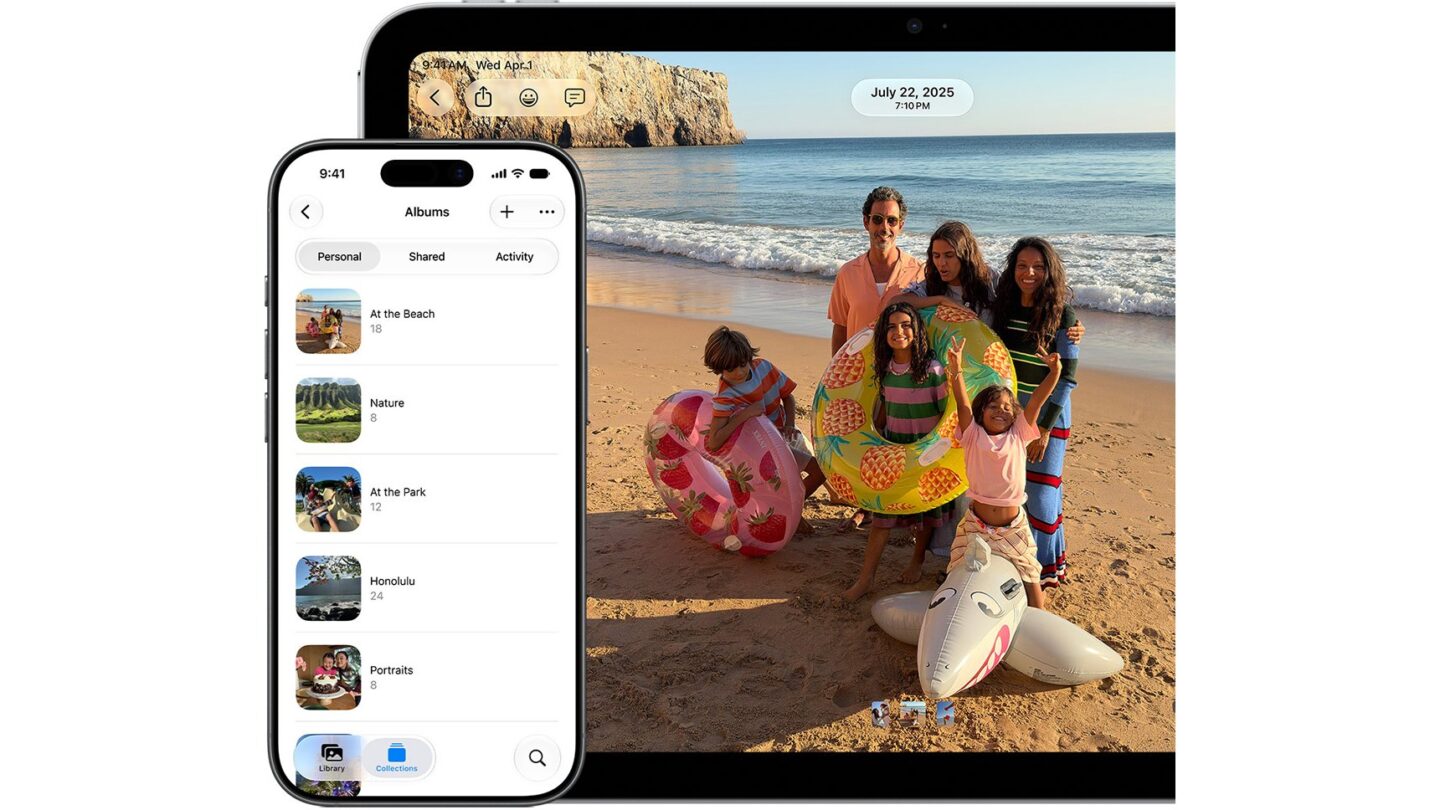
From iOS 27.3, Apple says it will check iCloud photos and files shared with Anyone with the Link for harmful content. The rule also applies to iPadOS, macOS and visionOS 27.3 or later. It concerns public links that anyone holding the URL can open, including Apple. It does not say Apple will check every photo or file in your iCloud account.
If you have used a public iCloud link to send a document or album, it is worth checking whether that link still needs to be open. Here is what Apple has confirmed and how to change access.
Which iCloud links are affected?
Apple names items shared from iCloud Photos and iCloud Drive with the Anyone with the Link option. It says this content will be accessible to Apple for the checks. Its note does not name invite-only shares or files you have not shared. Apple has not explained its detection method or defined the term “harmful content.” It also has not said whether links created before version 27.3 will be included.
Apple says it may remove content, restrict an Apple Account or involve law enforcement if content is flagged. Those are possible actions in its policy, not a claim that every flagged link will trigger them. Apple also notes that features can vary by country or region; it has not announced a separate India rollout.
Does Advanced Data Protection change this?
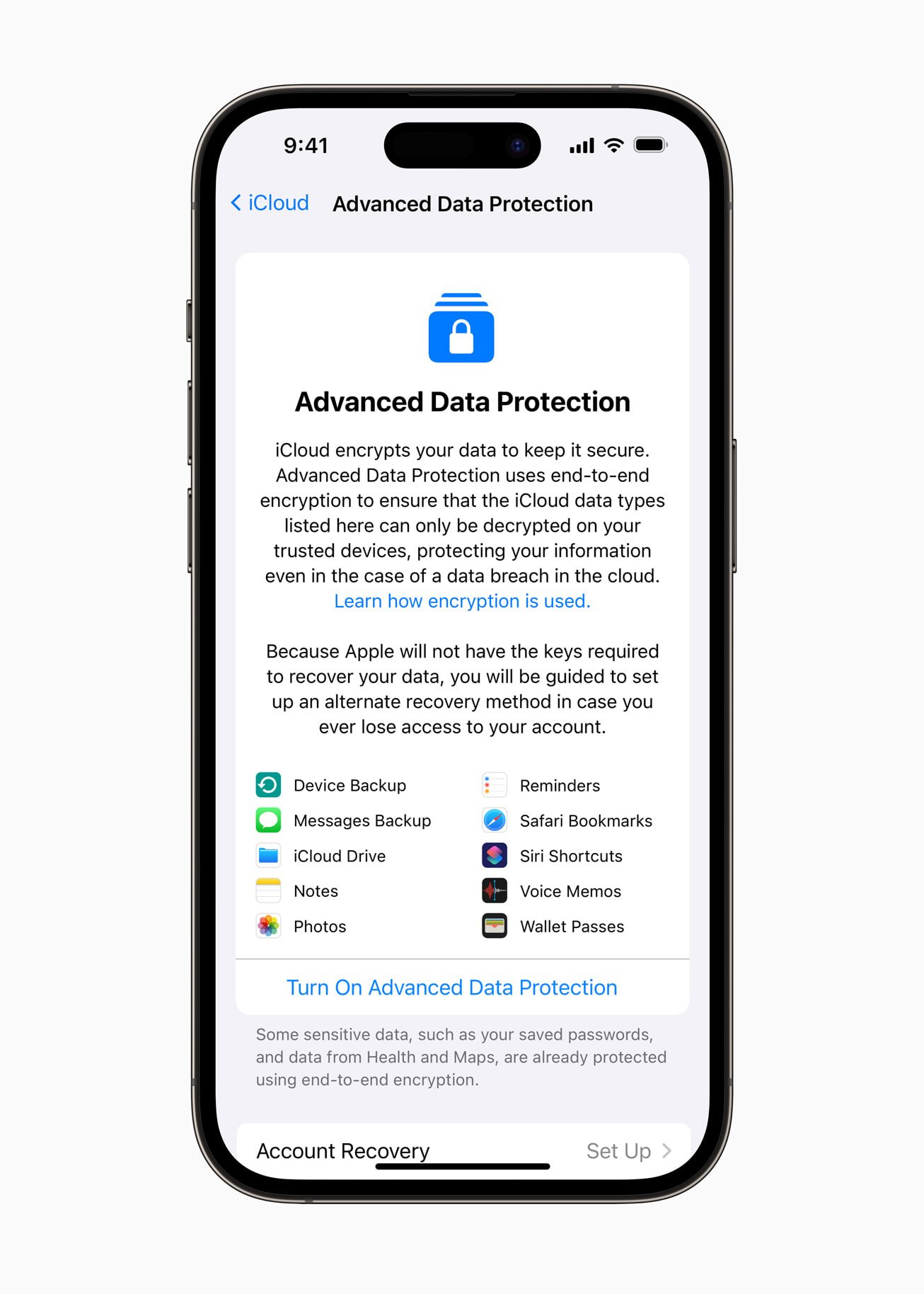
No. Apple says items shared with Anyone with the Link are not end-to-end encrypted, even when Advanced Data Protection is on. That was already true for public links. Advanced Data Protection can protect many other types of iCloud content, including Photos and iCloud Drive files that are not shared publicly. Apple says invite-only sharing can retain end-to-end encryption if all participants use Advanced Data Protection.
How to check a shared file or folder on iPhone
If you own a shared iCloud Drive item, Apple provides these steps in the Files app:
- Open Files and tap Shared.
- Touch and hold a file or folder you own, then tap Manage Shared File or Manage Shared Folder.
- Tap Sharing Options and check who can access it.
- To limit access, choose People you choose instead of Anyone with the link. Invite the people who should still have access.
Changing to People you choose stops the original public link from working for everyone. You can also choose Stop Sharing if the file no longer needs to be shared. Apple warns that if you later share the same item publicly again, its old public link can work again.
What about photos and links made on a Mac?
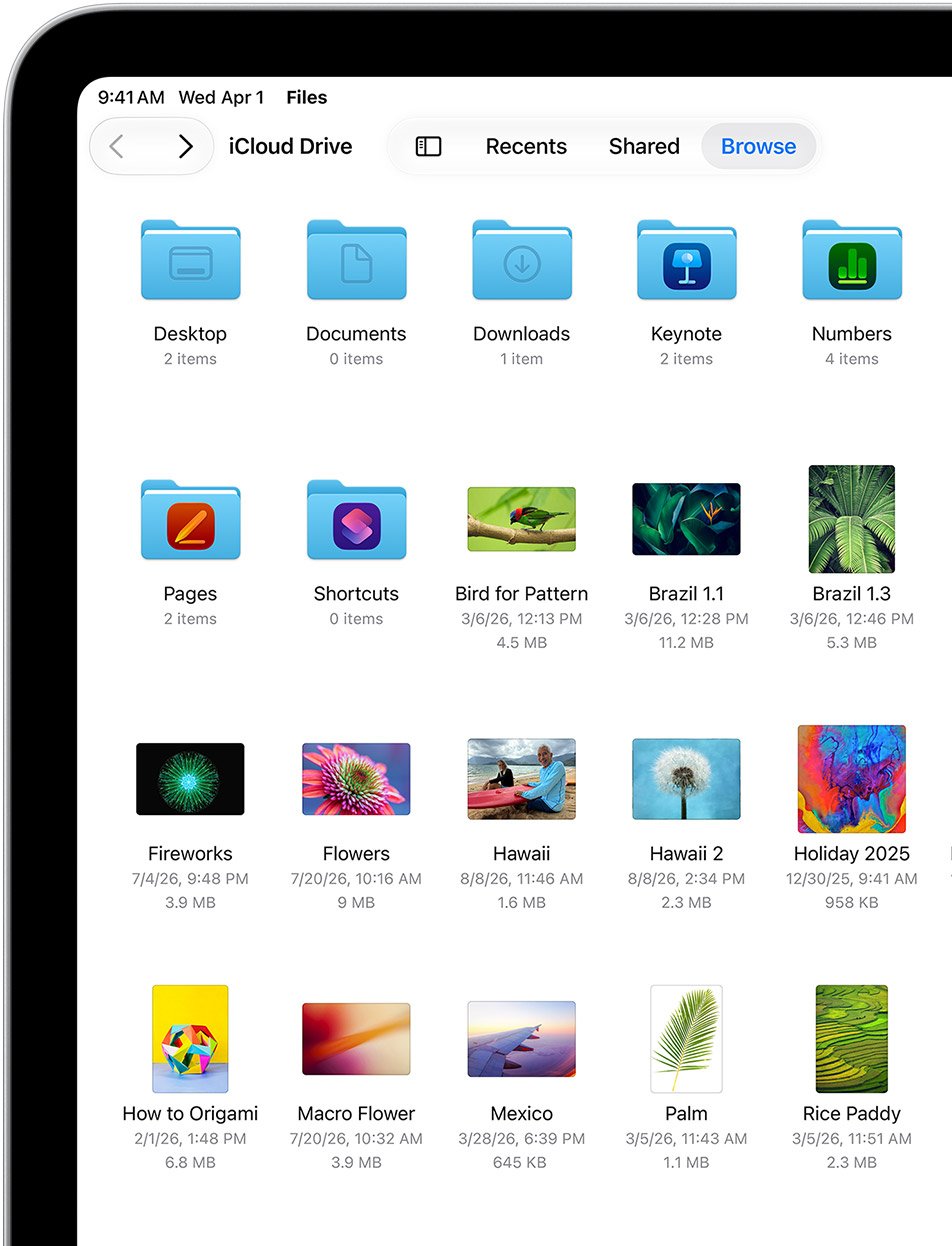
The policy covers public links from iCloud Photos as well as iCloud Drive across iPhone, iPad, Mac and Apple Vision Pro running version 27.3 or later. Check the sharing controls on the item itself and choose invite-only access when a public link is unnecessary. The labels can differ between Photos, Files, Finder and iCloud.com. If you use an iCloud Drive shared folder, review the folder’s access because its files inherit that setting.
Should you change your sharing settings?
For a file meant for a small group, People you choose is the clearer option. For a link meant to be open to anyone, leave it public only while you need it, and remember that it can be forwarded. This is a sharing decision rather than a reason to turn off iCloud entirely.
If you are deciding whether to turn on Advanced Data Protection for other iCloud content, Apple requires a recovery contact or recovery key because it cannot recover end-to-end encrypted data for you. Its protection does not cover public iCloud links.
Our macOS update guide explains how to check your Mac version. For files you no longer want online, keep a separate backup before removing a shared copy.