ChatGPT Wallet lets an AI agent prepare a purchase and pay with a card you have saved, but you still have to approve each transaction. OpenAI launched it on 13 November for a limited group of US ChatGPT Pro subscribers. It works inside dots, OpenAI’s shopping-capable agents, rather than in a regular ChatGPT conversation.
The appeal is straightforward: ask a dot to find something, check the final price yourself, then approve the payment. The harder part is making sure the store accepts the order and you know exactly what went through.
How a ChatGPT Wallet purchase works
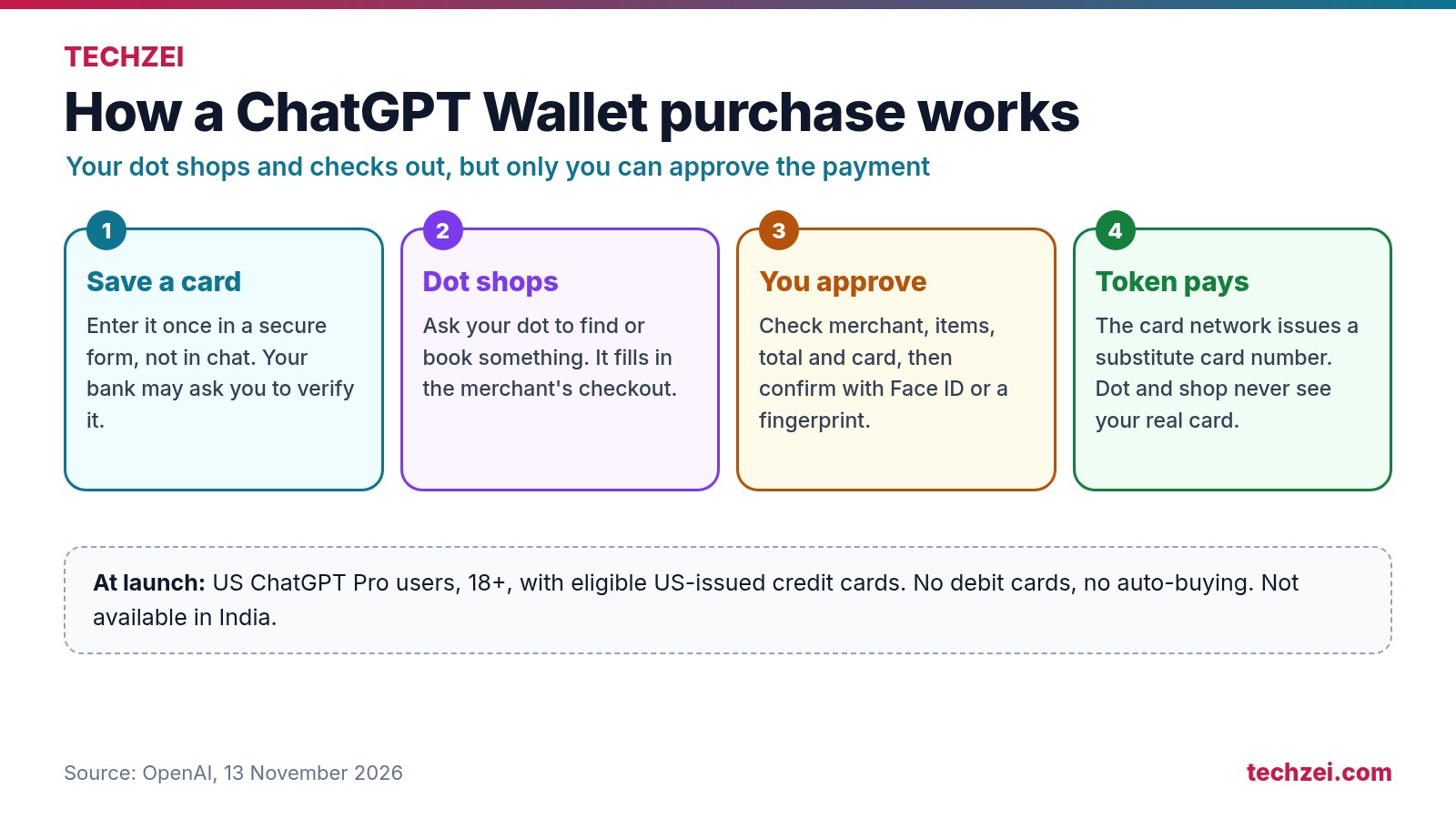
- Add an eligible card. Ask your dot to help you add a card, or open Settings > Wallet > Add Card. Enter the number in the secure card form, never in a chat message. Your bank may ask you to verify it.
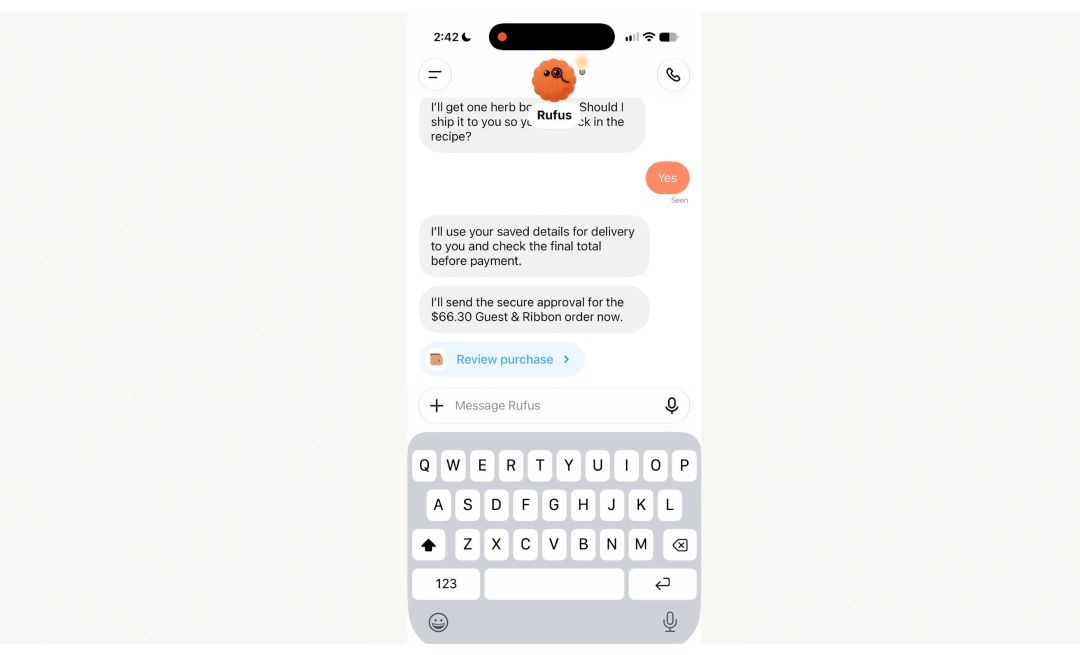
- Ask the dot to shop. It can compare products or travel options and prepare a merchant checkout using details such as your name and delivery address.
- Check the purchase. Review the merchant, items, total, card and any shipping or subscription terms before approving.
- Approve the payment. Confirm with Face ID, Touch ID or a fingerprint. If that is not possible on your current device, OpenAI can send you to a signed-in phone using a link or QR code.
The dot does not get your card number. OpenAI says the payment uses a token in place of the card details, while the charge still goes through your card issuer. You can keep the card’s usual rewards and protections.
What happens after you approve?
Approval is not the same as an order confirmation. A checkout can fail after you approve, so look for confirmation from the merchant before trying again. If you are charged but cannot find an order, contact the merchant first. Your card issuer handles disputed or unrecognised charges; OpenAI Support handles Wallet errors and purchases that differ from what you approved.
For a recurring purchase, read the merchant’s terms closely. Once you authorise a subscription, the merchant may charge the saved payment method again under those terms. You would cancel with the merchant.
Who can use ChatGPT Wallet?
OpenAI is rolling Wallet out gradually to ChatGPT Pro subscribers aged 18 or older who live in the US, have a US billing address and use an eligible US-issued credit card. The supported cards include American Express, Chase, Mastercard and Visa. Debit and virtual cards are not supported at launch. Wallet is not available in India yet, and OpenAI has not announced an India date.
It also works only in dots for now. You cannot turn on Wallet in an ordinary ChatGPT chat, ChatGPT Work or a standalone Codex conversation. Every purchase still needs your approval. OpenAI says options for pre-approved purchases within limits are planned for later.
What merchants need to know
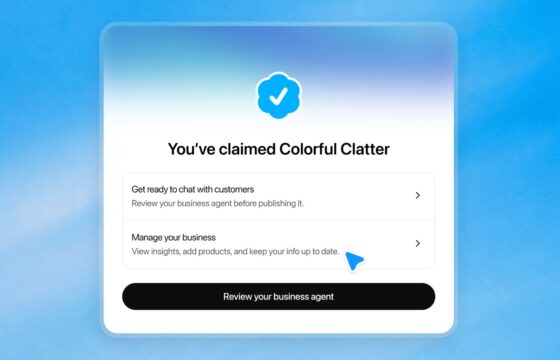
OpenAI has published guidance for merchants that want their sites to work with agents. It asks them to allow authenticated agent traffic, keep product data current and check that their payment and fraud systems can handle legitimate agent checkouts. Businesses can also claim a profile in ChatGPT where the service is available.
Is it useful yet?
The security checks make sense, but the experience will depend on how reliably each merchant completes the order. If a dot saves you time finding a product and preparing checkout, Wallet could be handy. Until more stores and countries are supported, treat it as an early feature and check every order confirmation.