

Click Here Get A Hotspot Shield Elite Free Six Months Subscription.
Steps to get your desktop Elite service working on Mac and Windows
- Create an account http://www.hsselite.com/sign-up(or sign in for you already have an account).
- Click Redeem license and enter your license code.
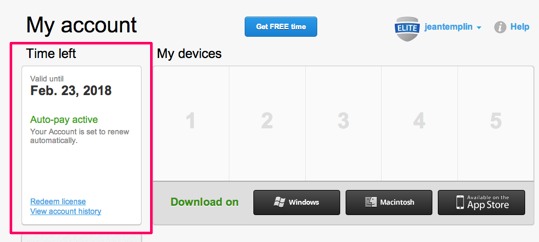
- Download the client to your computer and install the software if you do not already have it installed.
- Follow the prompts to install and/or launch the service. The control panel will open and connection will start. Once connected, please click on the Sign In button to Sign in to the Elite service.
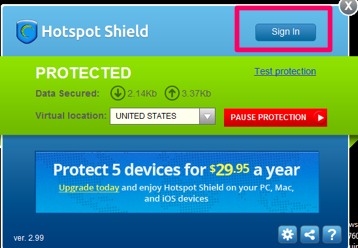
- A tab will launch in the browser asking you to Sign In.
- Once you are signed in, the service will disconnect and reconnect and you will see a message you have been upgraded to Elite
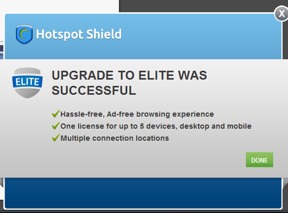 .
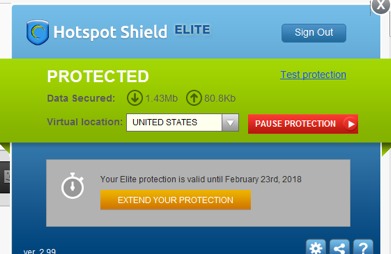
. - The control panel will change to show Hotspot Shield Elite next to the icon and a Sign Out.
Setting up your Elite account on iOS devices
To get Elite service started on your iOS device
- Download the iOS application from the App store https://itunes.apple.com/app/id443369807
- Install the app on your device
- Follow the prompts to install a profile
- Once completed, you will land on the main dashboard
- Click on settings icon > Account > Link Device
- If you have already set up an Elite account, sign in. If not create an account.
Hulu, Netflix and Pandora will now work seamlessly .


Leave a Reply