GPT-6.2 is rolling out in the Chat tab for ChatGPT Plus, Pro, Business and Enterprise. OpenAI says it reads images more accurately, follows detailed instructions more reliably and does a better job of weighing trade-offs in web searches. Plus gets Instant, Medium and High.
The global rollout began on 23 November. Enterprise access depends on workspace settings. Free and Go users stay on GPT-5.6 Luna, and one older model now has a retirement date.
What GPT-6.2 changes in everyday ChatGPT chats
This is a version of GPT-6.2 Sol that OpenAI has tuned for conversation. Work and Codex already offer GPT-6.2 Astra and Sol. This rollout covers the Chat tab.
For regular chats, OpenAI points to four improvements:
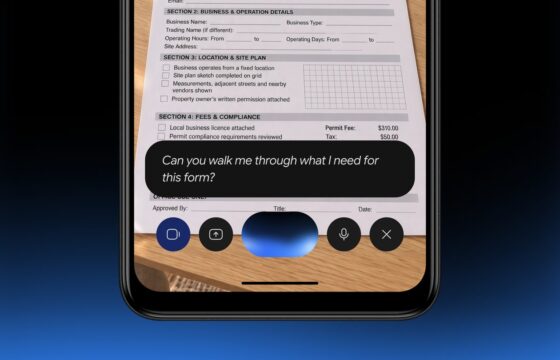
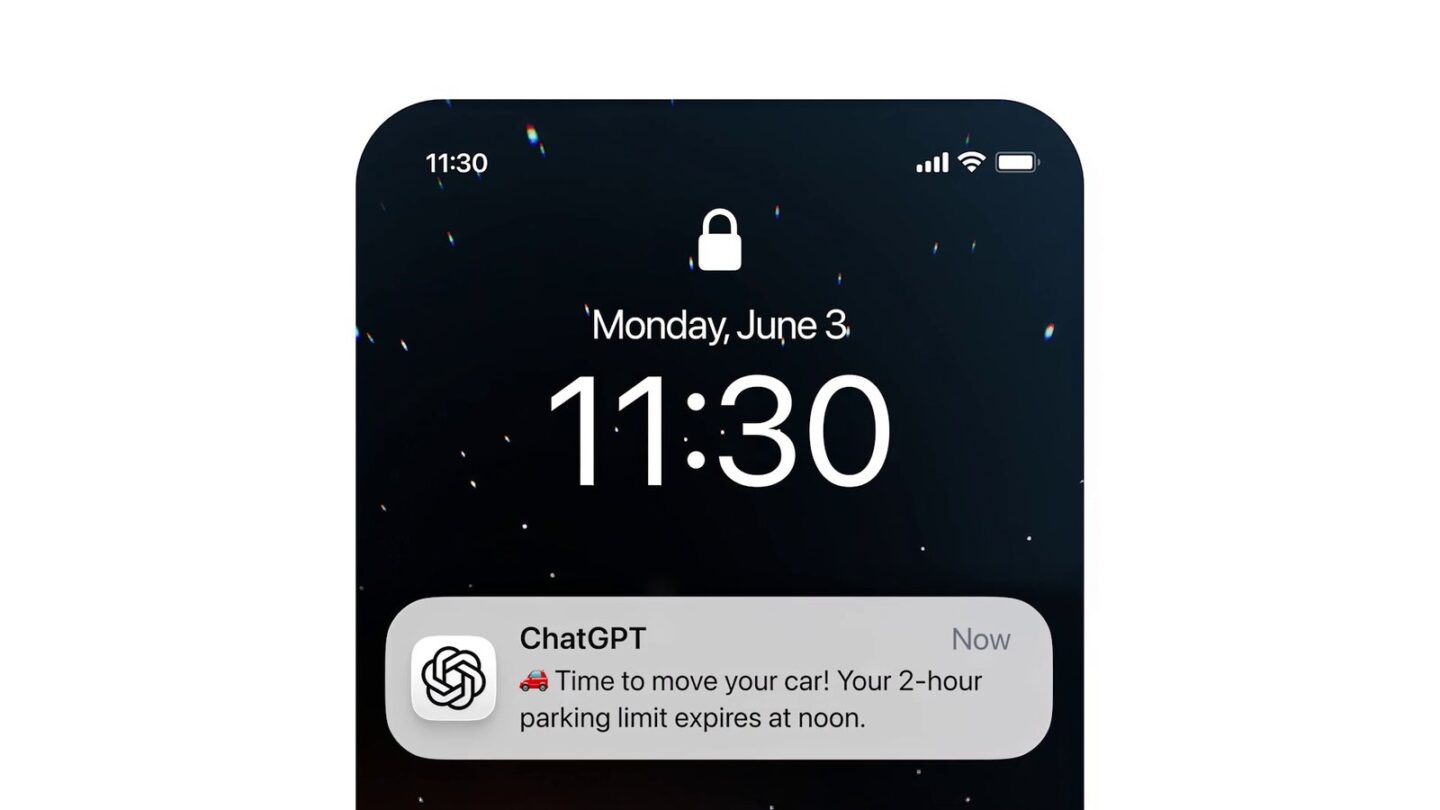
- Reading photos: it picks up finer details, like the text on a label or the symbols on a parking sign. In OpenAI’s Chat tab tests, image understanding rose to 71.7%, from 47.4% for GPT-6.
- Following instructions: on especially difficult prompts it followed instructions 78.1% of the time, up from 62.5%.
- Searching the web: it is better at narrowing options down to what you care about, such as price or location when you compare hotels for a weekend trip.
- Knowing when to follow up: if you ask whether something is on sale, it can offer to tell you when the price drops.
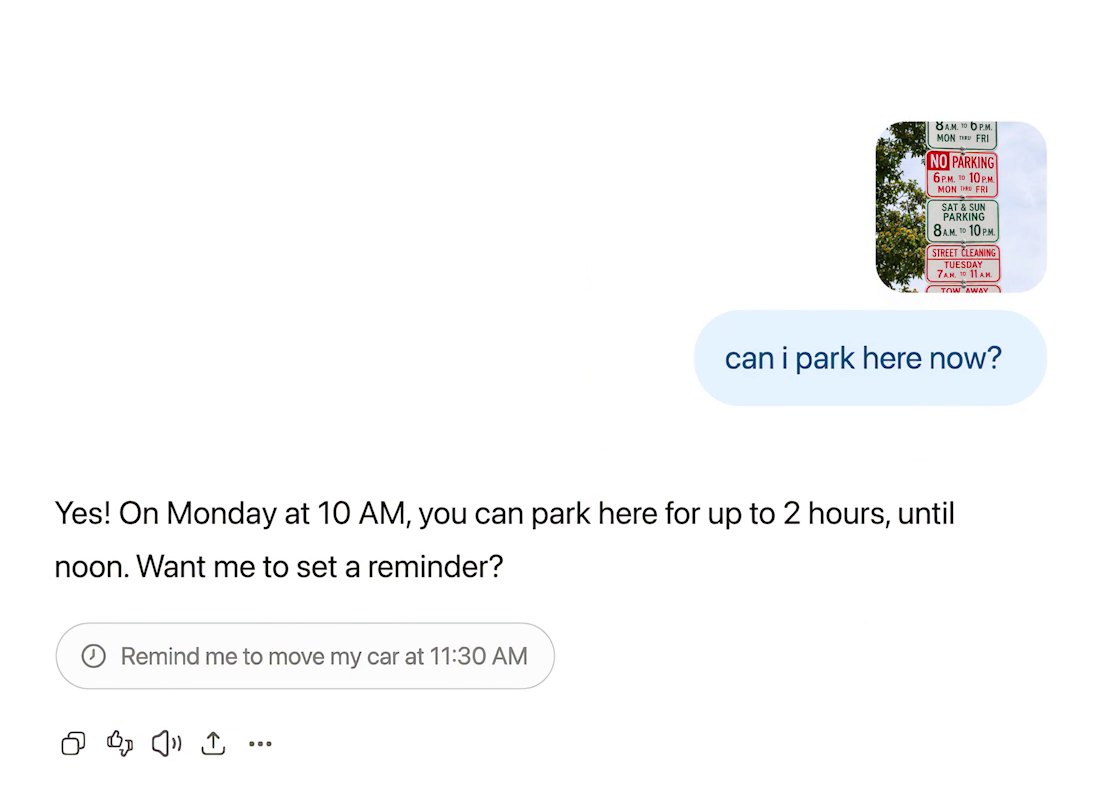
OpenAI ran both evaluations internally. To see whether the change helps you, try a photo or screenshot with small text and check the answer against the original.
The web research gain is easier to see in practice. Ask for a shortlist with clear priorities, such as “under ₹5,000 a night, walking distance to the beach, free cancellation”, and GPT-6.2 is meant to weigh those trade-offs instead of returning the first few results it finds.
Who gets GPT-6.2 in ChatGPT
Availability depends on your plan, and Plus does not get everything. OpenAI’s help page lists these thinking levels by plan:
| Plan | Model in Chat | Thinking levels |
|---|---|---|
| Free | GPT-5.6 Luna | Instant, plus Think on Luna |
| Go | GPT-5.6 Luna | Instant, plus Think on Luna |
| Plus | GPT-6.2 | Instant, Medium and High |
| Pro | GPT-6.2, with GPT-6 Pro | Instant to Extra High, plus Pro |
| Business | GPT-6.2, with GPT-6 Pro | Instant to Extra High, plus Pro |
| Enterprise | GPT-6.2, if your admin allows it | Instant to Extra High, plus Pro |
Two details are easy to miss. Plus does not include Extra High, so the biggest web research jump OpenAI quotes (64.5% against 54.4% for GPT-6 on its internal version of BrowseComp) applies at a level Plus users cannot pick. And there is no GPT-6.2 Pro. The Pro option still runs GPT-6 Pro, and it only shows up when you choose Latest and then 6 Pro in the model picker, not while GPT-6.2 is selected.
If you are on Free or Go, nothing changes today. Both plans stay on GPT-5.6 Luna, which also powers Think, and everyday text chats remain unlimited on those plans, with separate limits for uploads, image generation and voice. Our guide to free AI chatbot limits in India compares what you get without paying.
How to check if you have GPT-6.2
- Update the ChatGPT app on your iPhone or Android phone, or open ChatGPT on the web.
- Start a new conversation in the Chat tab and open the model picker at the top.
- If the picker shows GPT-6.2, you are on the new model. Latest uses GPT-6.2 at every thinking level your plan includes.
- If you still see GPT-6 on an eligible plan, check again as the rollout progresses. For a managed workspace, check which models your admin has enabled.
- Use the Thinking slider when a question needs more reasoning, and stay on Instant for quick answers.
On Enterprise, your workspace admin decides which models members can use, so the update may appear later or not at all.
What the 23 December GPT-5.6 deprecation covers
The same day, OpenAI’s ChatGPT account confirmed that GPT-5.6 Sol is due for deprecation in Chat on 23 December. The announcement also names GPT-5.6 Sol and Terra in Work and Codex. OpenAI’s help page says an explicit GPT-5.6 Sol selection currently stays on Sol. The announcement gives no migration instructions for existing chats.
That matters if you switched back to GPT-5.6 Sol because a prompt or a project behaved better on it. Before 23 December, rerun your saved prompts, project instructions and long templates on GPT-6.2 and adjust them where the results differ. If you want a refresher on how OpenAI’s model names fit together, our Sol vs Luna explainer breaks down the families.
Safety, limits and fallbacks
OpenAI’s system card says GPT-6.2 showed the strongest overall safety performance of any chat model it has deployed. In difficult conversations, its responses met OpenAI’s safety policies 91 to 94% of the time, up from 77 to 80% for GPT-6, with the largest teen safety gains around emotional reliance, disordered eating and age-restricted goods and activities.
The same document rates it at the Critical threshold for cybersecurity capability under OpenAI’s Preparedness Framework, and it ships with safeguards similar to GPT-6.2 Astra and Sol. If you use ChatGPT for security work, expect the same guardrails you may already have met in Work and Codex.
Usage limits for Medium, High and Extra High still depend on your plan. If you hit a Thinking limit, ChatGPT may carry on with another available model and shows the reset time when it can, so a sudden change in answer quality late in a heavy session is worth checking against the picker.
Is GPT-6.2 a reason to pay for Plus?
If you already pay for Plus, the new model is included in your subscription and rolls out automatically. It builds on GPT-6, the update that brought ChatGPT Intelligent UI to the Chat tab, and the gains land in the place you already use every day.
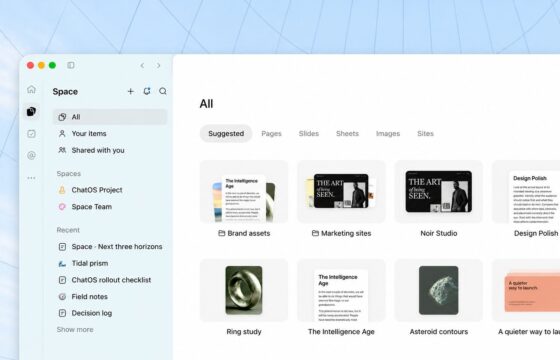
My take for Free and Go users: if you mostly ask quick questions, Luna is fine and you can skip this. If you regularly share photos and documents, research purchases or write long, structured prompts, Plus is a better buy than it was a month ago, especially now that it also includes ChatGPT Space. Just remember that Extra High and the Pro model still sit on the more expensive plans.