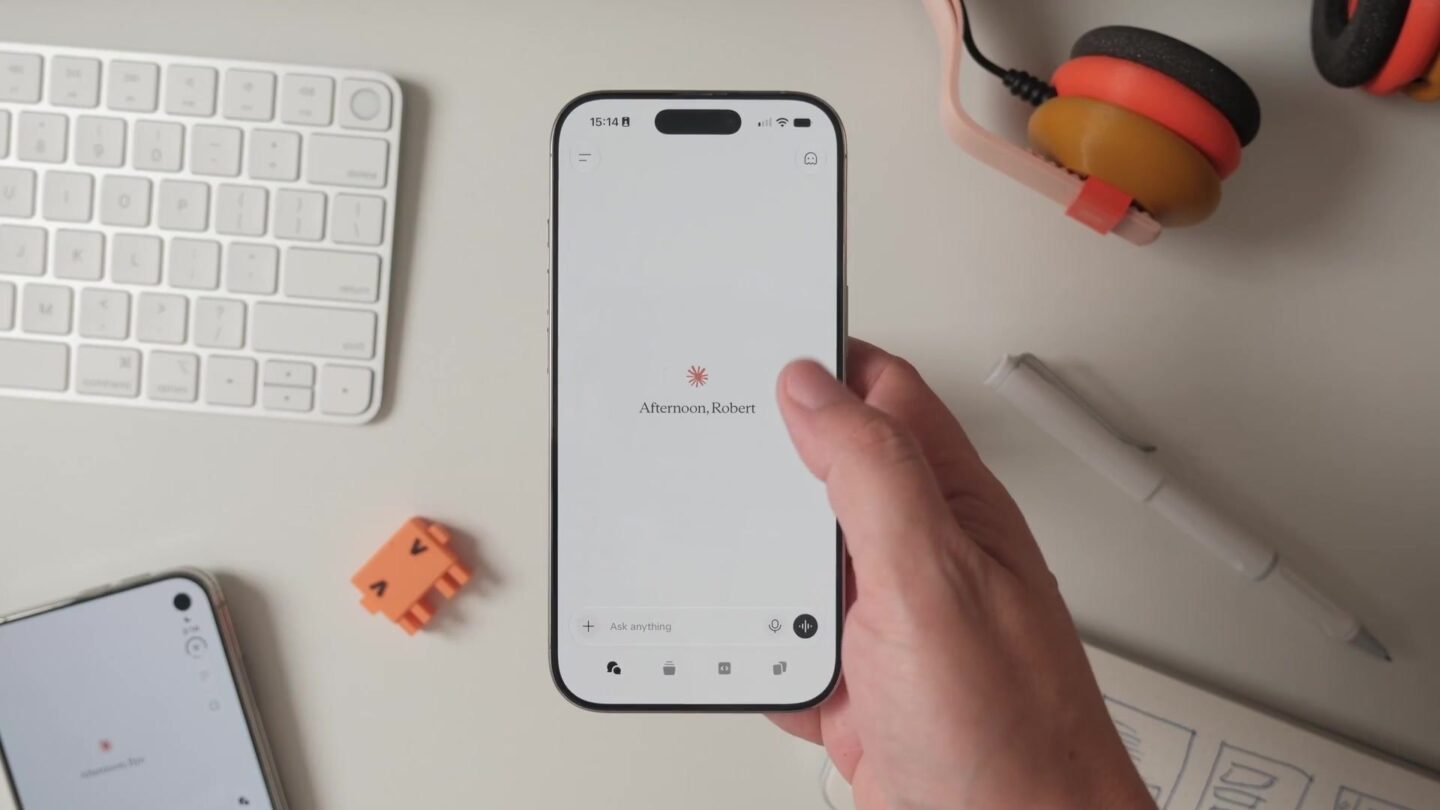
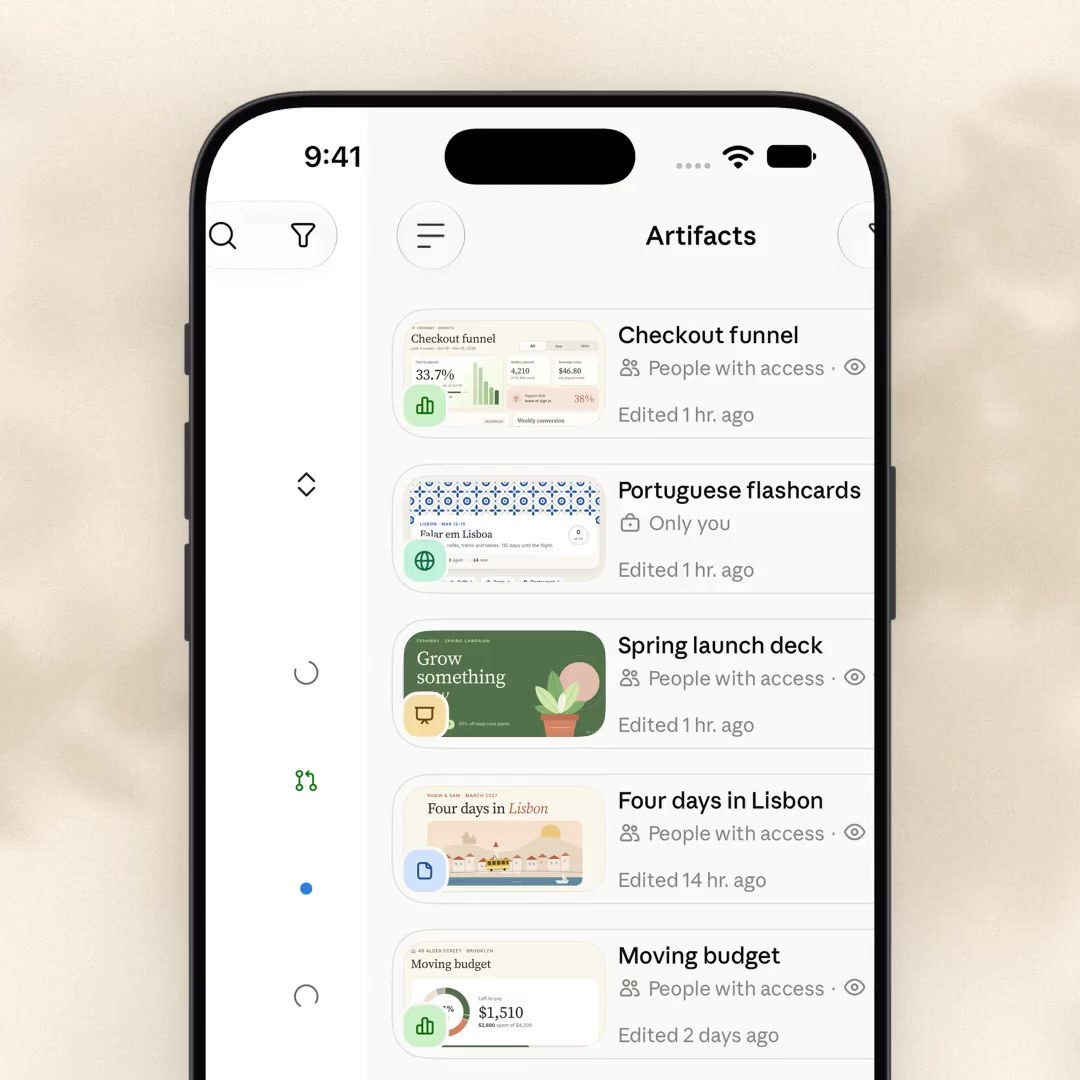
Claude Code on mobile lets you start a coding task in the cloud or steer a session running on your computer. The Claude app’s Code tab is where you give instructions, check progress and answer questions while you are away from your desk. Anthropic’s redesigned layout brings Code, Projects and Artifacts alongside Chat in a bottom tab bar.
Anthropic’s November 20 release notes say the redesign is rolling out gradually, starting with iOS 26 or later. The mobile coding client supports both iOS and Android, but that does not mean the new layout reaches both platforms at the same time. Coding features require an eligible paid plan.
What changed in the Claude mobile app
Most of the changes are about reaching your work with fewer taps:
- A bottom tab bar for Chat, Projects, Code and Artifacts, sitting just under the message box. You can slide across the tabs to switch, or long press a tab to jump straight to recent items.
- A redesigned plus menu for adding photos, files and connectors.
- A new model picker shaped like a small wheel. Long press it to change the effort level faster.
- Font choices for both the app interface and Claude’s replies.
- A thumb-friendly sidebar with search moved to the bottom.
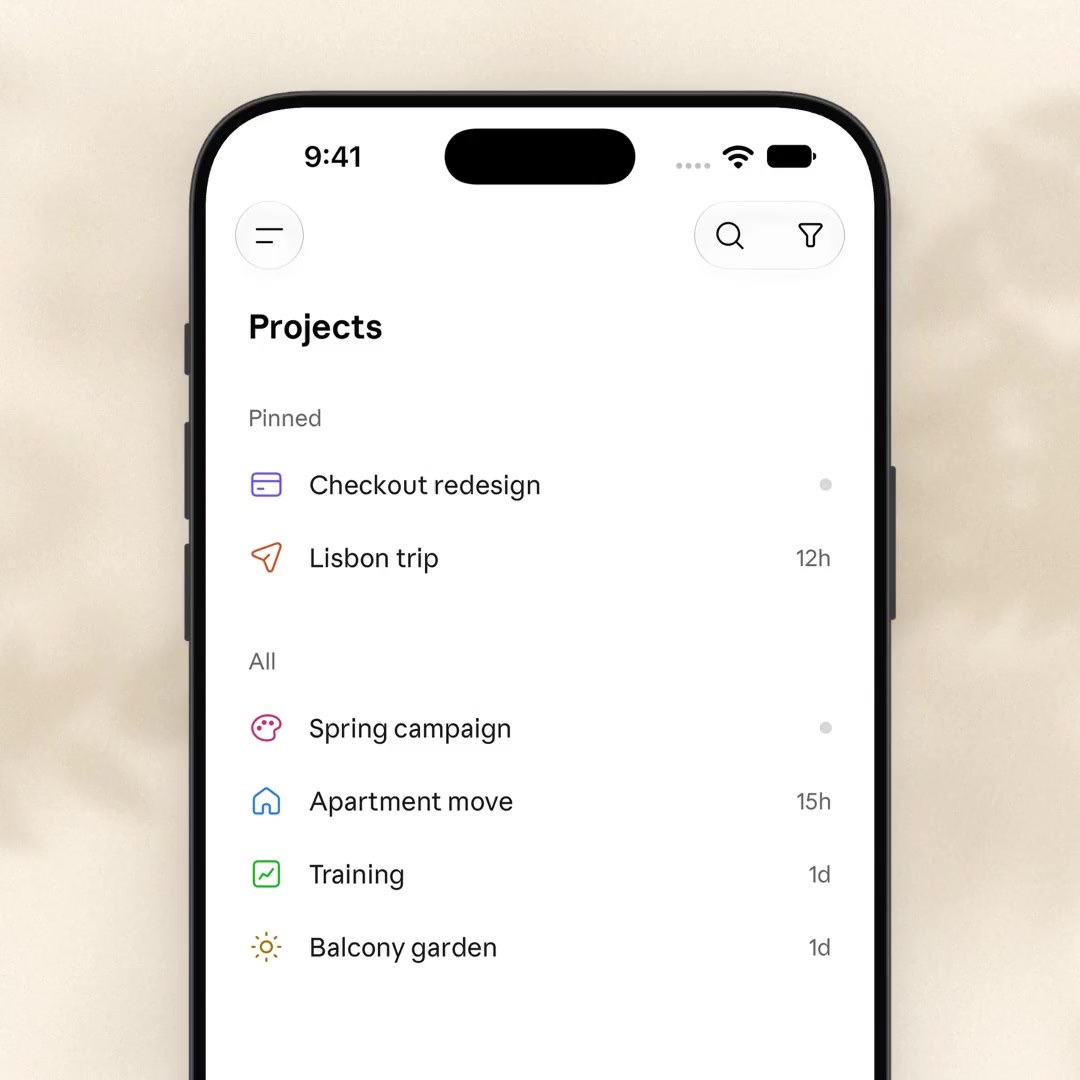
Projects also got a cleaner screen. Claude can run several threads of work inside a project, and the list shows which ones are finished and which are waiting on you.
How the Code tab works
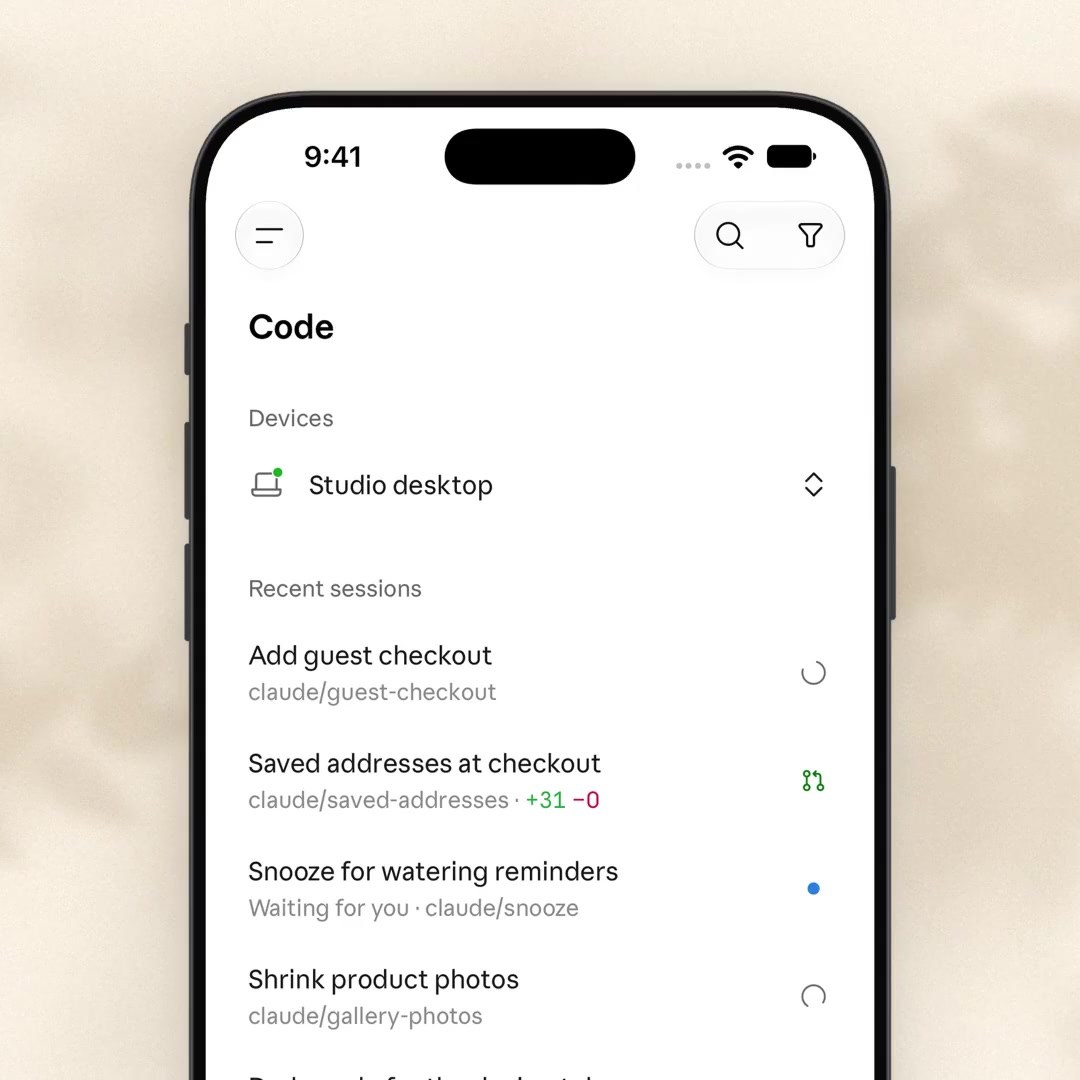
No code runs on your phone. Anthropic’s documentation describes the Claude app as a client for Claude Code sessions. The work happens either in the cloud or on your own computer, and the phone is where you give instructions, answer questions and approve changes.
You get three ways to work, and the right one depends on where your code lives:
| Option | Where the work runs | Best for | Needs your computer on? |
|---|---|---|---|
| Cloud session | Anthropic-managed cloud infrastructure | A GitHub repository and a task that should keep going after you lock your phone | No |
| Project | The cloud, with Claude coordinating parallel threads | A stream of related tasks you want to check in on | No |
| Remote Control | A Claude Code session on your own machine | Work that needs your local files, tools or MCP servers | Yes |
There is also Dispatch, which sends a task to the Claude desktop app, but Anthropic’s documentation says it is not available to new users.
How to set up Claude Code on mobile
For a cloud session, the setup is short once GitHub is connected:
- Install the Claude app for iOS or Android and sign in with the same claude.ai account you use for Claude Code. On an iPad, use the same iOS app.
- Tap the Code tab. If it is missing, check your plan and organisation permissions; the redesign itself is also rolling out gradually.
- Connect GitHub and configure the cloud environment if you have not already done so. Then pick a repository and branch, describe the task and submit it.
- Lock your phone. The session keeps running, and you can come back to check progress or answer questions.
A handy shortcut: run /mobile inside a Claude Code session on your computer to show a QR code that opens the right app store page for your phone.
Using Remote Control for local projects
If the code lives on your laptop and never touches GitHub, use Remote Control. Start Claude Code on your computer with claude remote-control, or type /remote-control in a session that is already open. Then scan the QR code in the terminal, or open the Code tab on your phone and pick the session from the list.
Execution and file access stay on your machine, so it has to stay on, with the Claude Code process running. If you work over SSH on a home server, run Claude inside tmux or screen so the session survives when you disconnect. Photos you attach from your phone reach the local session too, which is useful for sending a screenshot of a bug.
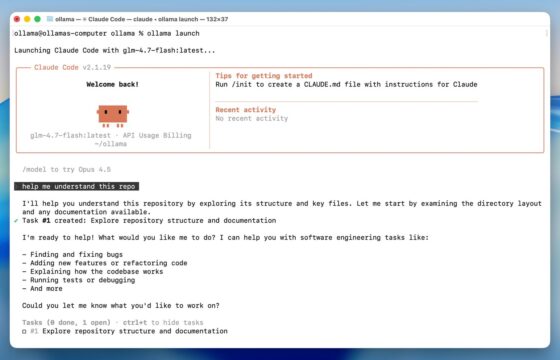
If you run Claude Code against a local model with Ollama, note that Remote Control only works with a claude.ai sign-in talking to Anthropic’s own API. Gateways, proxies and API keys are not supported.
Get a ping when Claude needs you
With Remote Control active, Claude can send a push notification when a long task finishes or when it needs a decision. Run /config in the terminal and turn on Push when Claude decides, Push when actions required, or both. You can also ask for one in your prompt, such as “notify me when the tests finish”. On Android, exempt the Claude app from battery optimisation, as aggressive power saving can delay these alerts.
Which Claude plans get the Code tab
The new design reaches everyone, but the coding features depend on your plan. Cloud sessions are included on Pro, Max, Ultra, Team and Enterprise. Remote Control is included on Pro, Max and Ultra, while on Team and Enterprise an owner has to switch it on in the admin settings first. A free account or an Anthropic Console API key will not show these options.
On these plans, Claude and Claude Code share one set of usage limits, so sessions you run from your phone are not a free extra. Our look at Claude Fable 5.2 on Pro and Max covers how the paid tiers differ.
What you still cannot do from the app
- Terminal-only commands such as
/pluginand/resumedo not work from the app. - You cannot pick Bypass permissions from your phone. Cloud sessions offer Accept edits, Plan and Auto, and Remote Control adds Manual.
- Remote Control needs the computer online and the Claude Code process running. After a temporary sleep or network interruption, it can reconnect when the machine returns.
Is it worth switching on?
If you use Claude Code daily, yes. The practical win is not writing code on a 6-inch screen. It is approving a plan, answering a question or checking progress while you are away from your desk, so a long task does not sit idle for an hour waiting on you. My take: cloud sessions suit most GitHub projects, while Remote Control is the better pick for home lab and self-hosted work that depends on local files.
If you only use Claude for chat, the redesign is a tidy-up, not a reason to upgrade. Our guide to Codex CLI and OpenCode with local models explains how local inference works with those tools and what hardware and setup it needs.