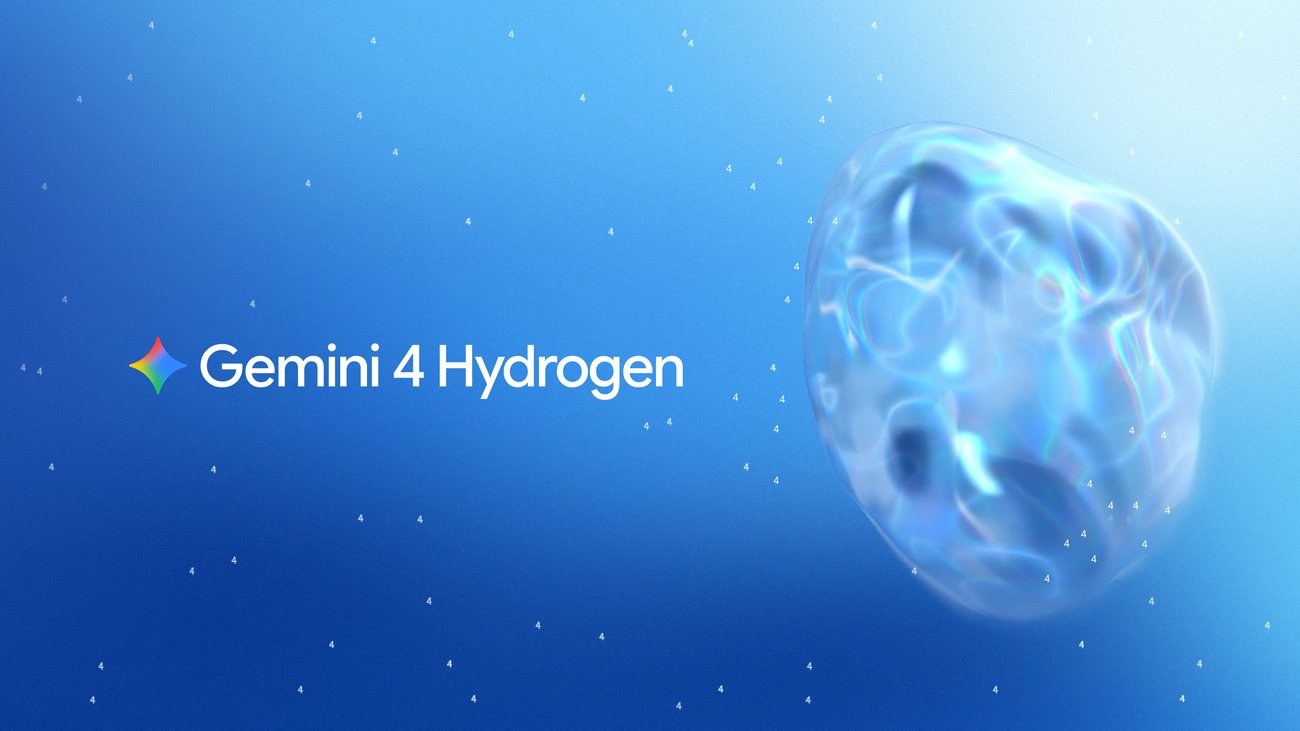
Gemini 4 Hydrogen is Google’s new fast, everyday AI model, and it started rolling out on 12 November to Google Search and the Gemini app worldwide. In Search, every user gets it. In the Gemini app, the picture depends on your plan: Google AI Plus, Pro and Ultra subscribers can pick Hydrogen from the model menu, while free users cannot select it at all and only get it when Gemini’s Auto mode decides a prompt needs it.
Hydrogen sits alongside Flash-Lite and below Google’s two frontier models, Gemini 4 Argon and Gemini 4 Carbon. Google says it is built for speed and for following instructions closely, and that it is the model that brings Gemini 4 “to everyone”.
What changes in Google Search
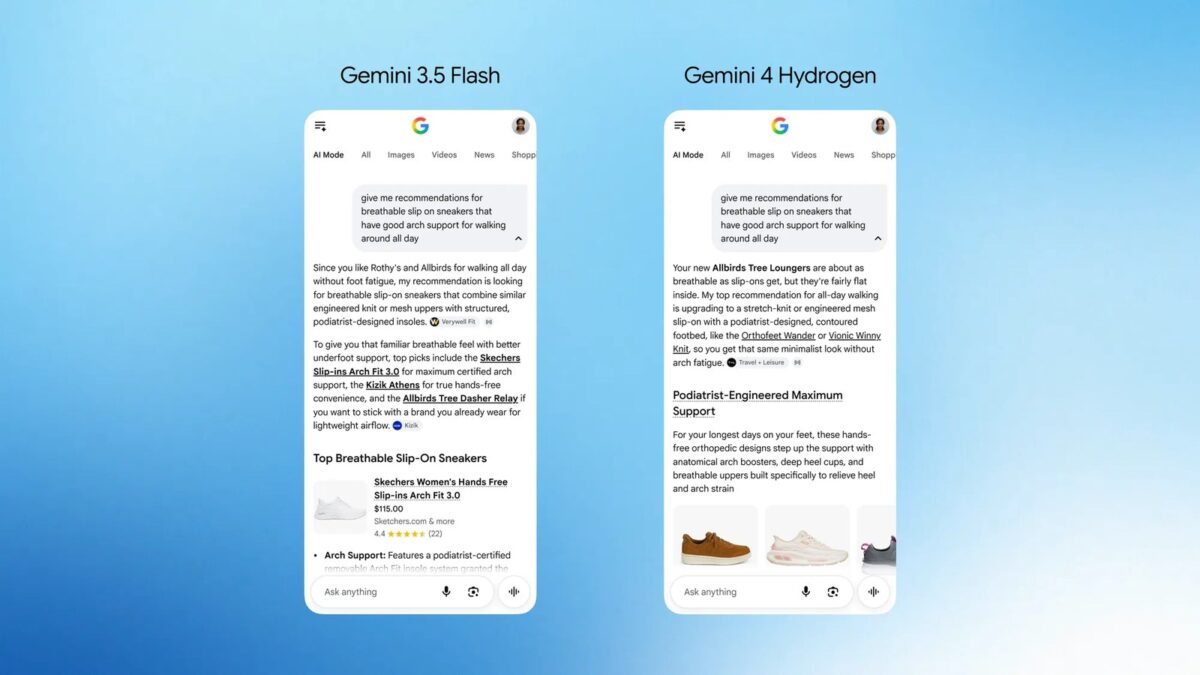
Google calls this “the biggest model upgrade to Search yet”. It is available globally for all users, and Google lists four improvements:
- Messier questions work better. You can type multi-part questions, typos and very specific requests in one go, and Search should follow each part.
- More links. Hydrogen powers Search’s query fan-out, which runs several searches at once across subtopics, so answers should point to a wider range of sites.
- More visual answers. Expect more images, comparison tables and small custom tools inside responses.
- Better answers in other languages, across every language AI Mode supports.
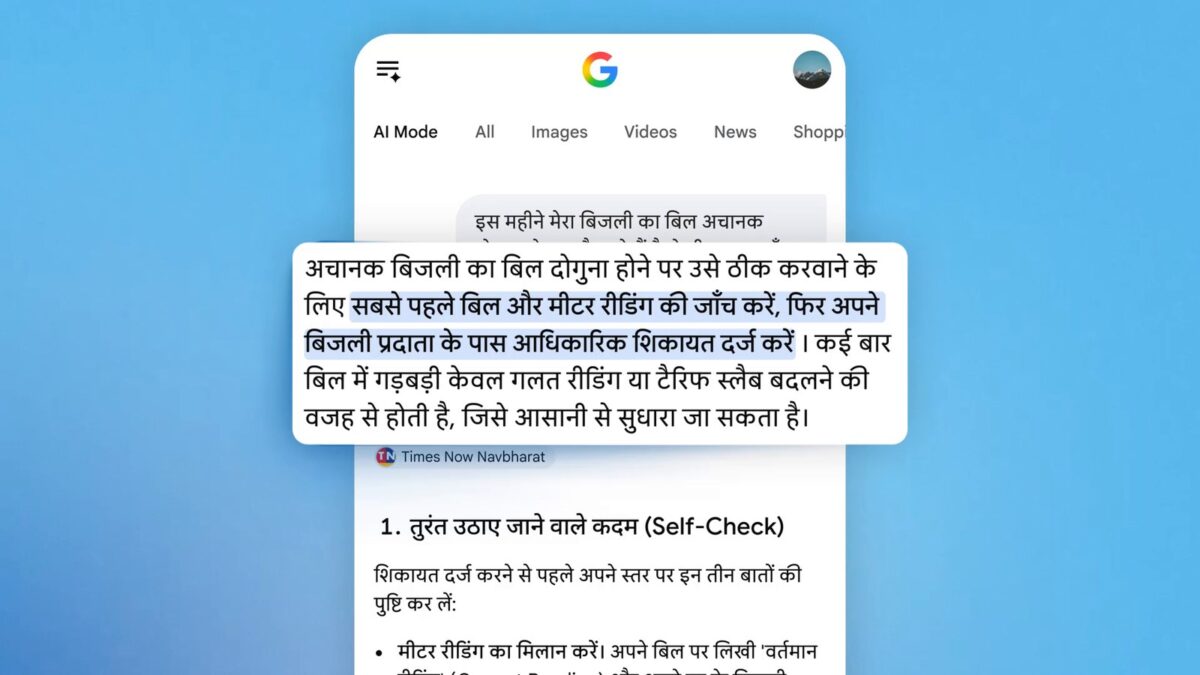
For Indian users, the language point matters most. One of Google’s demo clips for the upgrade shows AI Mode answering a Hindi question about a sudden doubling of an electricity bill, with numbered self-checks and a source link, entirely in Hindi. If you already use AI Mode in Hindi or another Indian language, this is where you are most likely to notice the change.
Who gets Gemini 4 Hydrogen in the Gemini app
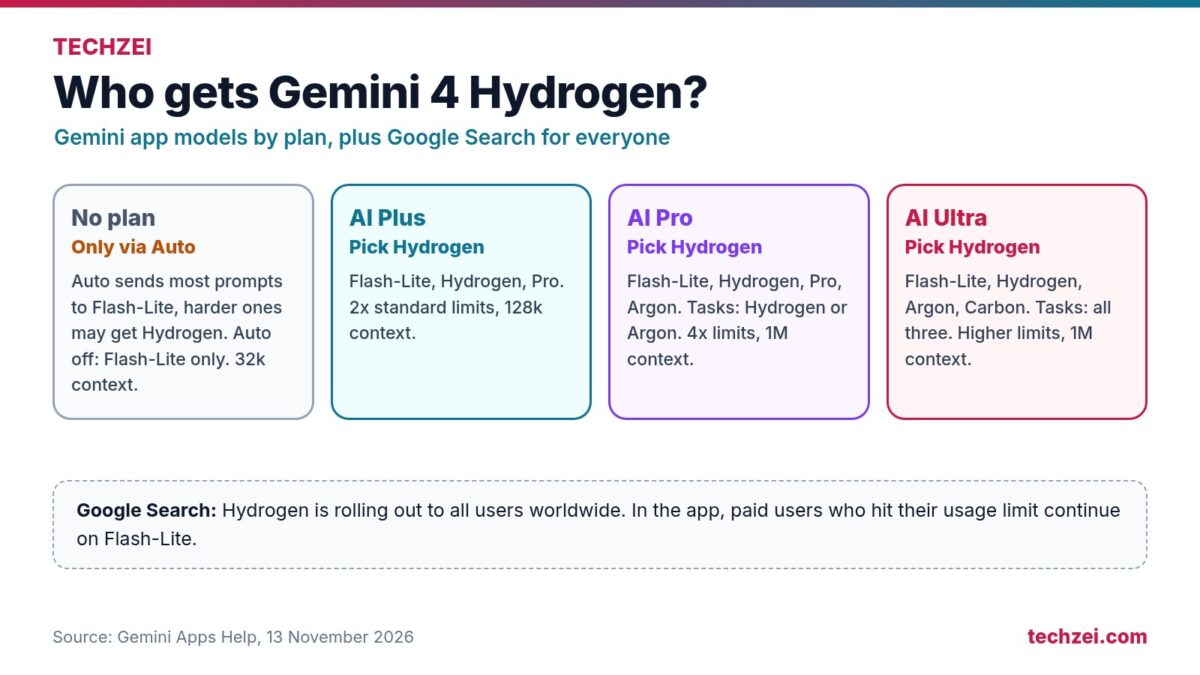
Google’s “About Gemini models” help page lists which models each plan can use. Hydrogen appears on every paid tier, but not as a choice on the free one.
| Google AI plan | Can select Hydrogen? | Other chat models listed by Google |
|---|---|---|
| No plan | No. Auto may choose it for some prompts. | Auto or Flash-Lite |
| Plus | Yes | Flash-Lite |
| Pro | Yes, including Tasks | Flash-Lite, Pro and Argon |
| Ultra | Yes, including Tasks | Flash-Lite, Argon and Carbon |
Access and usage depend on your plan. Google says that more advanced models and higher thinking levels use more of your allowance. If a paid user reaches a limit, chat continues with Flash-Lite.
Free users: keep Auto turned on
On a free account, Auto model selection is the only route to Hydrogen. Google says most prompts go to Flash-Lite and those that “require more reasoning may use Hydrogen”. Turn Auto off and every reply comes from Flash-Lite. So if you are on the free tier, leave Auto on.
To check or change it:
- In the Gemini app or on gemini.google.com, open the menu, tap Settings, then Usage limits, and use the auto model selection switch at the bottom.
- To see which model answered, open the chat, tap More under a response and choose See response details.
That second step is worth doing. If you ask for a long comparison or a study plan and the details still say Flash-Lite, Auto judged the prompt simple enough. There is no way to force Hydrogen on a free account.
Paid users: pick the model and the thinking level
On Plus, Pro or Ultra, tap the model name at the bottom of the chat box and choose Hydrogen. You can also set a thinking level of Low, Medium or High. Google’s help page says that if you do not pick one, it defaults to Low, which is fast but shallow. For writing, summaries and quick research, Hydrogen on Medium is a sensible everyday setting; save Argon or Carbon for heavy coding or long analysis, since they burn through limits faster. The app keeps your chosen model and level for that conversation.
Is it actually better?
Google’s claims are strong. It says Hydrogen scores 51 on the Artificial Analysis Intelligence Index at its default setting, edging out Argon’s 50, finishes tasks 2.5 times faster than Gemini 3.8 Flash and cuts fabricated claims by more than five times. In the app, it is meant to stick to your tone and format rules, produce cleaner tables, and call the right tools, including Gmail, Drive and connected apps like Dropbox, more often.
These are vendor numbers, and “fewer fabrications” is not “no fabrications”. Hydrogen is meant for prompts that need more reasoning than Flash-Lite usually provides, but Google’s benchmarks do not tell us how often free users will see it. Whether it beats a paid ChatGPT or Claude plan for your work is a separate question; our breakdown of free AI chatbot limits in India is the better place to compare.
For developers
Hydrogen is in the Gemini API through Google AI Studio and Android Studio at $1.50 per million input tokens and $7.50 per million output tokens, flat across its 1 million-token context window. It has four thinking levels, adding a new “xhigh” tier above high. Google AI Pro and Ultra subscribers can use it in Google Antigravity, where a new Orchestrator mode lets Carbon hand routine steps to Hydrogen, building on Antigravity’s recent remote agents and voice mode. Gemini in Google Sheets gets Hydrogen first for AI Pro and Ultra subscribers.
Frequently asked questions
Is Gemini 4 Hydrogen free?
In Google Search, yes, for all users. In the Gemini app, free users cannot choose it, but Auto mode may use it for prompts that need more reasoning.
How do I know if Gemini used Hydrogen?
Tap More under a response and choose See response details. It shows the model that generated the answer.
Is Hydrogen better than Gemini 4 Argon?
Google says Hydrogen slightly beats Argon on one intelligence index while being faster, but Argon and Carbon remain its models for deep, long reasoning. For everyday chat, Hydrogen is the better balance of speed and usage.
Does Gemini 4 Hydrogen work in Hindi?
Google says Search answers improve across all AI Mode languages, and its own demo shows AI Mode answering a Hindi question with Hydrogen.