
Find Hub can warn you when your phone moves away from a compatible tracker. Google calls the setting “Notify when left behind.” You turn it on for each tag, and you can choose places where you do not want an alert, such as home or work.
Apple’s Find My has offered this kind of warning for years, so Find Hub is catching up here. It is still the feature that makes a tracker useful before something is lost, not only after.
How Find Hub left behind alerts work
Once you turn the alert on for a tag, Find Hub watches whether that tag is still near your phone. If you move out of range of it, you get a notification so you can turn around before the café closes or the cab drives off. Google’s help page describes it simply: left behind reminders notify you if you move out of the vicinity of a compatible locator tag.
To avoid constant pings, Find Hub adds an exception for the home address saved in your Google Account. You will not be notified when you leave a tagged item at home, which is exactly where most of your stuff is supposed to stay. You can remove that exception or add other places, such as your office.
How to turn on Notify when left behind
Before you start, allow notifications for the Find Hub app and make sure Bluetooth and location are turned on. Then:
- Open the Find Hub app on your Android phone.
- Select the tracker or tagged item you want alerts for.
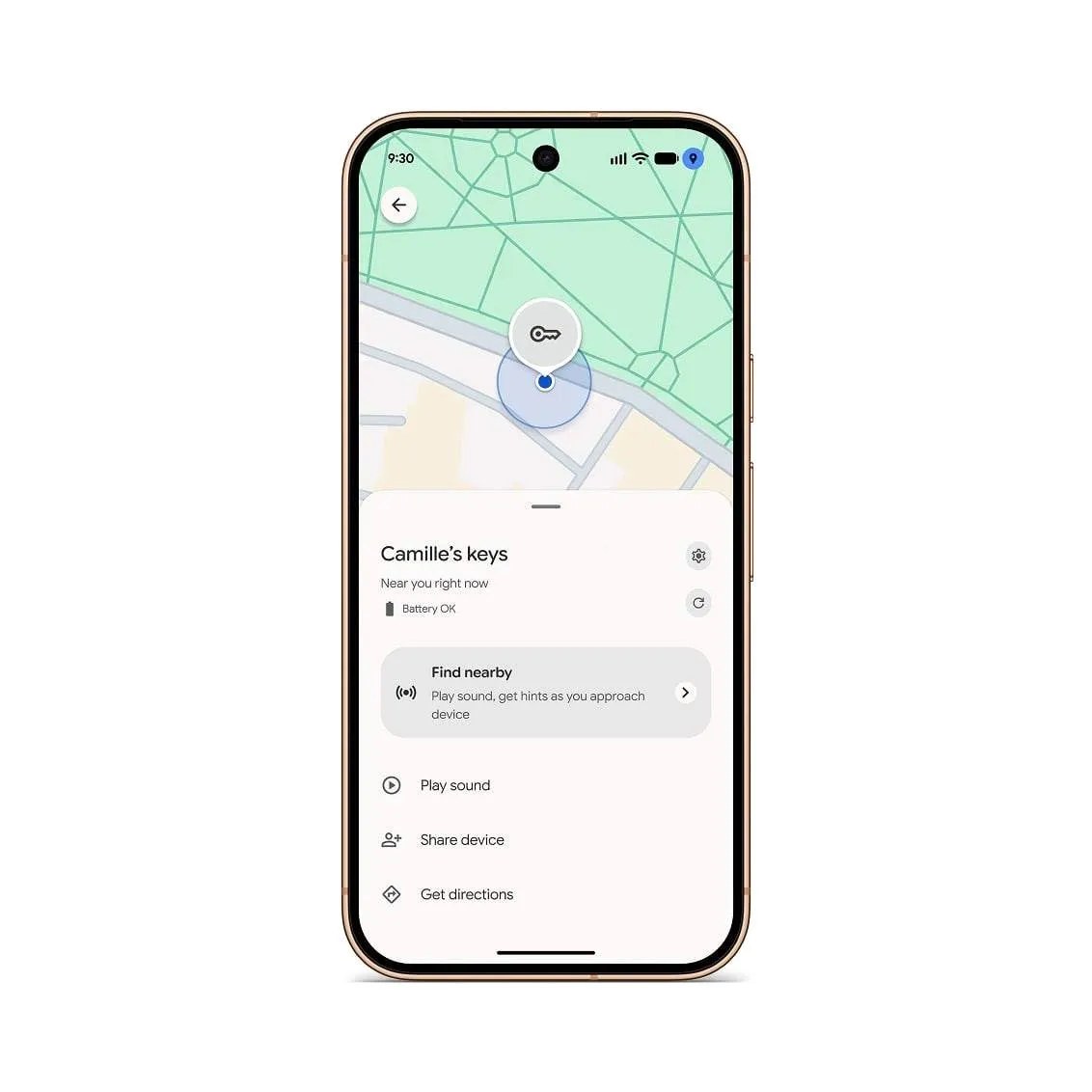
- Tap the settings gear (Google calls it Device details) next to the item’s name.
- Turn on Notify when left behind.
To add a place where you do not want alerts, open the same screen, select Notify when left behind, tap Add location and enter the address. Repeat it for each tag, since the setting is not global.
If you do not see the toggle, update Find Hub and check the details for your tag. Google has not published an India-specific rollout date for this setting.
The fine print most people will miss
Google’s support page lists a few limits that matter in daily use:
- Only the owner gets alerts. If you share a tag with family, shared users will not be warned when they leave it behind.
- One phone at a time. Alerts go to a single Android device, so if you carry two phones, pick the one that is always with you.
- No alerts in battery saver mode. This is the big one for anyone who keeps power saving on all day to stretch battery life.
The battery saver limit is worth thinking about. Plenty of people in India run their phones in power saving mode by habit, especially on long travel days, which is precisely when you are most likely to leave a bag at a station. If you rely on these alerts, keep battery saver off on that phone or accept that the safety net has a hole.
Which trackers work?
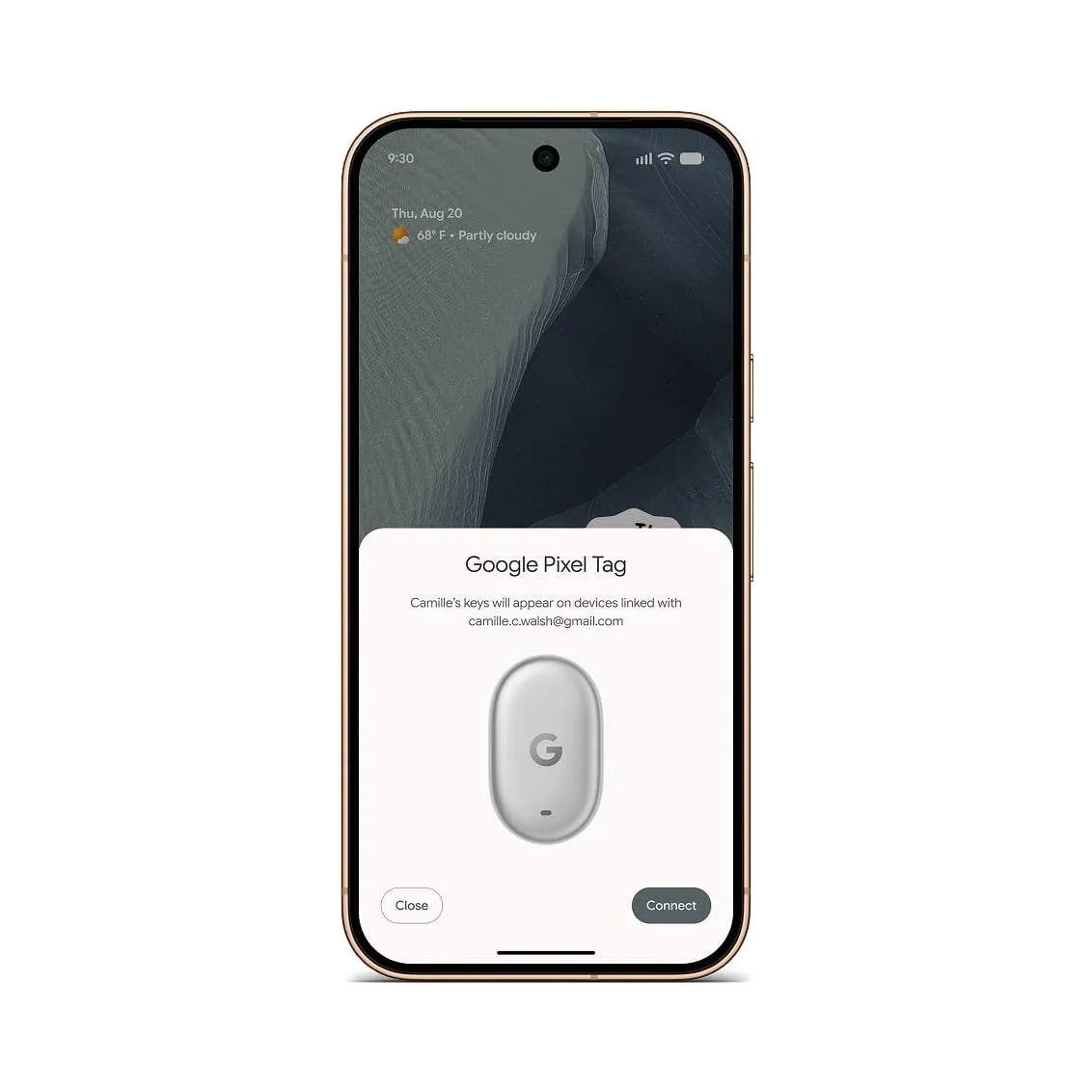
Google says the alert works with compatible locator tags. Pixel Tag is one confirmed example. Support for another tag is best checked in that tag’s Device details screen in Find Hub; the presence of the tracker in Find Hub alone does not guarantee this alert is available for it.
Google lists Pixel Tag on its India store. Check its current availability and price there before buying. If you already own another Find Hub tag, look for the alert in its Device details first.

Is it worth turning on?
Yes, for any tag on things you carry out of the house, like a wallet, laptop bag or keys. Skip it for a tag that lives in your car or luggage, unless you add the car park or hotel as a quiet zone, because frequent false alarms are the fastest way to start ignoring alerts.
- SourceGoogle Blog: Pixel Tag