GTA 6 does not have an official companion app like GTA 5’s iFruit. Rockstar has not listed a GTA 6 phone app on its official App Store or Google Play accounts, and the official Grand Theft Auto VI site does not mention one.
If you remember customising a car or looking after Chop on your phone, that was a separate part of GTA 5. The smartphones shown in GTA 6’s screenshots are in-game devices, not a download for your real phone.
What the GTA 5 iFruit app actually did
Rockstar released iFruit on 16 September 2013, the day before GTA 5 arrived on consoles. It was a free official app, and it hooked into your game. The Los Santos Customs section let you order paint, wheels, window tints, engine work and a custom licence plate from your phone, then collect the car in your garage. If you were already playing, a mechanic could call you when the work was ready. A second mode, Chop the Dog, was a virtual pet for Franklin’s Rottweiler. How you treated Chop in the app affected how he behaved when you played as Franklin.
Rockstar also shipped Grand Theft Auto V: The Manual, a free digital guide of more than 100 pages, with controls, a tour of Los Santos and Blaine County, and an interactive map. That Manual app is still listed today on Rockstar’s official App Store and Google Play pages, though it is a GTA 5 guide and its iOS listing was last updated in April 2021. iFruit is not listed. The retired iFruit app is no longer available through those listings. Custom GTA Online plates later moved to a browser tool on Rockstar’s own site. Downloading an old iFruit APK does not turn it into a GTA 6 companion.
GTA 6’s in-game phones are different
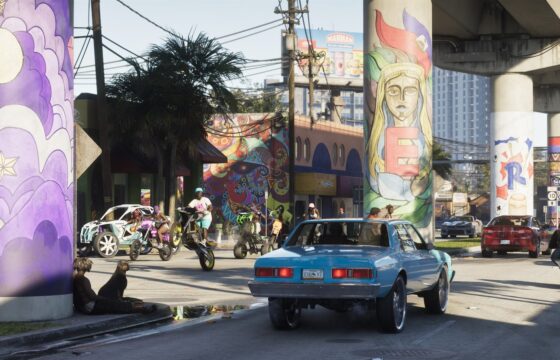
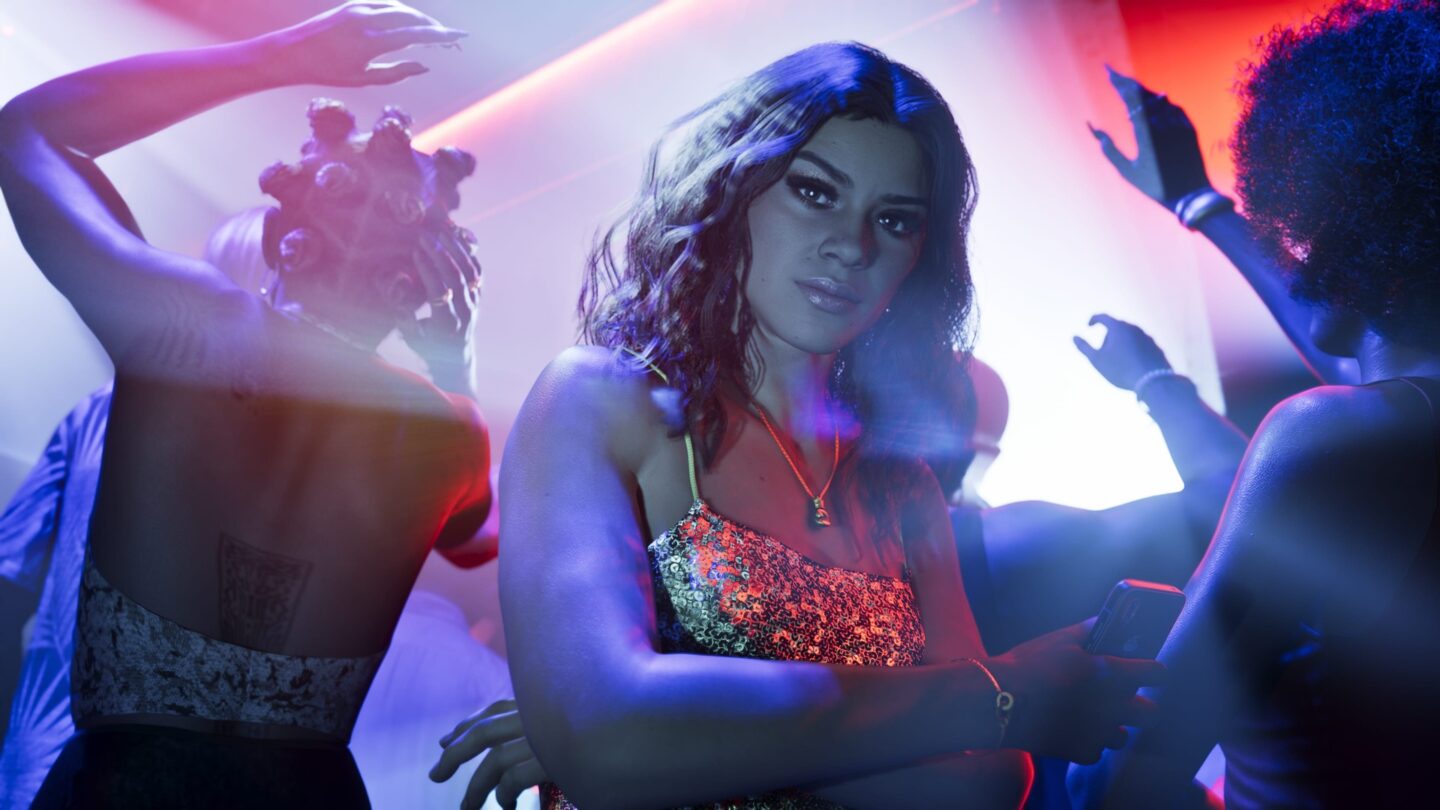
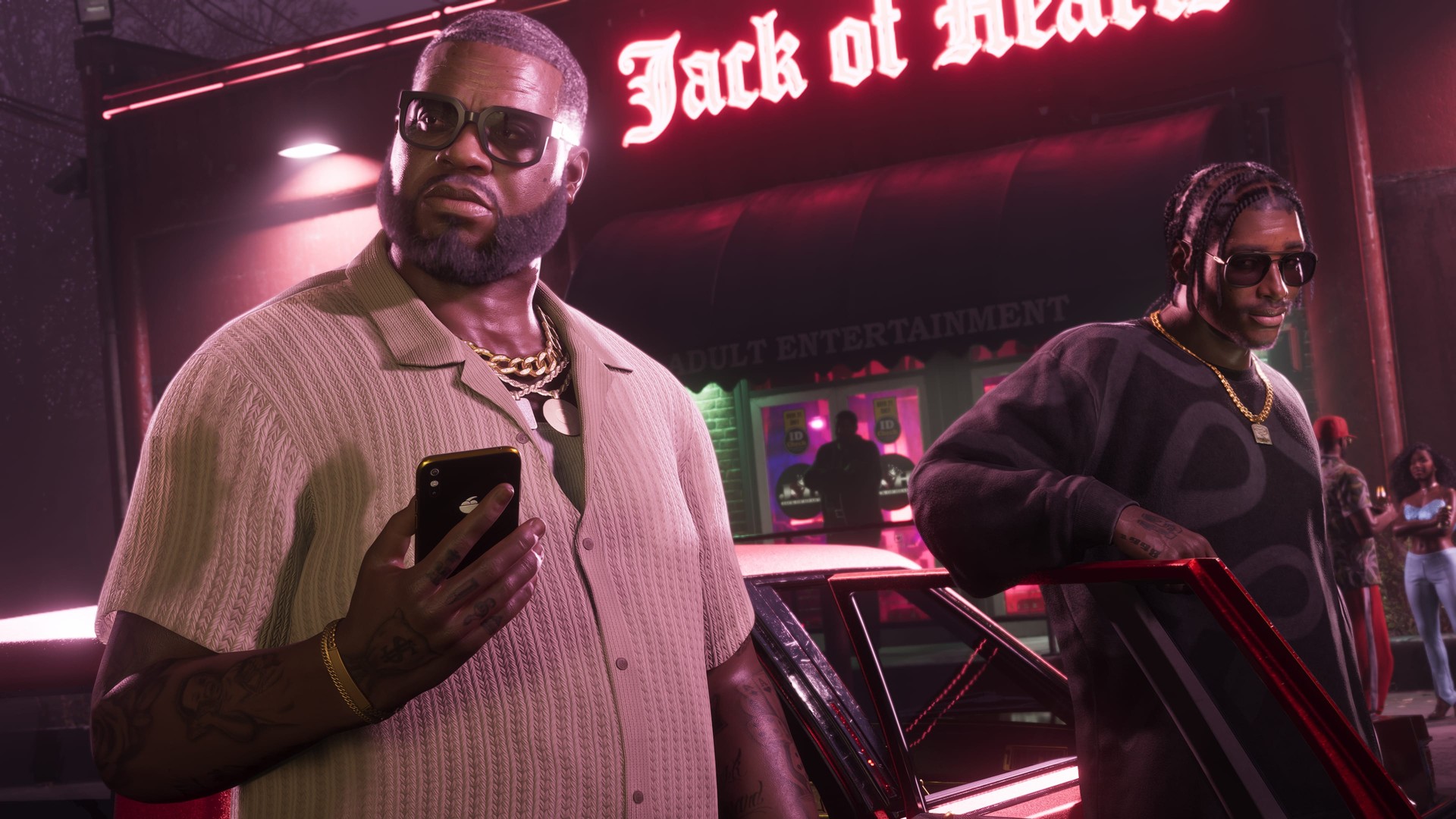
The phones in GTA 6 live in the game, not as a separate download in your pocket. Official PlayStation material for launch week says Jason and Lucia can listen to the in-game radio and, for the first time in the series, on-demand podcasts through headphones and earbuds connected to their smartphones. Official screenshots show those handsets in the world: Lucia checking a phone in a crowded nightclub, and another character holding a phone with a fruit logo on the back.
That is flavour and story, in the same spirit as the iFruit phones inside GTA 5. It is not an app on your real iPhone or Android phone that can talk to your save. Rockstar has not released an official companion that lets you tune a car, open a live map of Leonida, share photos, or check stats between sessions.
What you can do on your phone today
You can use your phone for console features without a GTA-specific companion. GTA 6’s official PlayStation listing supports Remote Play, so the PS Remote Play app can stream the game from your own PS5. Xbox also offers Remote Play for games installed on your console, with remote features enabled.
In both cases, the game runs on the console. Your phone displays and controls that session. It is a different job from iFruit’s car customisation or pet mini-game.
There is also no official Rockstar Games mobile app for GTA 6 crews, photo albums or career stats. Rockstar’s support site says Rockstar Games Social Club was renamed to Rockstar Games and folded into the main website. The old Social Club address now sends you to Rockstar’s homepage. You still sign in with the same Rockstar ID and password. That is an account and a website, not a new iFruit.
Search the stores for “GTA 6 companion” and you will find third-party maps, wikis, countdowns and guide apps. Some of those names sound official. Check the publisher. If it is not Rockstar Games, it is not a Rockstar product. An unofficial app cannot read your save, unlock vehicles or hand you money. Do not type your Rockstar password into one.

GTA 5’s iFruit vs what GTA 6 has at launch
| Feature | GTA 5 (iFruit and The Manual) | GTA 6 at launch |
|---|---|---|
| Official companion app tied to your save | Yes, iFruit | No |
| Remote vehicle customisation from a phone | Yes, through Los Santos Customs in iFruit | No official app |
| Custom licence plates from a phone or browser | Yes in iFruit, later a GTA Online website tool | No official GTA 6 tool announced |
| Chop-style pet mini-game | Yes | No official app |
| Official digital manual and map app | Yes, The Manual, still listed for GTA 5 | No GTA 6 manual app |
| In-game smartphones | Yes | Yes. Official material shows characters using them, and PlayStation says radio and podcasts can play through connected headphones |
| Remote download and Remote Play | Through the usual PlayStation and Xbox apps | Yes, as general console features. GTA 6 on PS5 lists Remote Play as supported |
GTA 6 launched on 19 November 2026 for PlayStation 5 and Xbox Series X|S. Our release-time guide and preload guide cover installation and launch details. For the critical response, see our GTA 6 review roundup.

FAQ
Does GTA 6 have a companion app?
No official one has been announced or released. Rockstar has not released a GTA 6 companion app, and it is not listed on the company’s official App Store or Google Play accounts.
Is there an iFruit app for GTA 6?
No. iFruit was the official companion for GTA 5 and GTA Online. It is no longer available in Rockstar’s current official app listings. The phones you see in GTA 6 are in the game itself.
Can I play GTA 6 on my phone?
Not as a native phone game. On PS5, Remote Play is officially supported, so you can stream from your own console with Sony’s PS Remote Play app. Xbox offers its own Remote Play. That still needs the game installed on the console, and it is not a companion app.
What about the Rockstar Games app, or Social Club?
There is no official Rockstar Games mobile app for GTA 6 stats, maps, photos or crews. Social Club was renamed and folded into the main Rockstar Games website. You use the same login. The old Social Club web address now redirects to Rockstar’s homepage.
Will Rockstar release a GTA 6 companion app later?
It has not announced one, so there is no date and no feature list to report. Any future companion would need its own announcement; the existence of iFruit for GTA 5 does not confirm one for GTA 6.
- SourceXbox: Remote Play