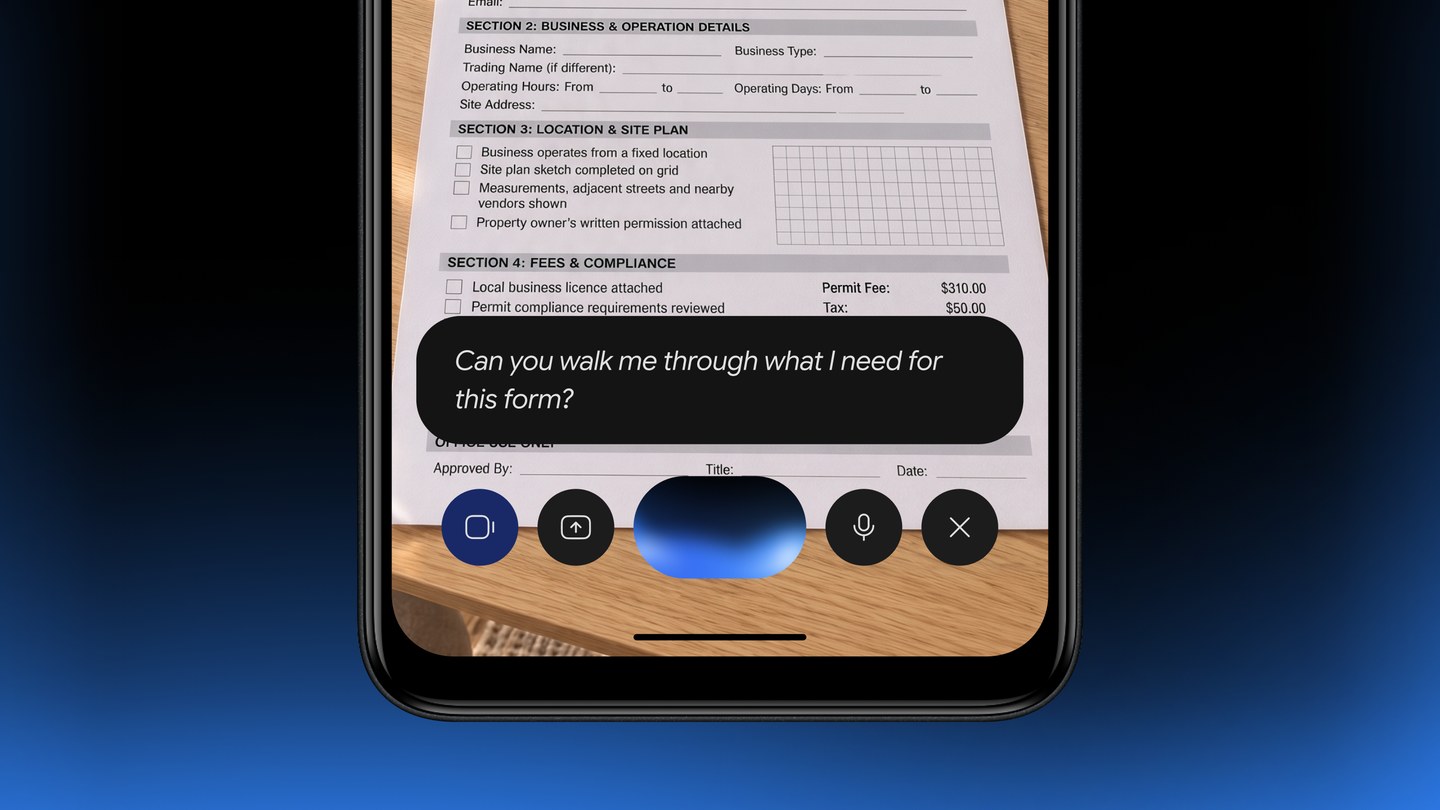
Gemini on Android Go now supports phones with at least 2GB of RAM. Google says it replaces Assistant Go and adds Gemini Live, photo help and image creation. You open it by holding Home or, on supported phones, Power, rather than saying ‘Hey Google’.
The change brings more of Gemini to entry-level phones, including models used as first smartphones or family hand-me-downs. The main limits are voice activation and screen assistance: neither ‘Hey Google’ nor ‘Ask about this screen’ is supported on Android Go.
Which phones get Gemini
Google’s help page for lower-memory devices sets two conditions: an Android (Go edition) phone with 2GB of RAM or more, and a signed-in Google account. Work and school accounts need a plan that includes Gemini. It works in every language and country where Gemini is available, and India is on that list.
If your phone runs Android Go with less than 2GB of RAM, Google’s page does not cover it, and Google has not said what happens to Assistant Go on those phones. Regular Android phones were already covered: the standard Gemini app needs 2GB of RAM and Android 9 or later.
Google’s general availability page still carries an older note saying Android Go is unsupported. Its newer, Go-specific help page and 18 November announcement explicitly confirm support for eligible Go phones. Use those specific requirements when checking your device.
How to get Gemini on an Android Go phone
On Android Go, Gemini lives inside the Google Search app, so the first step is an update:
- Open the Play Store and search for Google or Google Search.
- If you see Update on the Google Search app page, tap it. If it says Open, you are already on the latest version.
- You can also install the Gemini app from the Play Store directly.
- To start a chat, touch and hold the Home button, or press and hold the Power button on phones that support it.
Google says some newer phones will come with Gemini already installed, and named Transsion, the company behind itel, Tecno and Infinix, as a partner for upcoming preloaded devices. It has not named specific models or dates.
What Gemini can do on a 2GB phone
Google says it re-architected the app so the core Gemini experience runs on phones with less memory. Here is what its help page and announcement list:
| Task | Gemini on Android Go | Note |
|---|---|---|
| Calls and texts | Yes | Ask Gemini to call or message a contact |
| Alarms and calendar events | Yes | Plan your day by voice |
| Play music | Yes | Ask by song, mood or activity |
| Gemini Live voice chat | Yes | More than 45 languages, per Google |
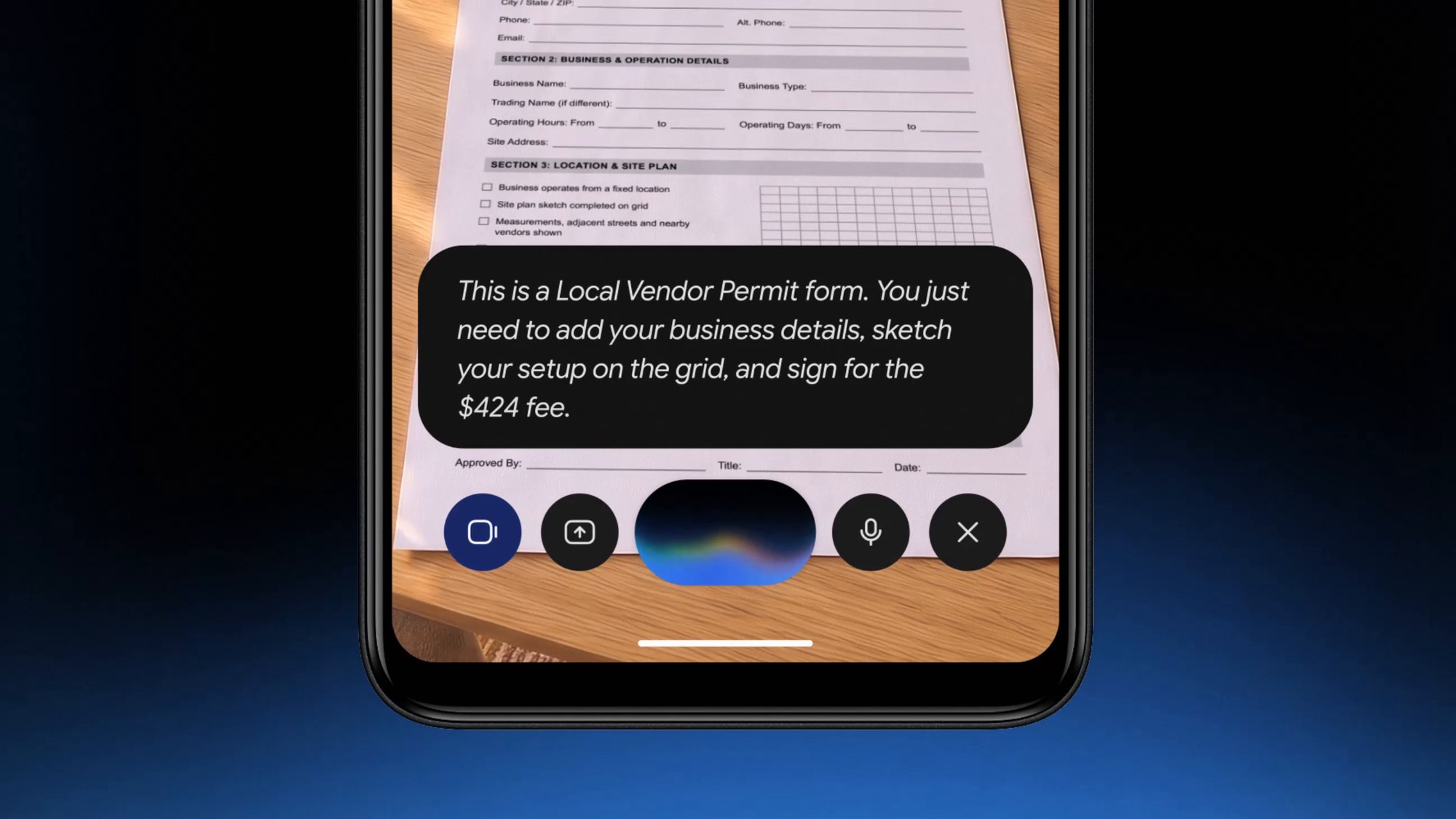
| Camera help and translation | Yes | Photograph notes, forms or signs |
| Image creation | Yes | Uses Nano Banana |
| Upload files and photos | Yes | Adds context to a chat |
| “Hey Google” wake word | No | Hold Home or Power instead |
| Ask about this screen | No | Not supported on Android Go |
Photo help is an easy feature to demonstrate: take a picture of notes, a paper form or a school circular, then ask Gemini to explain the text. Gemini can also translate printed text from a photo, which is handy for forms in a language you do not read comfortably.
Gemini Live is the other big change. Instead of one-shot commands, you can have a back-and-forth conversation by voice. Google suggests practising for a job interview out loud, and our guide to Gemini Guided Vision shows how far Google has taken camera help on bigger phones.
Indian languages
The announcement says Gemini Live supports more than 45 languages, but does not provide a Go-specific list in that post. Its Gemini app language list includes Hindi, Bengali, Gujarati, Kannada, Malayalam, Marathi, Tamil, Telugu and Urdu. Assamese, Nepali, Odia and Punjabi are listed too, but Google marks them as missing “Hey Google” support and some action features, so calls, alarms and similar commands may not work fully in those languages.
What changes from Assistant Go
Google’s Go-specific help page says Gemini replaces Assistant for Android (Go edition). The new announcement adds the fuller app experience, including Live conversations, camera help and image creation.
Three things to know before you update a family member’s phone:
- There is no “Hey Google” wake word. Show them how to hold the Home or Power button instead.
- Google has not said whether you can switch back to Assistant Go once Gemini takes over.
- The announcement does not promise offline support. Have mobile data or Wi-Fi available for the AI features.
Gemini on these phones follows the free plan unless you pay for a Google AI subscription. That means Auto model selection, which switches between Hydrogen and a lighter model, standard usage limits and a 32k token context window, which is plenty for questions, photos of forms and short documents. Our breakdown of free AI chatbot limits in India compares what Gemini, ChatGPT and Claude give you without paying.
Is it worth turning on?
If you mainly use Assistant Go for everyday commands, Gemini adds more ways to ask for help without buying another phone. Live conversations and explaining a photographed page are the useful additions. Losing hands-free activation matters, though, so show anyone relying on ‘Hey Google’ how to open it with a button. We have not tested its performance on a 2GB phone.
If you are buying a budget phone for someone, a model on regular Android rather than Android Go gets the standard Gemini app, with broader assistant features on eligible devices. Wake-word and screen features still depend on the device, language and settings. Our list of the best phones under ₹15,000 is a good starting point.
FAQ
Does Gemini work on Android Go phones?
Yes, on Android (Go edition) phones with at least 2GB of RAM. It replaces Assistant Go and runs through the Google Search app or the Gemini app from the Play Store.
Does “Hey Google” work with Gemini on Android Go?
No. Google says “Hey Google” and Ask about this screen are not supported on Android Go. Touch and hold the Home button, or the Power button on supported phones.
Is Gemini on Android Go free?
Yes. It uses the free Gemini plan by default, with standard usage limits. Paid Google AI plans add higher limits and more models.